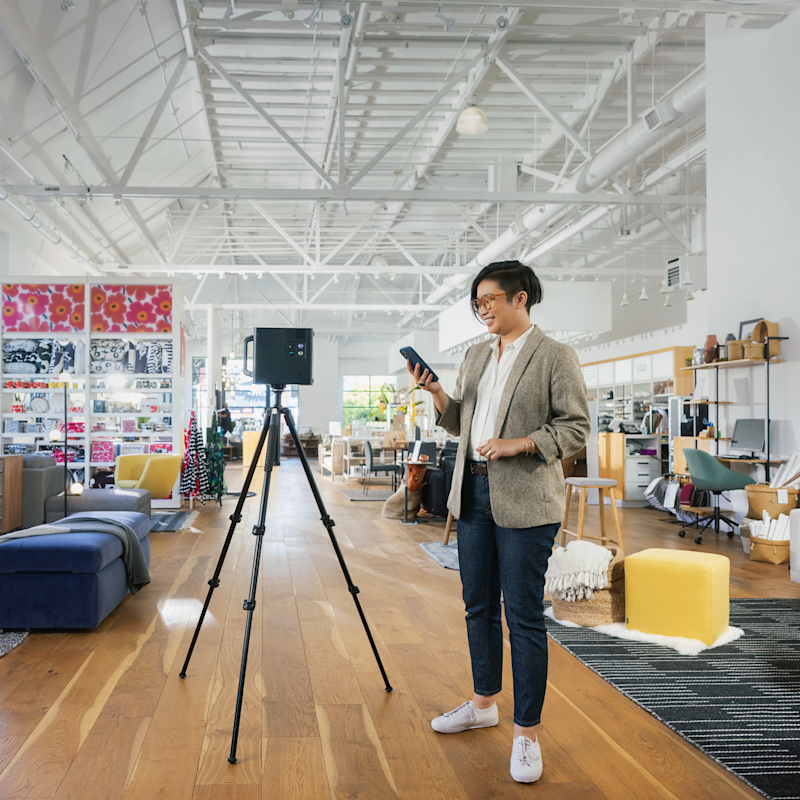
Your Google Business Profile (GBP) is one of the most powerful free marketing tools available to local businesses. It appears in Google Search results, Google Maps, and the local pack — the three-listing box that dominates local search results. Most businesses optimize their GBP with photos, hours, and descriptions. Very few add virtual tours.
That is a missed opportunity. Virtual tours on Google Business Profile measurably improve engagement, trust, and local search visibility. This guide explains why, how to add them, and what to expect.
Why Virtual Tours on Google Business Profile Matter
Engagement Metrics That Google Notices
Google tracks how users interact with your Business Profile. Higher engagement signals tell Google that your listing is relevant and useful, which contributes to better local search rankings. Virtual tours improve engagement in several ways:
- Time on listing increases. Users who explore a virtual tour spend significantly more time on your GBP listing compared to users who only view photos.
- Click-through rates improve. Listings with virtual tours attract more clicks from search results and Google Maps.
- Photo views increase. Virtual tour content adds to the overall visual content on your listing, increasing the total photo/media views.
- Direction requests and calls increase. Users who explore your space virtually are more confident about visiting, leading to more action-oriented interactions.
Trust and Decision Confidence
Virtual tours serve as a transparency signal. When a potential customer can virtually walk through your business before visiting:
- They know exactly what to expect (no surprises)
- They can verify that the location matches their needs
- They can assess the environment, cleanliness, and layout
- They arrive pre-sold on the space, converting at higher rates
This is particularly valuable for businesses where the physical space is part of the value proposition: restaurants, hotels, fitness centers, medical offices, retail stores, event venues, and co-working spaces.

Competitive Differentiation
In local search results, your listing competes with nearby businesses offering similar services. Most competitors have basic photos. A virtual tour immediately makes your listing more complete, more engaging, and more professional — all signals that both Google’s algorithm and potential customers notice.
How to Add a Virtual Tour to Google Business Profile
Option 1: Google Street View Integration
The most direct way to add a virtual tour to your GBP is through Google Street View. This involves publishing 360-degree imagery that appears directly in Google Maps and your business listing.
How it works:
- A Google Street View Trusted Photographer captures 360-degree panoramas of your business interior
- The imagery is uploaded to Google Maps and associated with your business location
- The virtual tour appears on your GBP listing, in Google Maps, and in search results
- Users can explore your space directly within the Google ecosystem
Requirements:
- Must be captured by or uploaded through a Google-certified workflow
- Imagery must meet Google’s quality standards
- Business must have a verified GBP listing
- Interior must be publicly accessible (not private residences)
Benefits of Google Street View:
- Tour lives permanently on Google at no ongoing cost
- Appears natively in Google Maps and search results
- No monthly hosting fees after publication
- Accessible to anyone using Google Maps
- Works across all devices
Option 2: Matterport Tour Link on GBP
You can add a Matterport virtual tour link to your GBP listing’s website field or as a post:
- Create your Matterport virtual tour
- Add the tour URL to your GBP website section or as a “What’s New” post
- Users click through to experience the full Matterport 3D tour
This approach gives you the full Matterport experience (dollhouse view, 3D navigation) but requires users to leave Google to view it. The Google Street View approach keeps users within the Google ecosystem.
Option 3: Both
The optimal approach combines both:
- Google Street View for native Google Maps integration and free permanent hosting
- Matterport 3D tour on your website for the full immersive experience with dollhouse view and enhanced features
This gives you maximum visibility: users find your Google Street View tour on Google Maps and your Matterport tour on your website.
Which Businesses Benefit Most?
High-Impact Businesses (Virtual Tour Strongly Recommended)
| Business Type | Why It Matters |
|---|---|
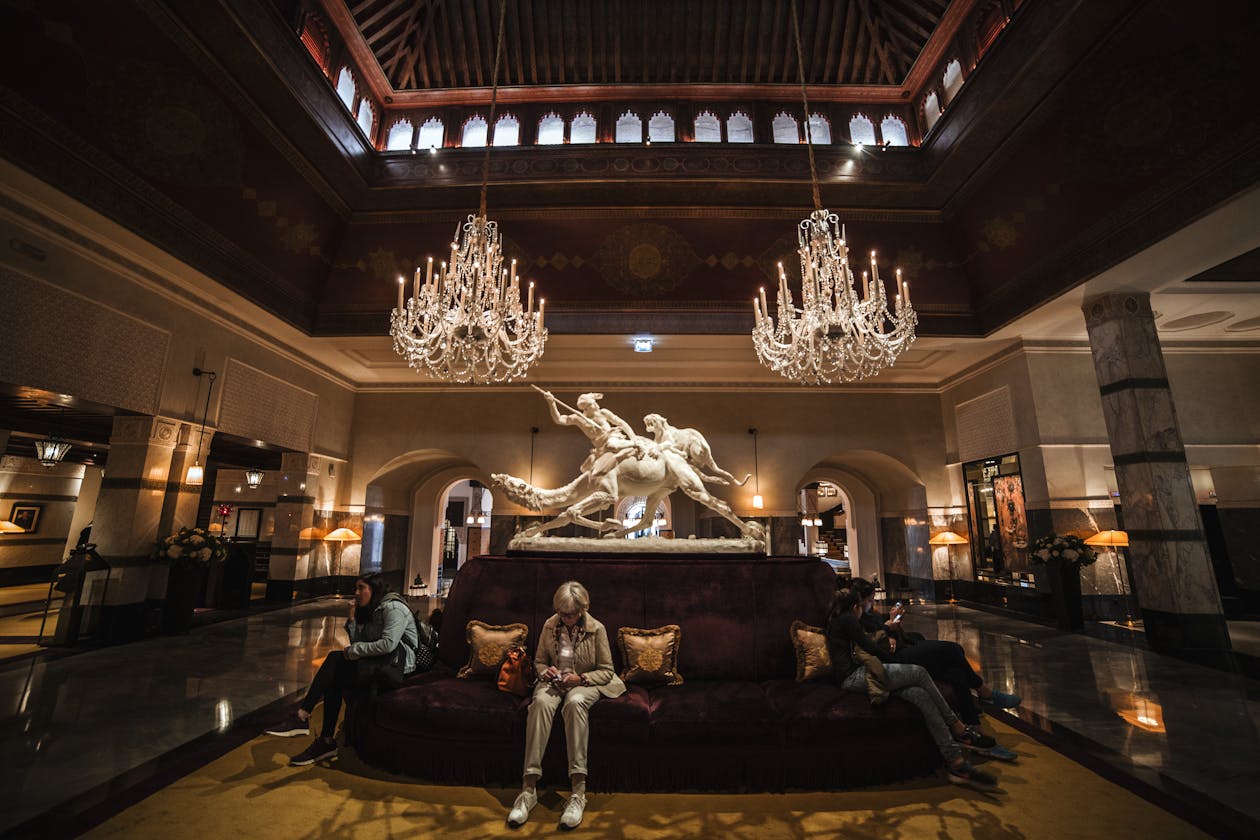
| Hotels and B&Bs | Guests want to see rooms before booking |
| Restaurants | Diners assess ambiance and seating before reserving |
| Event Venues | Planners need to evaluate spaces without visiting |
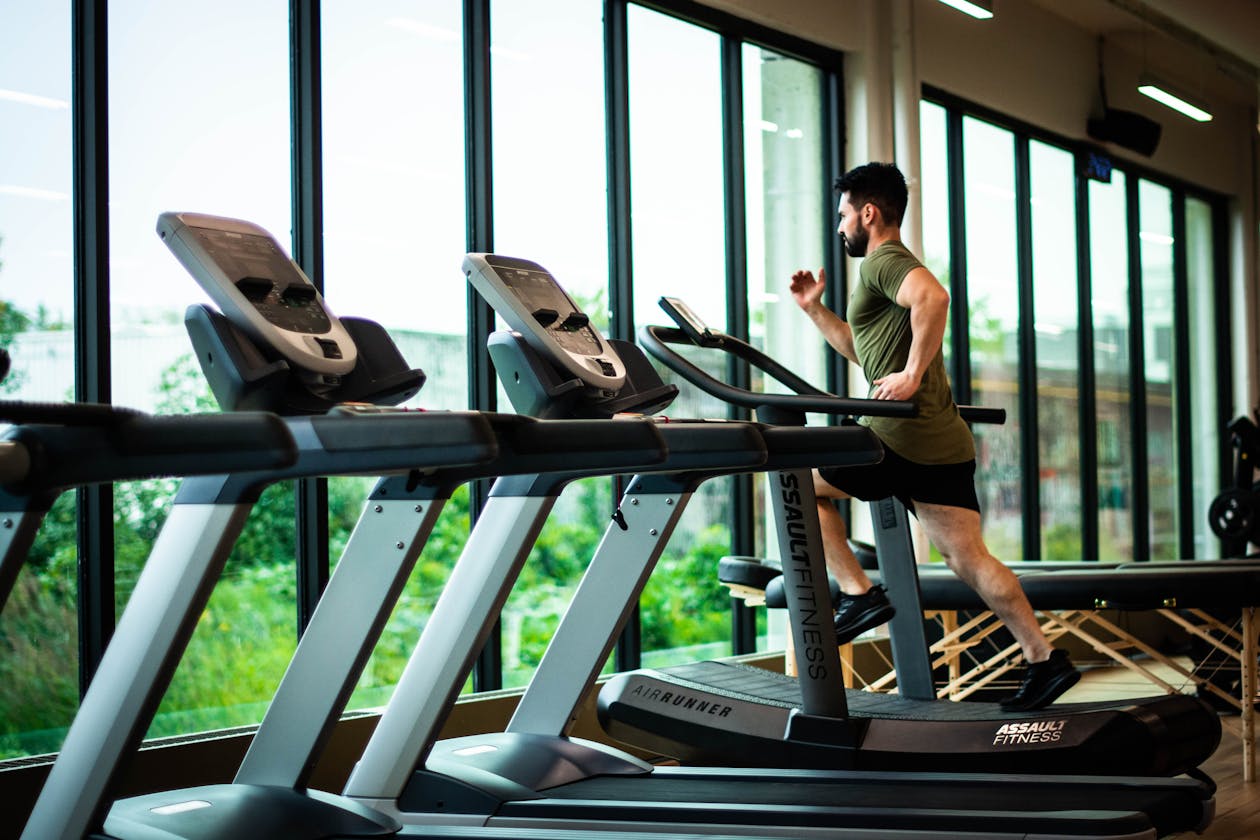
| Fitness Centers | Members want to see equipment and facilities |
| Co-Working Spaces | Remote workers evaluate workspace before committing |
| Medical/Dental Offices | Patients assess the environment before first visit |
| Retail Showrooms | Customers browse inventory and layout virtually |
| Auto Dealerships | Buyers tour the showroom and service center |
Moderate-Impact Businesses
| Business Type | Why It Matters |
|---|---|
| Offices (B2B) | Clients assess professionalism of the office environment |
| Schools/Daycare | Parents evaluate facilities for safety and quality |
| Senior Living | Families assess the environment for loved ones |
| Salons/Spas | Clients evaluate the atmosphere before booking |
Lower-Impact (But Still Valuable)
| Business Type | Why It Matters |
|---|---|
| Professional Services | Lawyer, accountant offices — trust signal |
| Warehouses | B2B clients assess storage capabilities |
| Repair Shops | Customers see the facility and equipment |
The Local SEO Impact
How Google Uses Virtual Tour Data
Google does not publicly disclose exact ranking factors, but the relationship between virtual tours and local search performance is supported by several observable patterns:
- Richer listing content correlates with higher engagement, and higher engagement correlates with better local rankings.
- Google Street View imagery is a direct signal that Google uses to understand and verify business locations.
- Photo quantity and quality are known GBP ranking signals. Virtual tours contribute to the total visual content count.
- User behavior signals (time on listing, clicks, direction requests) influenced by virtual tours contribute to local ranking calculations.
Measurable Outcomes
Businesses that add virtual tours to their Google Business Profile typically report:
- Increased views of their GBP listing
- Higher click-through rates to their website
- More direction request and phone call actions
- Improved local search positions for relevant queries
The magnitude of improvement varies by industry, competition level, and market. Businesses in highly competitive local markets (restaurants in urban areas, hotels in tourist destinations) tend to see the most significant impact because virtual tours provide differentiation in crowded results.
Step-by-Step: Getting a Google Street View Tour
Step 1: Choose a Provider
You need a photographer who can capture and publish 360-degree imagery to Google Maps. Options include:
- Professional virtual tour companies like THE FUTURE 3D that offer Google Street View publishing as part of their service
- Google Street View certified photographers listed in Google’s directory
- DIY with a 360 camera (Ricoh Theta, Insta360) and Google’s Street View Studio
Step 2: Prepare Your Space
Before the shoot:
- Clean and stage the space (this is permanent Google imagery)
- Remove temporary items, personal belongings, and clutter
- Ensure consistent lighting throughout
- Remove any content you do not want permanently visible online
- Make sure all areas to be photographed are accessible
Step 3: Capture
The photographer will capture 360-degree panoramic images at strategic positions throughout your space. Coverage should include:
- Entrance and exterior
- Main public areas
- Key rooms and spaces
- Hallways and transitions
- Unique features or selling points
Step 4: Processing and Publication
The imagery is processed, stitched into seamless panoramas, and uploaded to Google Maps. Publication typically takes 24-72 hours after upload.
Step 5: Verify on Your GBP
Once published, verify the virtual tour appears on your Google Business Profile listing. It should be visible in:
- The “See Inside” or “Photos” section of your listing
- Google Maps when users navigate to your location
- The photo carousel in search results
Common Mistakes to Avoid
1. Capturing When the Space Is Not Ready
Google Street View imagery is semi-permanent. If your space looks cluttered, poorly lit, or unprofessional in the virtual tour, that is the impression every Google Maps user will get. Invest time in preparation.
2. Incomplete Coverage
A virtual tour that only shows the lobby and one room is worse than no tour at all. Visitors will wonder what you are hiding. Cover every public area comprehensively.
3. Outdated Imagery
If you renovate, rebrand, or significantly change your space, update your virtual tour. Outdated imagery creates confusion and erodes trust when visitors arrive and the space looks different.
4. Not Monitoring Reviews
After adding a virtual tour, monitor your GBP reviews. The increased engagement may bring more reviews (both positive and negative). Respond to all reviews professionally.
5. Ignoring Mobile Experience
Most Google Maps and GBP interactions happen on mobile devices. Ensure your virtual tour loads quickly and navigates smoothly on smartphones.
How THE FUTURE 3D Can Help
At THE FUTURE 3D, we offer complete Google Street View integration as part of our virtual tour services:
- Professional 360 capture using Matterport Pro3 and professional panoramic cameras
- Google Maps publication — we handle the entire upload and verification process
- Matterport 3D tour for your website — the full immersive experience with dollhouse view
- No monthly fees on the Google Street View tour once published — it lives permanently on Google
This gives you both: a free, permanently hosted Google Street View tour for local SEO, and a premium Matterport 3D tour for your website visitors.
Key Takeaways
-
Virtual tours on Google Business Profile measurably improve engagement — more time on listing, more clicks, more direction requests.
-
Google Street View is the optimal format for GBP because it lives natively within Google Maps at no ongoing cost.
-
The best approach is both — Google Street View for GBP/Maps integration, plus a Matterport 3D tour on your own website.
-
Space-dependent businesses benefit most — hotels, restaurants, event venues, fitness centers, and any business where the physical environment influences the purchase decision.
-
Preparation matters — Google Street View imagery is semi-permanent. Invest time in cleaning, staging, and lighting before the shoot.
-
Local SEO impact is real — richer listings with more engagement signals consistently correlate with better local search rankings.
Ready to add a virtual tour to your Google Business Profile? Get a free quote from THE FUTURE 3D for professional Google Street View integration and Matterport 3D tours.
Ready to Start Your Project?
Get a free quote and consultation from our 3D scanning experts.
Get Your Free Quote