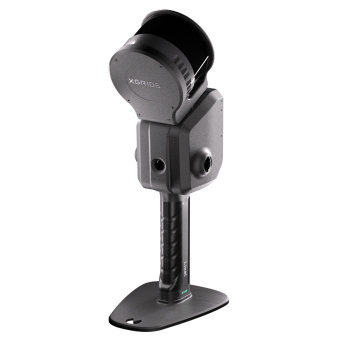
The Xgrids Lixel L2 Pro occupies a unique position in the 3D scanning market: it is the only handheld scanner that natively produces both traditional point clouds and Gaussian Splatting reconstructions, and it offers the only commercially available Revit plugin for GS data. This review covers the L2 Pro’s specifications, software ecosystem, and where it fits in a professional scanning workflow.
Full Specifications
Xgrids builds the L2 Pro in three LiDAR configurations: 16-channel 120m, 32-channel 120m, and 32-channel 300m. Scan rate and range follow the configuration; everything else is shared.
| Specification | Value |
|---|---|
| Scan Speed | 320,000 or 640,000 pts/sec (by configuration) |
| LiDAR Operating Range | 0.5–120m or 0.5–300m (by configuration) |
| LiDAR Sensor | Class 1, 905nm, FOV 360° × 270° |
| Relative Accuracy (RMSE) | 2cm real-time, 1cm post-processed (between two points less than 100m apart) |
| Absolute Accuracy (RMSE) | 3cm horizontal and vertical (with control points, or RTK disconnection under 100m) |
| Point Cloud Thickness | 0.5cm (planar thickness within 10m of the walking path) |
| Weight | 1.7 kg (handheld unit, without battery) |
| Cameras | 2 × 48MP panoramic (max 56MP panoramic image) + 1 × 1MP visual positioning |
| Battery Life | 1.5 hours continuous operation |
| Storage | 1 TB SSD |
| Protection | IP54 |
| Operating Temperature | -20°C to 50°C |
| Dimensions | 180 × 130 × 400mm (including battery and base) |
The 32-channel configurations double the point rate, and the 300m variant extends range for large building exteriors and infrastructure. The 16-channel configuration is more than adequate for interior scanning and smaller sites.
LCC Studio: The Gaussian Splatting Engine
The L2 Pro’s standout feature is its dual-software workflow:
LixelStudio processes scan data into traditional point clouds (E57, PLY) for engineering and measurement applications. This is the pipeline for AEC documentation, as-built surveys, and any project requiring dimensional accuracy.
LCC Studio (Lixel CyberColor) processes the same capture data into Gaussian Splatting reconstructions — photorealistic, real-time renderable 3D scenes. LCC processing is cloud-based, with models typically ready in approximately 5 hours. The output is a proprietary LCC format optimized for web viewing, with export to PLY and standard formats.
This dual-output capability means a single scan session yields both measurement-grade data AND photorealistic visualization. No other handheld scanner achieves this without post-processing in separate tools.
The Revit Plugin: Why It Matters
The LCC for Revit plugin is the L2 Pro’s most significant differentiator for AEC professionals. It imports Gaussian Splatting data directly into Autodesk Revit, allowing architects and engineers to view GS reconstructions within their BIM workflow.
This matters because:
- Context for BIM models — GS provides photorealistic site context around BIM geometry
- Design verification — compare BIM design against real-world GS capture
- Client presentations — show BIM models within a photorealistic existing-conditions backdrop
- No format conversion — direct import, no intermediate steps
No other GS solution offers native Revit integration. SuperSplat and SplatForge are general-purpose GS editors, and DJI Terra exports 3DTiles and PLY — but none connect to Revit.
Accuracy: Where the L2 Pro Fits
The L2 Pro’s relative accuracy — 2cm real-time and 1cm post-processed (RMSE, for points less than 100m apart) — positions it between consumer devices and survey-grade terrestrial scanners:
| Scanner | Accuracy | Speed | Best For |
|---|---|---|---|
| 3DMakerPro Eagle | 2cm @ 10m | 200K pts/sec | Consumer visualization |
| Xgrids L2 Pro | 2cm relative real-time, 1cm post-processed | 320–640K pts/sec | Professional handheld + GS |
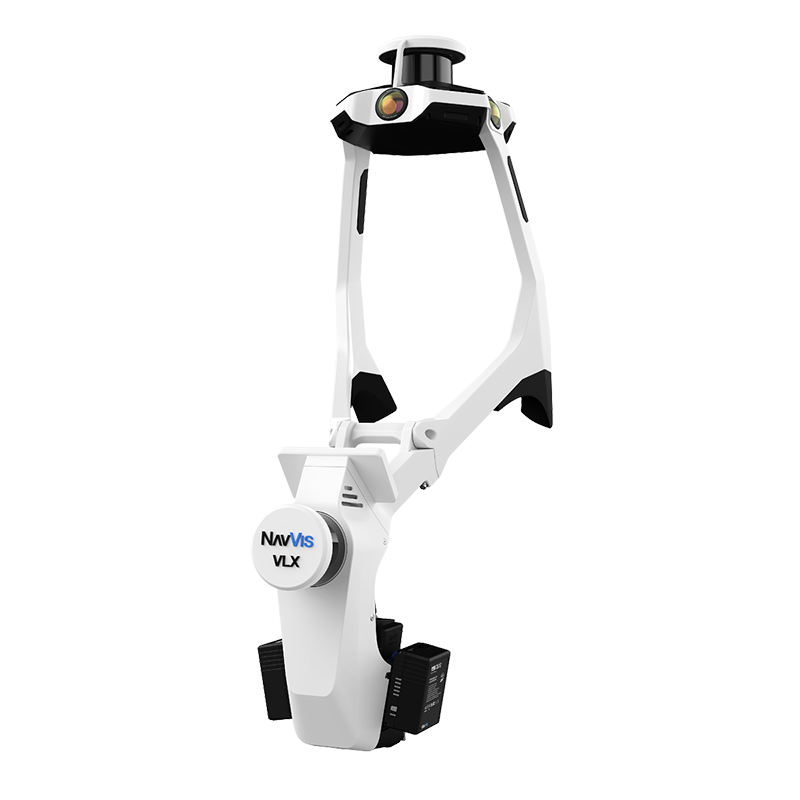
| NavVis VLX 3 | 5mm (500 m² test environment) | 1.28M pts/sec | Large facility mapping |
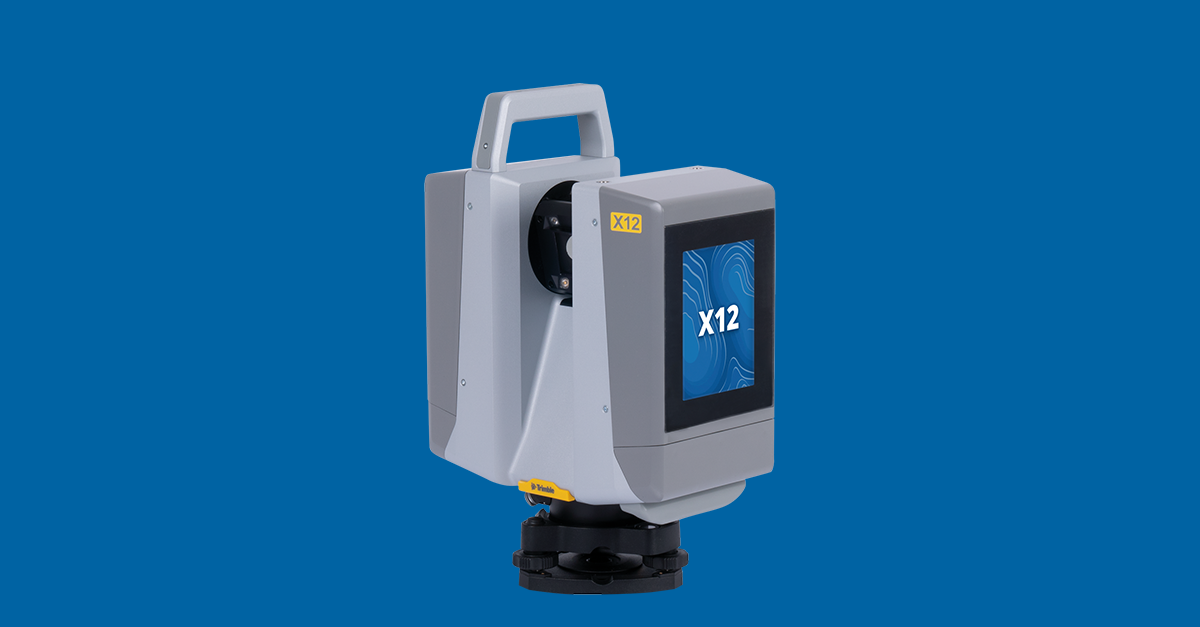
| Trimble X12 | 2.2mm @ 20m (3D point accuracy) | 2.187M pts/sec | Survey-grade engineering |
For construction progress monitoring, facility documentation, and BIM context, the L2 Pro’s accuracy is more than sufficient. For engineering measurement where ±2mm tolerance matters — survey control, industrial metrology, structural assessment — a Trimble X12 or equivalent is necessary.
See the full breakdown at Consumer Scanners vs Professional.
L2 Pro vs NavVis VLX 3
Both are handheld/wearable SLAM scanners, but they serve different niches:
| Feature | Xgrids L2 Pro (32-ch) | NavVis VLX 3 |
|---|---|---|
| Point Rate | 640,000 pts/sec | 1,280,000 pts/sec |
| Accuracy | 2cm relative real-time, 1cm post-processed | 5mm (500 m² test environment) |
| Weight | 1.7 kg | 8.5 kg |
| Range | Up to 300m | Up to 50m |
| GS Output | Yes (LCC Studio) | No |
| BIM Plugin | Yes (Revit) | No (IVION platform) |
| Coverage/Day | Variable | 200,000–300,000 sqft |
The VLX 3 is purpose-built for large facility scanning — warehouses, hospitals, data centers — with twice the point rate and a tighter accuracy specification. The L2 Pro trades raw scanning performance for Gaussian Splatting capability and lighter weight. THE FUTURE 3D uses the NavVis VLX 3 for large-facility projects where speed and accuracy are paramount.
L2 Pro vs Consumer Alternatives
The 3DMakerPro Eagle is the most common consumer comparison. At consumer pricing — see 3DMakerPro’s store for current figures — against the L2 Pro’s professional-grade price point, the Eagle is significantly more accessible. But the differences matter:
- Accuracy: L2 Pro 2cm relative real-time (1cm post-processed) vs Eagle 2cm @ 10m (degrading to 3cm @ 20m and 5cm @ 40m)
- Range: L2 Pro up to 300m vs Eagle 80–140m
- Point rate: L2 Pro up to 640K vs Eagle 200K
- GS: Both offer GS output, but L2 Pro adds the Revit BIM plugin
- Weatherproofing: L2 Pro IP54 vs Eagle no rating
For an in-depth comparison, see our consumer vs professional scanner comparison.
Drone Integration
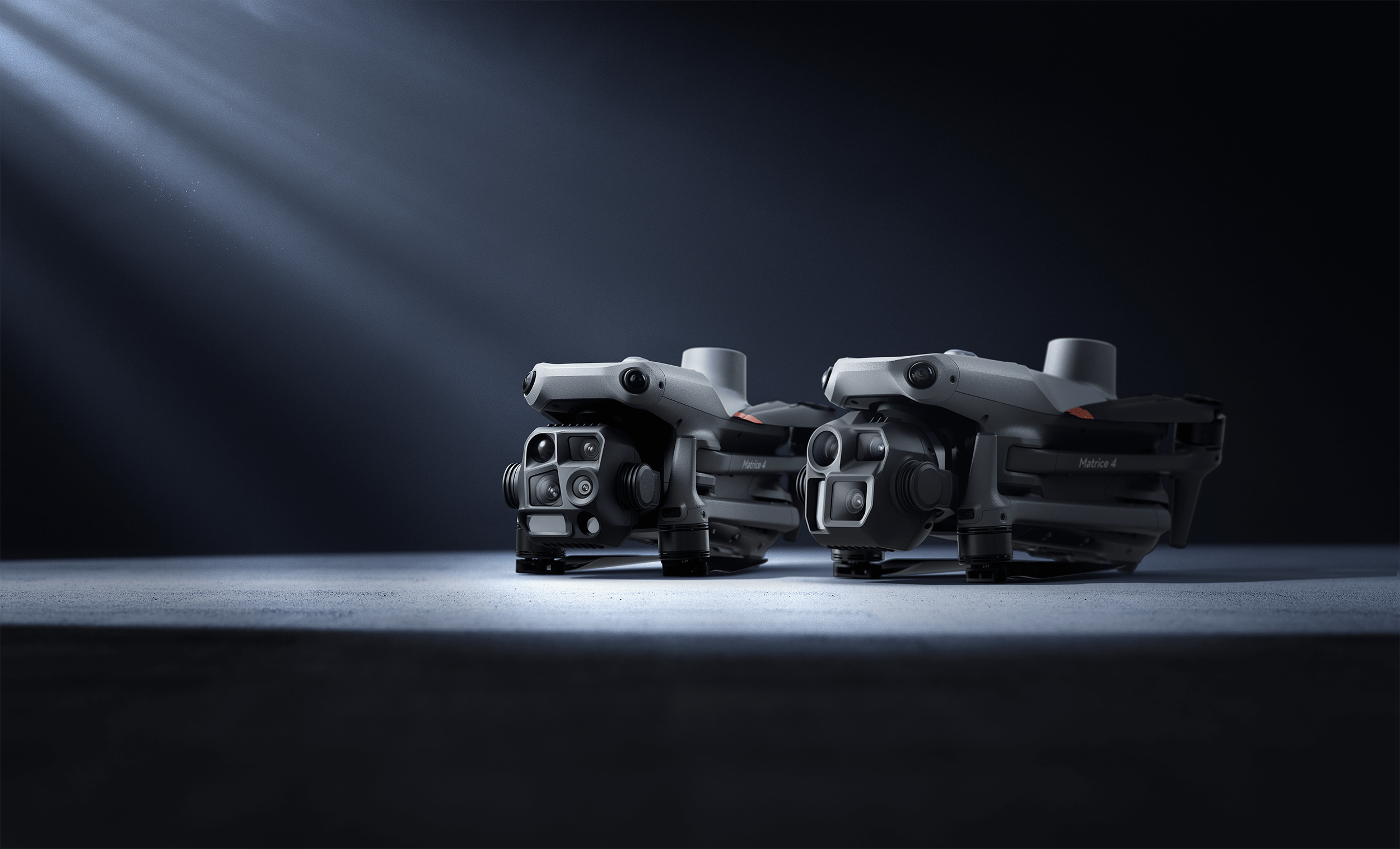
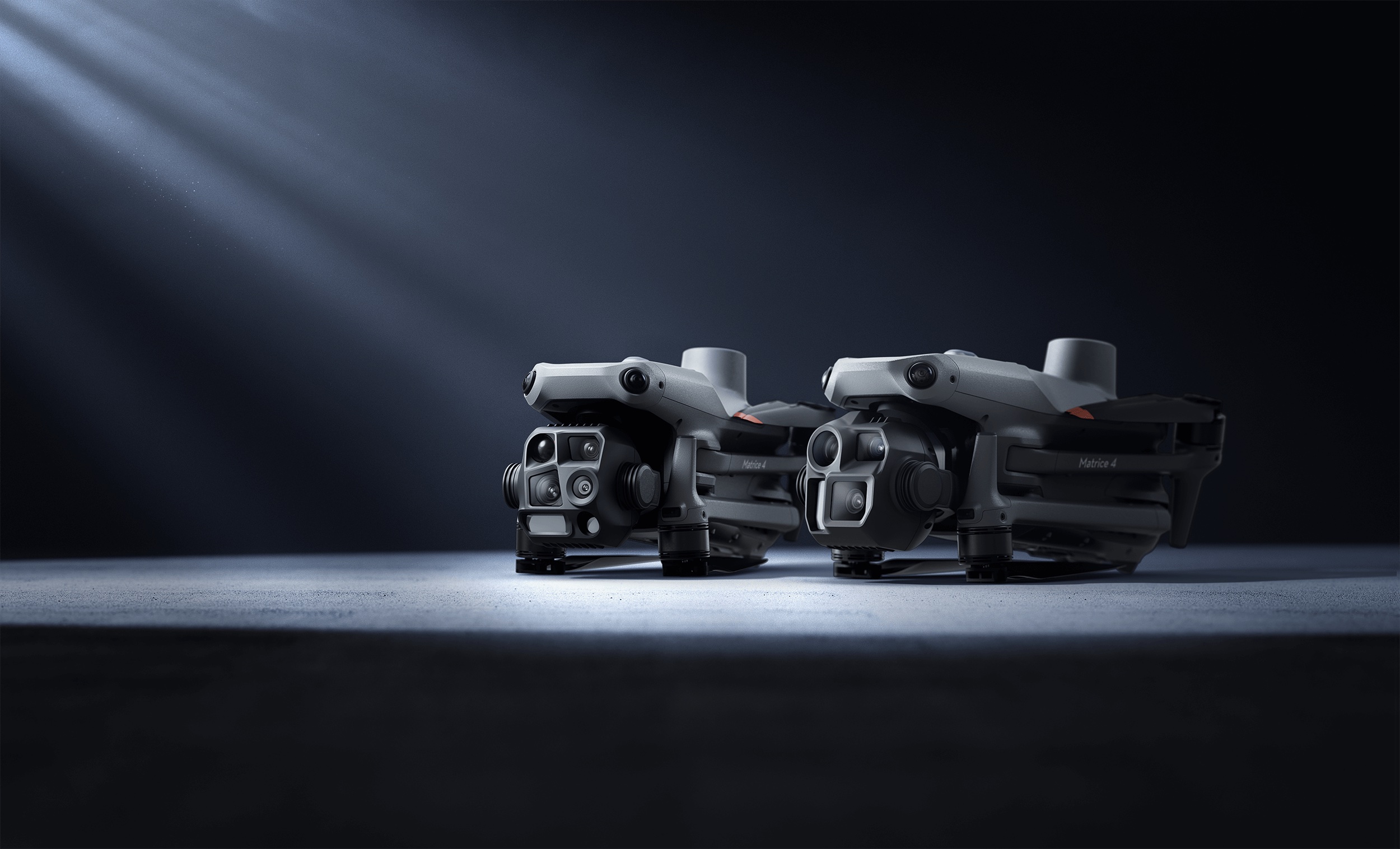
Xgrids publishes mounting accessories that take the L2 Pro beyond handheld use, including a backpack scanning system, and airborne mounting kits are offered for enterprise multirotors — confirm the current aircraft compatibility list with Xgrids before specifying one. Aerial capture extends the scanner’s utility from ground level upward, though dedicated drone photogrammetry platforms like the DJI Matrice 4E with DJI Terra V5.0+ typically provide better results for aerial GS specifically.
Use Cases for AEC Professionals
The L2 Pro is best suited for:
- Construction progress monitoring — handheld capture with GS visual context for stakeholder communication
- Renovation and retrofit documentation — existing-conditions capture with both point cloud and GS for design review
- Facility management — rapid building documentation with BIM integration via the Revit plugin
- Heritage documentation — photorealistic GS preservation alongside measurement data
- Real estate visualization — property marketing with GS virtual walkthroughs from a handheld device
What It Doesn’t Do
The L2 Pro is not a replacement for:
- Survey-grade terrestrial scanning — use Trimble X12 or FARO Focus Premium for ±2mm work
- Aerial site mapping — use DJI enterprise drones for building rooftops and large-site coverage
- Large facility speed scanning — use NavVis VLX 3 for 200,000+ sqft per day
- Object scanning — THE FUTURE 3D does not scan individual objects, products, or props. Our services focus exclusively on buildings, environments, and locations.
Verdict
The Xgrids L2 Pro is the most versatile handheld scanner on the market for professionals who need both measurement data and Gaussian Splatting visualization. The Revit plugin alone makes it worth serious consideration for AEC firms investing in GS-enhanced deliverables. Its limitations — cloud-dependent GS processing, professional-tier pricing, 90-minute battery — are reasonable trade-offs for a device that genuinely bridges the gap between traditional scanning and next-generation GS visualization.
For projects where GS quality and accuracy both matter, THE FUTURE 3D combines the L2 Pro’s capabilities with drone aerial GS (via DJI Terra) and survey-grade terrestrial scanning (Trimble X12). Contact us for a project-specific quote →
Frequently Asked Questions
Is the L2 Pro worth the investment over cheaper consumer scanners? For AEC professionals who bill clients for scanning deliverables, yes. The Revit plugin, 2cm real-time / 1cm post-processed relative accuracy, and dual-output workflow (point cloud + GS) enable deliverables that consumer devices cannot match. For personal projects or content creation, the 3DMakerPro Eagle at approximately $4,000 is a more appropriate entry point.
How does the GS quality compare to DJI Terra? DJI Terra V5.0+ processes drone imagery into GS optimized for aerial/site-scale views. The L2 Pro’s LCC Studio produces GS optimized for ground-level walkthroughs. They are complementary — aerial GS for site context, handheld GS for building interiors and details.
Can I use the L2 Pro without the cloud? LixelStudio (point cloud processing) runs locally. LCC Studio (GS processing) requires cloud processing. There is no offline GS processing option for the L2 Pro.
What file formats can I export? LixelStudio exports E57, PLY, and LAS for point clouds. LCC Studio exports to PLY and the proprietary LCC format. The Revit plugin imports LCC directly into Autodesk Revit.
How does the L2 Pro compare to the Xgrids PortalCam? The PortalCam is Xgrids’ newer, lighter (under 900g) camera optimized for GS capture. The L2 Pro offers longer range (120–300m vs PortalCam’s ~60m), higher point density, and better accuracy — making it the professional choice for building-scale work.
Does THE FUTURE 3D use the L2 Pro? THE FUTURE 3D selects equipment based on project requirements. For handheld GS-enhanced scanning, the L2 Pro is in our evaluation pipeline. For survey-grade work, we deploy the Trimble X12 and NavVis VLX 3. For aerial GS, we use DJI enterprise drones. Learn more about our GS services →
Ready to Start Your Project?
Get a free quote and consultation from our 3D scanning experts.
Get Your Free Quote