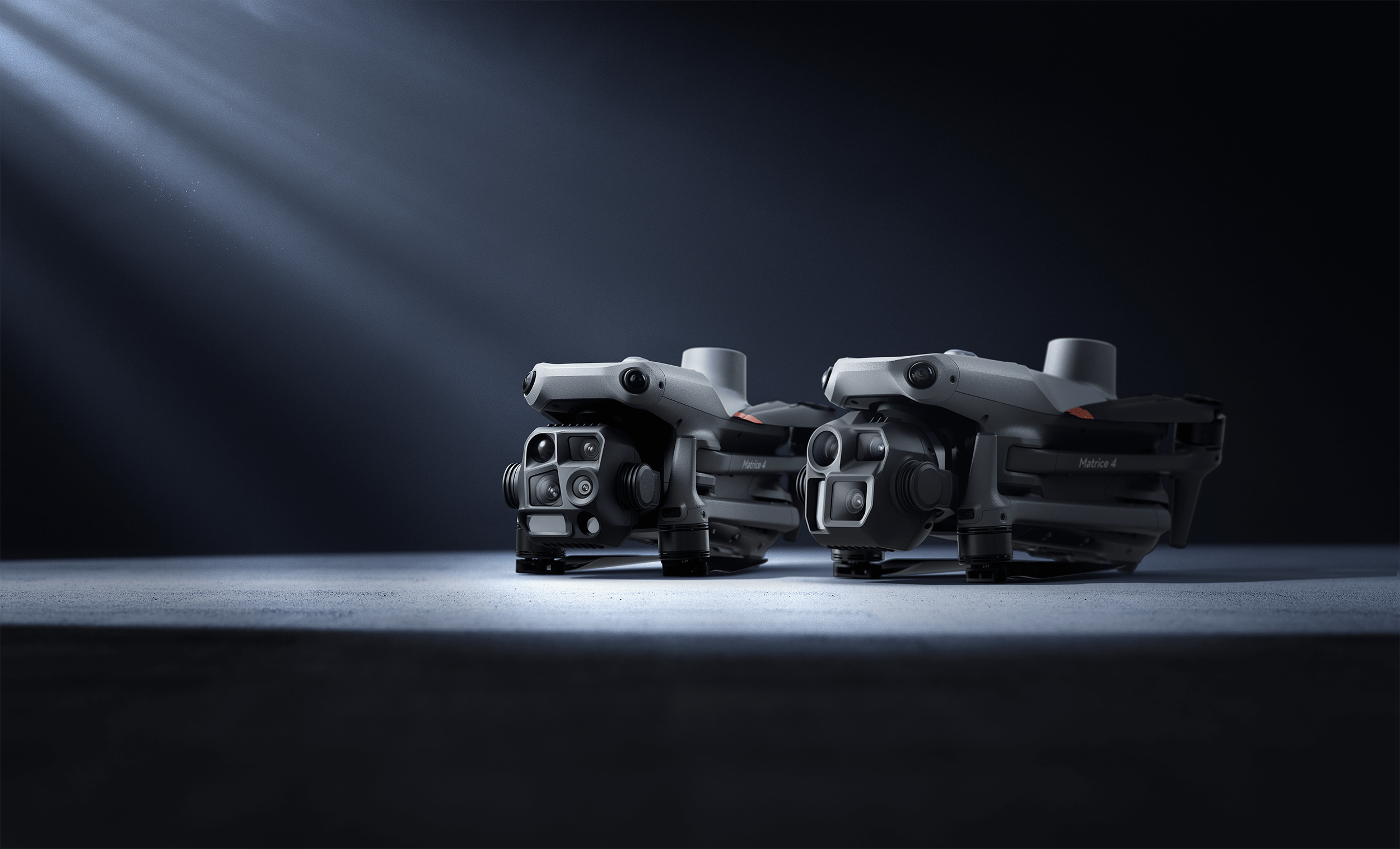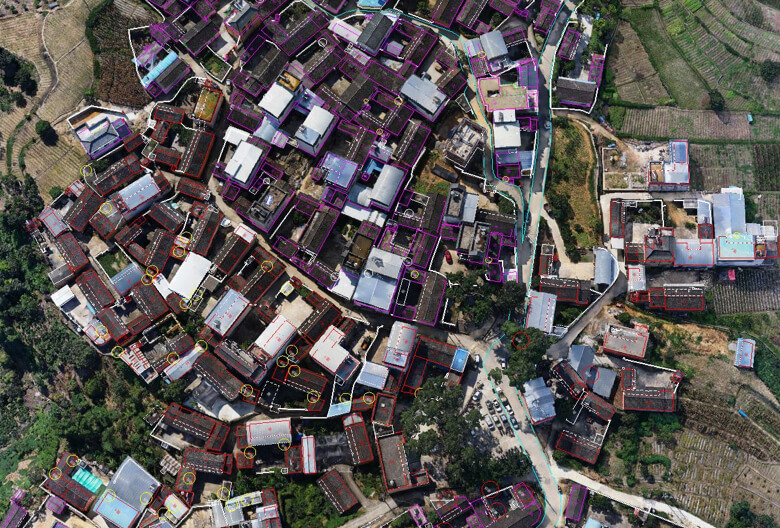
Drone footage is one of the best inputs for Gaussian Splatting — aerial photography naturally provides the multi-view coverage that GS reconstruction requires. This guide walks through the complete workflow from flight planning through final GS output, using the DJI Matrice 4E and DJI Terra V5.0+.
Why Drone Data Works for GS
Gaussian Splatting needs overlapping photographs from multiple viewpoints to reconstruct 3D scenes. Drone mapping missions capture hundreds to thousands of overlapping images from systematic flight patterns — exactly what GS optimization requires. The aerial perspective also captures building rooftops, facades, and site context that ground-level scanning misses.
DJI Terra V5.0+ is the first mainstream drone mapping platform with native GS support, processing aerial images into photorealistic GS reconstructions alongside traditional mesh and point cloud outputs.
The DJI Matrice 4E Platform
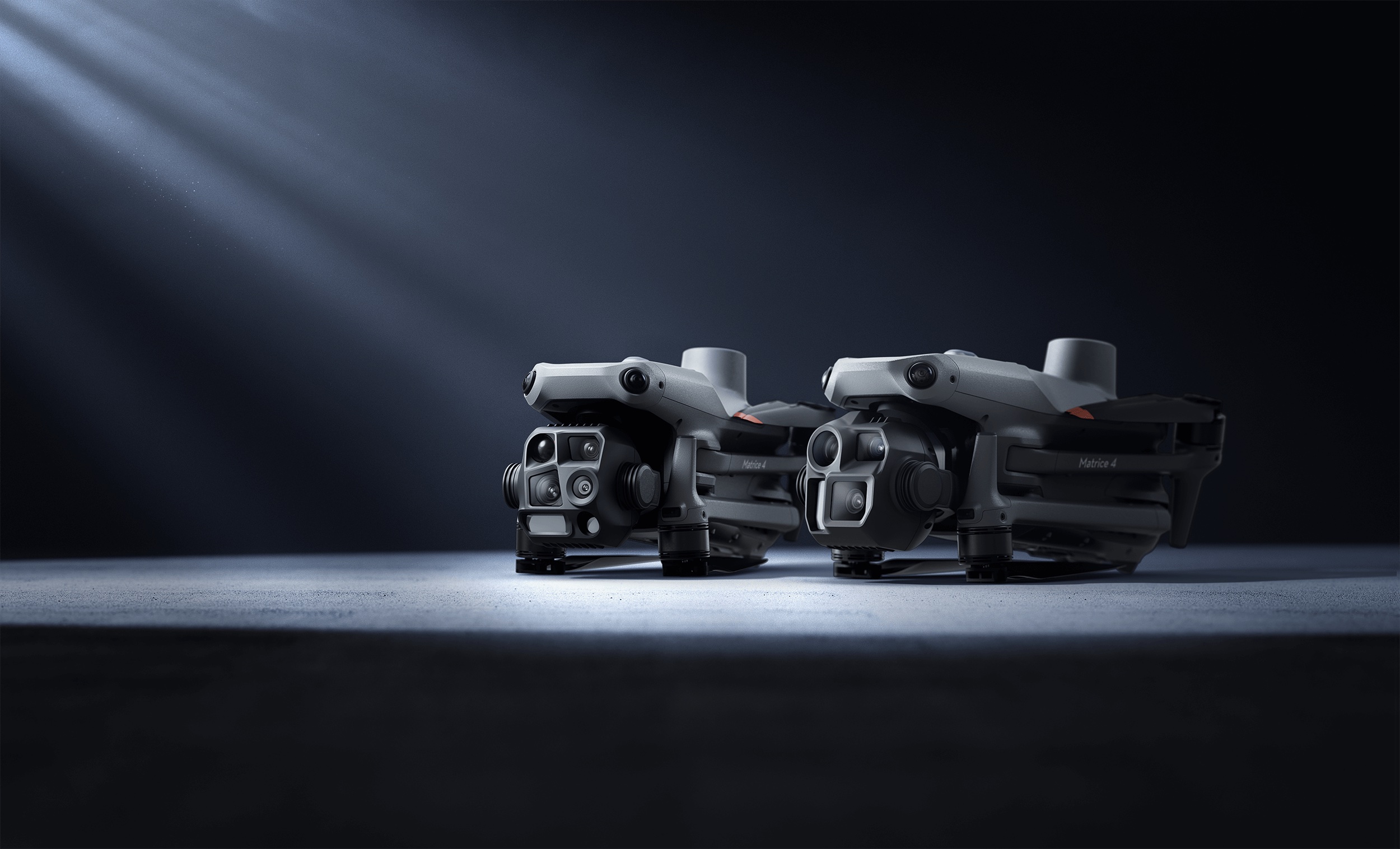
The M4E is DJI’s current enterprise mapping drone, optimized for photogrammetry and survey work:
| Specification | DJI Matrice 4E |
|---|---|
| Camera System | Triple-camera: 20MP wide-angle (mechanical shutter), 48MP medium telephoto, 48MP telephoto |
| Flight Time | 49–55 minutes |
| Positioning | Integrated RTK (L5 frequency band, GNSS+Vision Fusion) |
| Max Speed | 23 m/s (83 km/h) |
| Transmission Range | 25 km (FCC) |
| Smart 3D Capture | 5-directional oblique with camera angle optimization |
| Distortion Correction | In-camera DC 2.0, residual distortion under 2 pixels |
The M4E’s mechanical shutter on the wide-angle camera eliminates rolling shutter artifacts that degrade GS quality. Its Smart 3D Capture mode automates multi-angle oblique photography — the ideal input pattern for Gaussian Splatting.
Step 1: Flight Planning for GS
Flight parameters significantly affect GS output quality. Optimize for maximum view overlap and angular diversity:
Critical Settings
Image Overlap: 80%+ front overlap, 70%+ side overlap. More overlap means more viewing angles for each point in the scene, which directly improves GS reconstruction quality. For highest-quality GS, consider 85%/80% overlap.
Flight Pattern: Use Smart 3D Capture mode in DJI Pilot 2. This automates 5-directional oblique capture — nadir (straight down) plus four oblique angles — providing the angular diversity that GS optimization needs. Standard nadir-only grids produce flat GS with poor vertical surfaces.
Altitude: Lower altitude captures more detail per image but increases the number of images (and processing time). For building-scale GS:
- 30–50m AGL for detailed facade resolution
- 50–80m AGL for site overview and contextual coverage
- Consider dual-altitude missions for comprehensive coverage
Camera Settings:
- Mechanical shutter (wide-angle camera) for blur-free captures
- ISO: Auto or 100–400 for optimal signal-to-noise
- Shutter speed: 1/1000 or faster for sharp imagery during flight
- White balance: Daylight fixed (avoid auto WB shifts between frames)
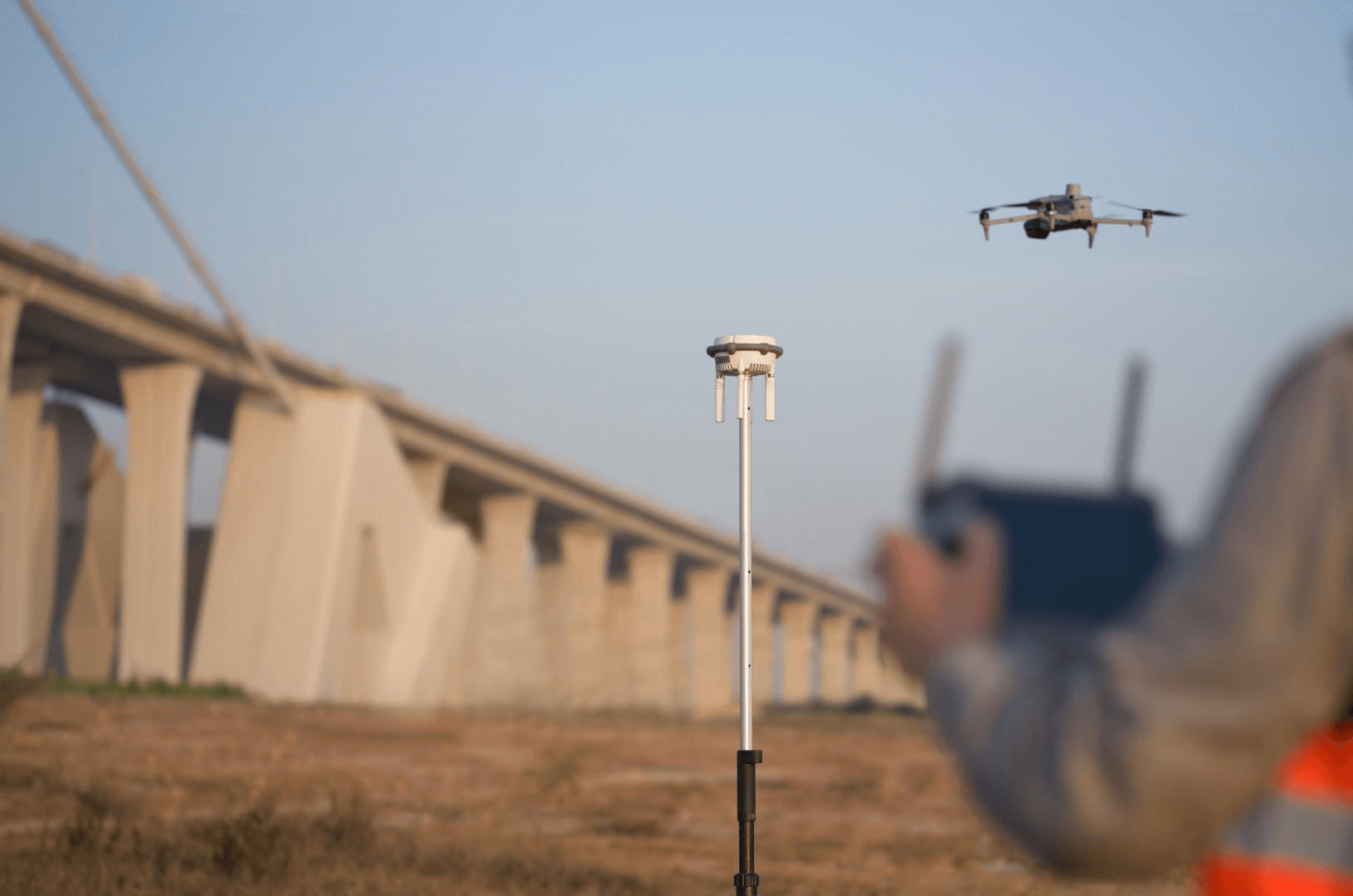
RTK Positioning: Enable RTK for centimeter-accurate georeferencing. This ensures GS output is tied to real-world coordinates — critical for professional deliverables.
Step 2: Capture Execution
Best practices during the actual flight:
- Time of day: Midday to early afternoon for even lighting. Avoid sunrise/sunset (harsh shadows create GS artifacts at shadow boundaries).
- Weather: Overcast skies produce the most even lighting and best GS results. Avoid rain, heavy haze, or high wind (>20 mph).
- Site preparation: Remove temporary objects that create ghosting artifacts (parked vehicles, construction equipment that moves between passes).
- Overlap verification: Check the live image count in DJI Pilot 2 against expected coverage. A city block at 50m AGL typically generates 500–2,000 images.
- Battery management: The M4E’s 49–55 minute flight time covers most single-site captures. For large sites, plan battery swaps to maintain consistent lighting.
Step 3: DJI Terra GS Processing
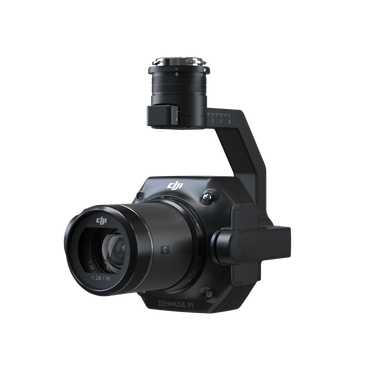
Once imagery is captured, DJI Terra V5.0+ automates the GS reconstruction:
Import and Configuration
- Create a new project in DJI Terra and select “Visible Light”
- Import images from the M4E’s storage media or SSD
- Select Gaussian Splatting mode from the reconstruction options
- Configure coordinate system to match your project’s CRS
- Set output scale and quality parameters
Automated Processing Pipeline
DJI Terra runs the full GS pipeline automatically:
- Structure-from-Motion (SfM): Aligns all images and generates camera positions + sparse point cloud
- Gaussian Initialization: Seeds one Gaussian ellipsoid per SfM point
- Differentiable Optimization: Refines each Gaussian’s parameters via gradient descent, minimizing rendering error
- Adaptive Density Control: Automatically splits, clones, or prunes Gaussians for optimal scene representation
- Quality Assessment: Real-time 60 FPS viewport for visual inspection before export
Processing Performance
- Speed: ~500 images per hour for GS reconstruction
- City block (1,000 images): 30–40 minutes
- Large site (10,000+ images): Several hours
- Maximum capacity: 30,000 images per task on 32GB+ RAM
- Comparison: Approximately 2× faster than traditional mesh-based photogrammetry
Step 4: Combining Aerial + Ground-Level GS
For comprehensive building documentation, aerial drone GS can be combined with ground-level capture:
Aerial (DJI M4E + Terra): Captures rooftops, facades from above, site context, landscape. Covers building-scale and larger areas efficiently.
Ground-Level (Xgrids L2 Pro or handheld video): Captures ground-floor details, under-canopy areas, building entrances, interior connections. The Xgrids L2 Pro adds native GS output with professional accuracy.
Merging: GS scenes from different sources can be composited in SuperSplat or SplatForge. Georeferenced aerial GS (from Terra) provides the spatial framework; ground-level GS fills in detail.
This combined approach eliminates the coverage gaps that either method has alone. THE FUTURE 3D routinely combines aerial and terrestrial capture on the same project visit.
Step 5: Output Formats and Delivery
DJI Terra exports GS in three primary formats:
| Format | Use Case | File Size |
|---|---|---|
| 3DTiles | Web streaming with level-of-detail (Cesium-based viewers) | Variable (streaming chunks) |
| PLY | Editing in SuperSplat/SplatForge, processing in other tools | 50–500MB per scene |
| GeoTIFF | 2D georeferenced mapping output (orthomosaic, DSM) | Variable |
For web delivery, 3DTiles is the production standard — it supports level-of-detail streaming so viewers load only the detail level needed for the current zoom. For post-processing and editing, PLY is the universal interchange format.
For a complete guide to GS file formats, see What file formats does Gaussian Splatting use?
Quality Optimization Tips
Capture Phase
- More images = better GS. The optimization has more viewing angles to work with. Don’t skimp on overlap.
- Oblique angles matter. Nadir-only flights produce poor vertical surface reconstruction. Smart 3D Capture’s oblique angles are essential.
- Consistent lighting. Avoid shadows from clouds moving between flight passes. Overcast days produce the most consistent GS.
Processing Phase
- GPU matters. RTX 4080/4090 (16–24GB VRAM) significantly accelerates processing. See GS processing time benchmarks.
- RAM for large datasets. 32GB minimum, 128GB for city-scale projects with 10,000+ images.
- Quality vs speed trade-off. Higher iteration counts produce better GS but take longer. For professional deliverables, use maximum quality settings.
Post-Processing
- Clean artifacts in SuperSplat before delivery — remove floating splats, sky noise, and edge artifacts.
- Crop to area of interest — remove surrounding context that distracts from the project focus.
- Verify scale against known ground control points or survey markers.
Site-Scale Scenarios
Single Commercial Building
- Flight: 15–25 minutes at 40m AGL, Smart 3D Capture, 500–800 images
- Processing: ~1 hour in DJI Terra
- Output: Complete building exterior GS + orthomosaic + point cloud
- GS service cost: $2,250–$4,500 (1.5× standard photogrammetry)
Construction Site (10 acres)
- Flight: 30–45 minutes at 60m AGL, grid pattern + oblique, 1,500–3,000 images
- Processing: 3–6 hours in DJI Terra
- Output: Site-wide GS for progress documentation + volumetric analysis
- GS service cost: $4,500–$15,000
Campus or Development (50+ acres)
- Flight: Multiple batteries, 80m AGL, 5,000–15,000 images
- Processing: 10–30 hours in DJI Terra (or Cluster license for parallel processing)
- Output: Campus-scale GS for planning review + stakeholder presentation
- GS service cost: $15,000+
When to DIY vs When to Hire
DIY is viable when:
- You already own a DJI enterprise drone and Terra Flagship license
- The project is small-scale (single building, under 10 acres)
- You have in-house drone operators with Part 107 certification
- Georeferencing accuracy is not critical for the deliverable
Hire a professional when:
- You need survey-grade accuracy alongside GS visualization
- The project requires combined aerial + ground-level capture
- Client deliverables need professional documentation and QA
- You don’t have drone equipment, licensing, or trained operators
- The project is time-sensitive and cannot risk operator learning curve
THE FUTURE 3D operates DJI enterprise drones nationwide and processes all GS through DJI Terra V5.0+ Flagship. We deliver georeferenced 3DTiles, PLY, and traditional photogrammetry outputs from a single site visit. Get a custom quote →
Frequently Asked Questions
Can I use any DJI drone for Gaussian Splatting? GS works best with DJI enterprise drones (Matrice 4E, M4T, M300/M350 series) that support Smart 3D Capture and high-overlap flight patterns. Consumer drones like the Mavic series can produce GS from manual video, but lack the systematic overlap and RTK positioning that produce professional results.
Do I need RTK for drone GS? RTK is not required for GS reconstruction quality, but it is essential for georeferenced output. Without RTK, the GS model will have accurate internal geometry but no absolute position — fine for visualization, insufficient for survey or construction coordination.
How does drone GS compare to ground-level scanning? Drone GS excels at building exteriors, rooftops, and site-scale coverage. Ground-level scanning (NavVis VLX 3, Xgrids L2 Pro) excels at interiors and ground-floor details. Professional projects combine both. See GS vs Photogrammetry.
Can I process drone GS in tools other than DJI Terra? Yes. You can extract individual frames from drone video and process them in Polycam, Luma AI, PostShot, or Nerfstudio. However, DJI Terra’s direct integration with DJI flight data, automatic image alignment, and batch processing make it the most efficient option for professional drone GS.
What if my site has vegetation? GS handles vegetation beautifully — it is one of the technology’s key strengths. Trees, shrubs, and grass render photorealistically in GS, unlike mesh photogrammetry which often produces noisy, inaccurate vegetation geometry.
Does THE FUTURE 3D scan individual objects? No. THE FUTURE 3D focuses exclusively on buildings, environments, locations, and sites. We do not scan individual objects, products, props, or vehicles. For object-scale GS from drone footage, consumer apps like Polycam or Luma AI can process close-range video.
Ready to Start Your Project?
Get a free quote and consultation from our 3D scanning experts.
Get Your Free Quote