
The quality and efficiency of a 3D laser scanning project depends as much on site preparation as it does on the scanning equipment and operator skill. A well-prepared site scans faster, produces cleaner data, and costs less. A poorly prepared site results in delays, gaps in coverage, re-scans, and potentially unusable data in critical areas.
This guide is written for the client — the building owner, facility manager, architect, or project manager who is coordinating the scanning project on the site side. Every item on this checklist is something you can control, and every one directly affects the quality of the scan data you receive.
Access Coordination
Access problems are the single most common cause of scanning delays and cost overruns. Addressing access proactively before scan day eliminates the most predictable category of problems.
Building Entry and Credentials
- Confirm the scanning crew’s arrival time with building management, security, and the front desk at least 48 hours in advance
- Arrange building access credentials — keys, access cards, security badges, parking passes, loading dock access
- Provide the security protocol — sign-in procedures, escort requirements, restricted zones, after-hours access rules
- Designate a staging area where the scanning crew can leave equipment cases while scanning on other floors (a locked room or secure area near the building entrance)
- Confirm elevator access — if the scanner and equipment need to be moved between floors, ensure freight or service elevators are available and scheduled
Interior Space Access
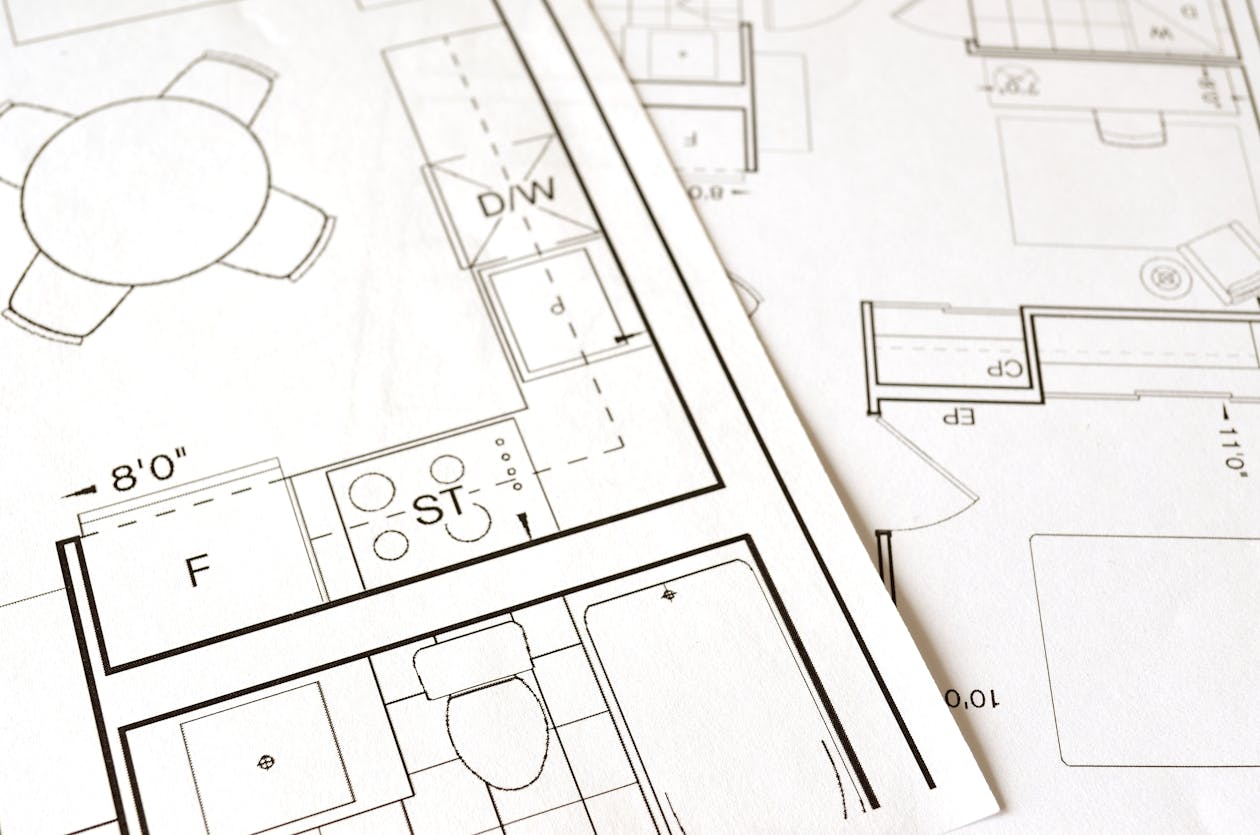
Every room, closet, mechanical space, and corridor within the scanning scope must be physically accessible when the scanner operator arrives. Locked doors that cannot be opened on scan day create gaps in the data that may require a costly return visit.
- Unlock all doors within the scan scope before the crew arrives, or designate an escort with master key access who will be available throughout the scan day
- Open all interior doors that connect to spaces within the scope — leaving doors closed creates registration gaps between adjacent rooms
- Coordinate with tenants in occupied spaces — notify them of the scanning schedule and ensure they will allow access during the designated time window
- Identify restricted areas that genuinely cannot be scanned (server rooms, clean rooms, sensitive operations) and communicate these exclusions to the scanning provider in advance so the scope of work reflects reality
Above-Ceiling Access
If the scanning scope includes MEP systems above suspended ceilings, ceiling tile removal is a significant preparation item:
- Determine who removes and replaces ceiling tiles — this should be decided in the scope of work, not on scan day
- If the client is responsible, remove tiles in advance. The scanning crew should not arrive to find ceiling tiles in place when above-ceiling scanning is in the scope
- Mark which tiles to remove — not every tile needs to come out, but the scanning provider should specify which areas need open ceiling access based on their scan plan
- Store removed tiles safely — stacking them on the floor in the scan area creates obstructions
Furniture and Obstacle Management
Laser scanners capture everything in their line of sight. Furniture, equipment, and personal items that sit against walls or obscure critical surfaces create shadows — areas behind the obstacle that the scanner cannot see.
What to Move
- Items directly against walls that you need measured accurately — filing cabinets, bookcases, storage racks pushed flush against walls create shadow zones behind them
- Items blocking doorways or corridors that the scanner operator needs to move through
- Items covering critical features — if a column, structural member, or utility connection is hidden behind a stack of boxes, the scan will not capture it
What You Do NOT Need to Move

- Desks, chairs, and standard office furniture — these are easily identifiable in the point cloud and do not typically obscure critical building surfaces
- Equipment that is part of the permanent installation — built-in cabinetry, fixed machinery, mounted equipment
- Personal items on desks — unless you do not want them appearing in the scan data (the scanner captures everything visible, including documents, screens, and photographs)
- Heavy items that cannot be reasonably moved — the scanning crew will work around fixed obstructions and document them in the field notes
Practical Guidelines
The goal is not to empty the building. The goal is to ensure that the surfaces defining the building geometry — walls, floors, ceilings, columns, and structural elements — are visible to the scanner from at least one scan position. If an important surface is completely hidden behind immovable objects, discuss this with your scanning provider in advance so they can plan accordingly.
Lighting
Laser scanners measure distance using laser light and do not require ambient lighting to capture geometry. However, lighting matters for two reasons:
Color Photography
Most professional scans include HDR photography from each scan position. This photography overlays color information onto the point cloud, making it significantly easier to interpret. If you want color in your scan data:
- Turn on all lights in the scan areas — overhead lights, task lights, hallway lights
- Open window blinds in spaces with natural light (but be aware that strong direct sunlight on surfaces can create color inconsistencies between scan positions)
- Leave lights on throughout the scan — turning lights on and off between scan positions creates color discontinuities in the merged data
Navigation and Safety
The scanner operator needs to walk through the space, set up equipment, and verify coverage. Adequate lighting is essential for safe and efficient work:
- Ensure all areas have functional lighting — if lights are out in mechanical rooms, stairwells, or storage areas, replace them or provide temporary lighting before scan day
- Mark or warn about any unlit areas with hazards — unprotected edges, floor openings, trip hazards that are not visible in poor lighting
Safety Requirements
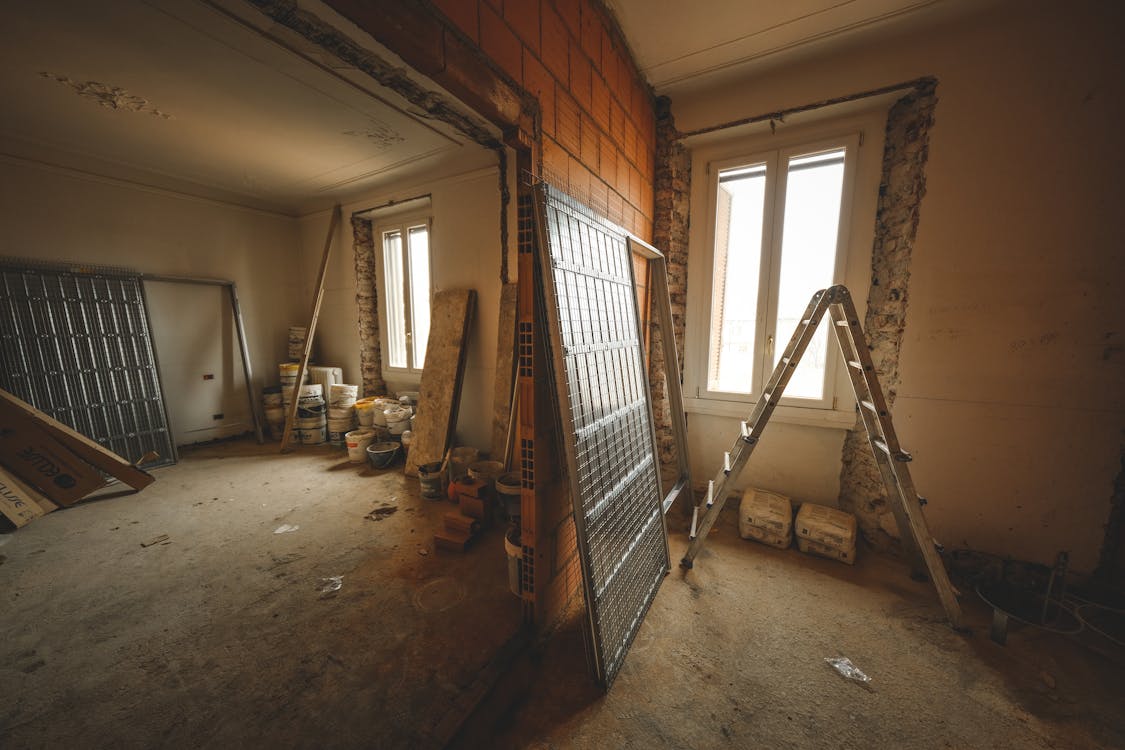
General Safety
- Provide a site-specific safety briefing if one is required for your facility
- Identify PPE requirements — hard hats, safety glasses, steel-toed boots, high-visibility vests, hearing protection in active construction or industrial environments
- Communicate PPE requirements to the scanning provider in advance so the crew arrives with the correct equipment
- Mark known hazards — floor openings, unstable surfaces, overhead hazards, chemical storage areas, confined spaces
- Ensure fire exits are unobstructed — scanning equipment in corridors should not block egress paths
Active Construction Sites
If scanning occurs on an active construction site:
- Coordinate with the site superintendent — the scanning crew needs to know which areas are safe to access and which have active work in progress
- Schedule scanning during low-activity periods when possible — early morning, weekends, or between trades. Active construction creates vibration, dust, and moving obstacles that degrade scan quality
- Establish communication protocols — the scanner operator needs a way to reach the site superintendent if questions arise about safety or access during the scan
Building Systems

- Keep HVAC systems running normally unless the scanning provider requests otherwise — HVAC creates minor vibration, but shutting it down changes the thermal environment and may cause occupant comfort issues
- Notify the scanning crew about fire suppression systems — particularly dry pipe or pre-action systems that could be accidentally triggered by bumping a sprinkler head with the scanner tripod
- Advise about security systems — motion sensors in areas being scanned can trigger alarms. Coordinate with security to deactivate or bypass motion detection in the scan areas during the scanning window
Stakeholder Notification
Scanning a building affects everyone who uses it. Proactive communication prevents confusion and complaints.
Who to Notify
- Building occupants — Employees, tenants, residents who may encounter the scanning crew or see unfamiliar equipment in the hallways
- Building management — Property manager, building engineer, maintenance staff who may need to provide access or address facility issues during the scan
- Security — Building security team, contract security, monitoring services
- Cleaning and maintenance — Janitorial staff should not move targets or equipment left overnight for multi-day scans
- Visitors — If the building has scheduled events, tours, or client visits during the scan window, coordinate to avoid conflicts
What to Communicate
Provide stakeholders with a brief notification that includes:
- What — 3D laser scanning is being performed (it helps to explain that this is a measurement technology, not surveillance)
- When — Dates and times of the scanning work
- Where — Which areas of the building are affected
- Impact — What building occupants should expect (a person with a tripod-mounted instrument moving through the space; quiet equipment; non-disruptive)
- Contact — Who to contact with questions or concerns
A simple email to building occupants 3-5 business days before the scan is usually sufficient.
Schedule Coordination
Timing Considerations
- Avoid scanning during peak occupancy if possible — fewer people in the space means less noise in the data (people appear as artifacts) and faster scanning (less waiting for people to clear out of scan areas)
- Schedule around building operations — if the building has specific operational schedules (loading dock deliveries, shift changes, classroom sessions), coordinate scanning to avoid these periods
- Allow for the full estimated duration — if the scanning company estimates 2 days of field work, do not schedule other activities (contractor walk-throughs, furniture deliveries, building inspections) on those days
- Build in buffer time — if the scan must be completed before a specific deadline, schedule it with at least one buffer day in case of weather delays (for exterior scanning), access problems, or equipment issues
Multi-Day Scans
For large projects requiring multiple days of field work:
- Confirm access for all scan days — not just the first day
- Designate secure equipment storage if the scanning crew needs to leave equipment on site overnight (a locked room accessible only to the crew)
- Maintain conditions — do not rearrange furniture, close doors, or change lighting between scan days in areas that have already been partially scanned. Changes between scan positions within the same area create data inconsistencies
What NOT to Do
A few common preparation mistakes that create problems:
- Do not deep-clean the building specifically for the scan — moving furniture, waxing floors, and rearranging spaces immediately before the scan changes the conditions that the scan is supposed to document. If the purpose of the scan is to capture existing conditions, leave the space in its existing condition
- Do not spray-paint surfaces to “help the scanner” — professional scanning teams handle challenging surfaces (glass, mirrors, polished metal) with their own materials and techniques
- Do not install new fixtures or equipment between the time the scan scope was agreed upon and the scan day — changes to the space may invalidate the scope assumptions
- Do not hover over the scanning crew unless you are the designated on-site contact — the operator works most efficiently when they can focus on the scanning workflow
- Do not enter the scanning area during an active scan — the scanner is capturing a 360-degree view, and anyone in the field of view will appear in the data
Pre-Scan Preparation Checklist
Use this checklist in the days before your scan:
One Week Before:
- Confirm scan dates with the scanning provider
- Notify building occupants, management, and security
- Arrange building access credentials for the scanning crew
- Confirm elevator and loading dock availability
- Identify and resolve any access restrictions
Two Days Before:
- Unlock all rooms within the scan scope
- Remove ceiling tiles if above-ceiling scanning is included
- Move items blocking critical surfaces (if applicable)
- Turn on all lights in scan areas
- Verify that the on-site contact will be available on scan day
Morning of Scan Day:
- Open all interior doors within the scan scope
- Confirm building security knows the scanning crew is coming
- Have the on-site contact available for the scanner operator’s orientation walk
- Provide floor plans or drawings (if available) to the scanner operator
Frequently Asked Questions
How much disruption does scanning cause to normal building operations?
Minimal. The scanner is quiet (comparable to a desktop printer), the operator is a single person with a tripod, and the process does not require evacuating spaces. Most office workers can continue working in areas adjacent to the scanning without any impact. People who are directly in the scan area should remain stationary for the 2-3 minutes each scan takes, or simply step out of the immediate area.
What if some rooms are occupied and the tenants will not allow access?
Communicate the exclusion to your scanning provider before scan day. They can adjust the scope and scan plan accordingly. If the excluded areas are critical to the project, you may need to arrange access at an alternate time (evening, weekend) or accept gaps in coverage.
Do we need to remove all personal items from desks and shelves?
No. The scanner captures everything in its field of view, but personal items on desks and shelves do not affect the quality of the building geometry data. If you have sensitive documents or screens that should not be captured in the scan imagery, you can cover them or turn screens off, but this is rarely necessary for construction documentation purposes.
What happens if the scanning crew encounters a locked door they cannot open?
A professional scanning crew will note the missed area, continue with the remainder of the scan, and report the gap to you at the end of the field day. The provider will discuss options — returning to scan the missed area as a follow-up visit (additional cost) or accepting the gap in coverage. This is why the preparation checklist emphasizes confirming access to all areas in advance.
Ready to schedule a scanning project? Request a quote from THE FUTURE 3D and we will coordinate preparation requirements specific to your building. Learn more about our 3D laser scanning services or read our complete guide on what to expect when you hire a 3D scanning company.
Ready to Start Your Project?
Get a free quote and consultation from our 3D scanning experts.
Get Your Free Quote