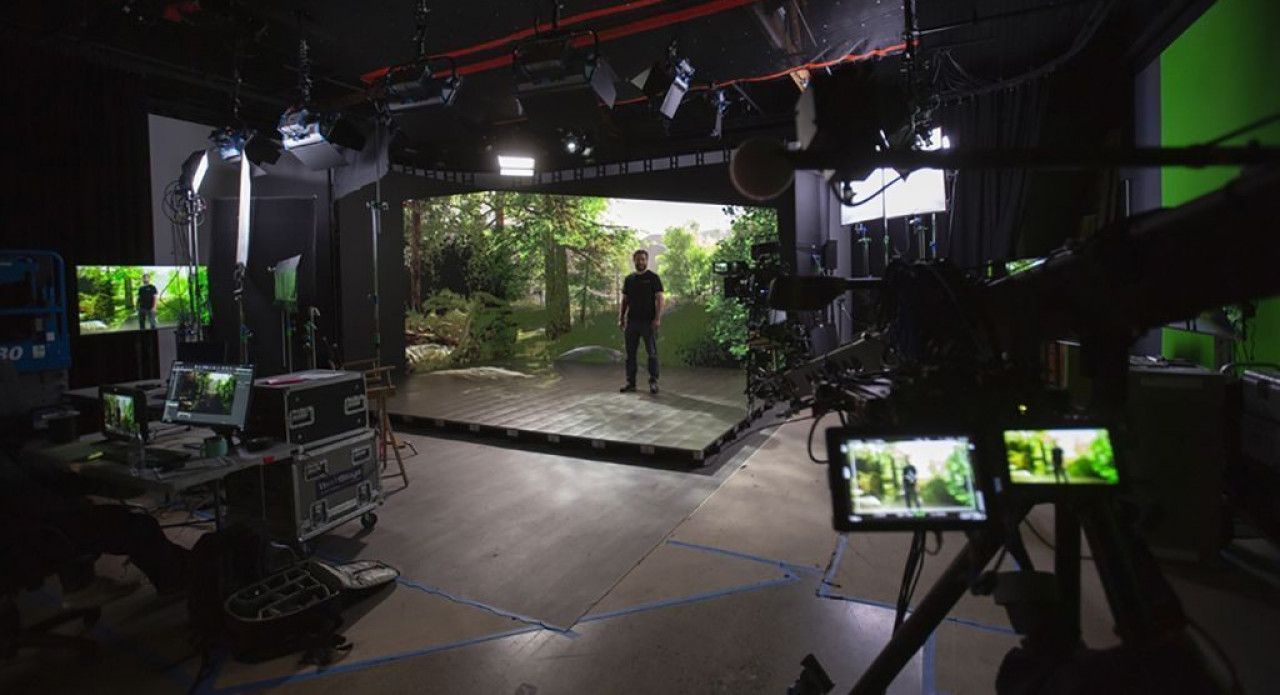
Virtual production — filming actors in front of LED walls displaying real-time 3D environments — is one of the fastest-growing segments of the film industry. Industry estimates place the global virtual production market at approximately $2.9 billion in 2025, with projections suggesting growth to $18.5 billion by 2035 (sources: Global Market Insights, SNS Insider). Gaussian Splatting is rapidly becoming the preferred method for creating the photorealistic environments that power these LED volume stages.
Why Gaussian Splatting for Virtual Production?
Traditional virtual production environments are created through one of three methods: manual 3D modeling (weeks of artist time), mesh photogrammetry (good geometry, mediocre visual quality), or LiDAR point clouds (accurate but not renderable as photorealistic imagery). Gaussian Splatting offers a fourth path that solves the core VP challenge: photorealistic visual quality at real-time rendering speeds.
GS scenes render at 100+ FPS in Unreal Engine — fast enough for real-time in-camera VFX (ICVFX) where the LED wall content must respond to camera movement at film frame rates. The visual fidelity comes from representing scenes as millions of overlapping 3D Gaussian ellipsoids that preserve the actual appearance of real-world materials, lighting, and spatial relationships.
The Scan-to-LED Workflow
Step 1: Location Capture
THE FUTURE 3D captures real-world filming locations using a multi-sensor approach:
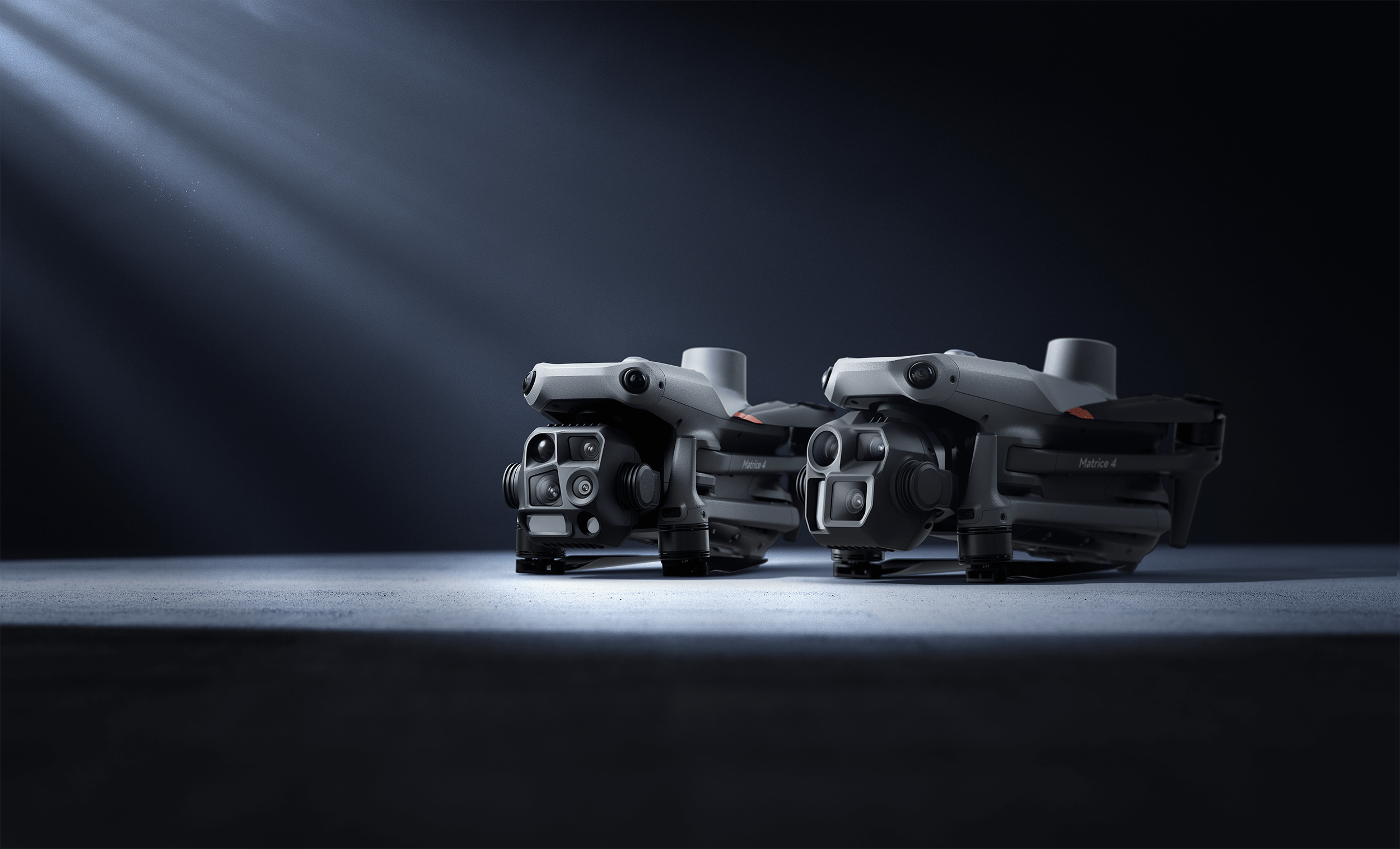
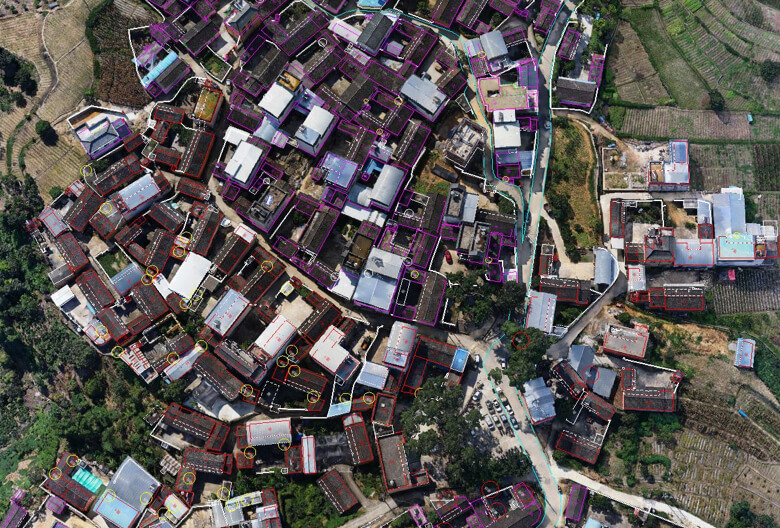
- Aerial capture: DJI Matrice 4E with Zenmuse P1 (45MP full-frame). Automated oblique flights capture building facades, rooftops, streets, and terrain with 80%+ overlap.
- Ground-level GS: Xgrids L2 Pro handheld scanner (32-channel LiDAR, 640K pts/sec, ±1-2cm). LCC software converts scans directly to Gaussian Splatting with Unity, Unreal Engine, and WebGL SDK output.
- Survey-grade reference: Trimble X12 (±1mm @ 10m / ±2mm @ 20m) captures dimensional data for scenes requiring precise geometry alongside the GS visualization.
A full location capture typically takes 1-3 days depending on environment size and complexity.
Step 2: GS Processing
Aerial imagery feeds into DJI Terra V5.0+ Flagship for Gaussian Splatting reconstruction. Processing runs at approximately 500 images per hour on workstation hardware (RTX 4090 recommended, 128GB RAM for large locations).
DJI Terra outputs:
- 3DTiles — LOD streaming for web preview
- PLY (Gaussian Splats) — Import into Unreal Engine
- GeoTIFF — Georeferenced 2D reference
Ground-level Xgrids L2 Pro captures are processed through LCC software separately, producing GS scenes with direct UE5 SDK integration.
Step 3: Scene Editing & Optimization
Raw GS captures contain artifacts — transient objects, capture boundaries, floating splats from reflective surfaces. Two open-source tools handle cleanup:
- SuperSplat (web-based) — Crop boundaries, remove artifacts, merge aerial and ground-level captures. No installation required.
- SplatForge (Blender add-on) — Art-direct GS scenes with color grading, scene composition, and splat manipulation for 16M+ splat scenes. Bridges GS into existing Blender-based VFX pipelines.
Step 4: Unreal Engine Integration
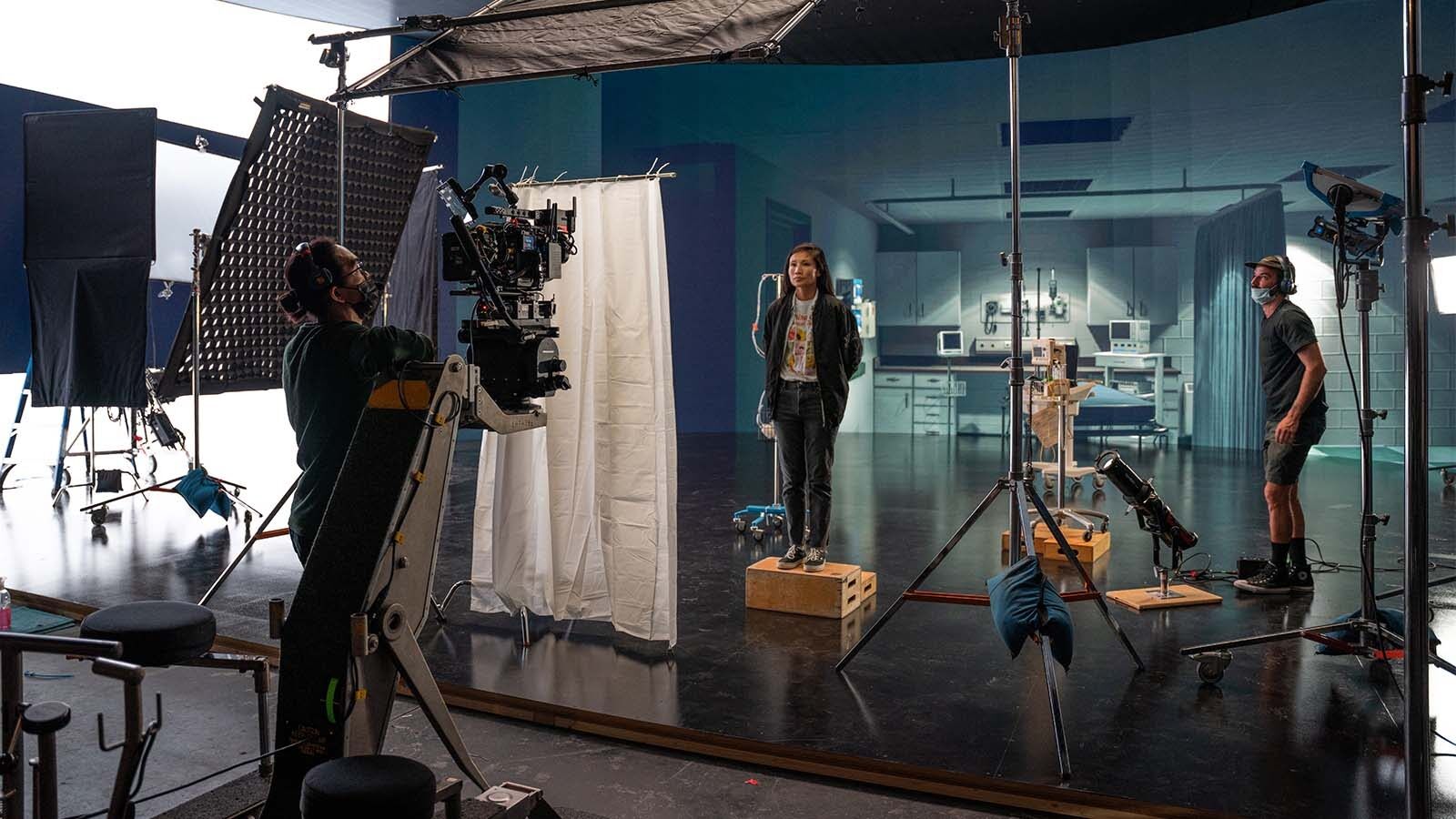
The edited GS scene imports into Unreal Engine 5 for integration with the LED volume system. UE5’s nDisplay module renders the GS environment on the curved LED wall array, tracking the physical camera in real time to produce parallax and correct perspective.
The result: actors perform in front of a photorealistic representation of a real location that moves and responds to the camera — in-camera visual effects that eliminate green screen compositing.
Step 5: Delivery Formats
VP deliverables include:
- GS PLY files optimized for UE5 import
- 3DTiles for client preview via Cesium web viewers
- Registered point clouds (E57, RCP, LAS) for set construction reference
- OpenUSD and glTF exports for cross-platform pipeline compatibility
- HDRI lighting reference captures from the scan location
Cost Structure
Virtual production GS scanning is priced based on project scope:
| Tier | Scope | Price Range |
|---|---|---|
| Location Scout Scan | Aerial drone + quick GS preview | $3,000–$10,000 |
| Full Environment Scan | Multi-sensor capture (drone + LiDAR + GS) | $10,000–$50,000 |
| Production Support | On-set scanning crew for ongoing needs | Custom daily rate |
GS processing is priced at 1.5× standard photogrammetry rates because it requires DJI Terra Flagship licensing ($2,800–$4,400) and additional GPU compute time. Minimum GS project: $2,250.
For context, a single LED volume stage production using GS-scanned environments can save $500,000–$5,000,000+ compared to building practical sets or traveling cast and crew to remote locations.
Accuracy Considerations
Gaussian Splatting has a mean geometric accuracy of 7.82cm (standard deviation 11.49cm). For virtual production, this is more than sufficient — LED wall environments prioritize visual quality over dimensional precision.
For productions requiring precise geometry alongside the GS environment (match-moving reference, set construction templates, prop placement guides), THE FUTURE 3D delivers ±2mm LiDAR point clouds from the Trimble X12 alongside the GS scene — a hybrid approach from a single location visit.
GS vs Traditional VP Environment Creation
| Method | Visual Quality | Speed | Real-Time | Cost |
|---|---|---|---|---|
| Manual 3D Modeling | High (artist-dependent) | Weeks per environment | Yes | $50K–$200K+ |
| Mesh Photogrammetry | Moderate | 1-2 weeks | With LOD | $5K–$20K |
| NeRF | High | 1-2 weeks | No (seconds/frame) | $5K–$20K |
| Gaussian Splatting | Photorealistic | 1-2 weeks | Yes (100+ FPS) | $10K–$50K |
GS is the only method that achieves both photorealistic quality AND real-time rendering capability at production-viable cost.
Standards & Pipeline Compatibility
GS outputs are increasingly standardized:
- OpenUSD now supports Gaussian Splatting primitives for cross-platform scene exchange
- glTF 2.0 (Khronos Group) is adding GS extension support
- 3DTiles (OGC) provides streaming delivery for web-based preview
These standards ensure that GS environments captured today remain compatible with future production tools and pipelines.
When GS Replaces Practical Sets — and When It Does Not
GS works best for:
- Exterior environments (cityscapes, landscapes, buildings, streets)
- Background environments for LED wall content
- Locations that are impractical to build or travel to
- Establishing shots and wide establishing environments
- Digital backlot assets reusable across multiple productions
GS does not replace:
- Practical foreground set pieces that actors interact with
- Close-up object scanning (props, costumes, vehicles) — THE FUTURE 3D does NOT scan objects
- Dynamic environments requiring physics simulation
- Fully art-directed fantasy environments with no real-world reference
The strongest VP workflows combine GS-scanned real environments with practical foreground elements — the LED wall shows the photorealistic background, while actors interact with physical set pieces in the foreground.
Getting Started
- Explore our film scanning services — dedicated VP, location scouting, set reconstruction, and VFX services
- Try the Film Scanning Planner — estimate your project scope and cost
- Get a quote — describe your production needs for a custom proposal
THE FUTURE 3D offers professional Gaussian Splatting for virtual production. We scan real-world locations and deliver photorealistic environments for LED volume stages, in-camera VFX, and Unreal Engine pipelines. Contact us to discuss your next production.
Ready to Start Your Project?
Get a free quote and consultation from our 3D scanning experts.
Get Your Free Quote