The Gaussian Splatting software ecosystem has matured rapidly since the original SIGGRAPH 2023 paper. In 2026, professionals can choose from professional drone mapping platforms, consumer mobile apps, open-source research tools, and dedicated GS editors. This guide compares the seven leading tools across features, pricing, input requirements, and use cases.
The Landscape at a Glance
| Tool | Type | Price | Input | GS Output | Best For |
|---|---|---|---|---|---|
| DJI Terra V5.0+ | Professional | $2,800–$4,400 | Drone photos | 3DTiles, PLY | Aerial mapping |
| Polycam | Mobile | Free / $150/yr | LiDAR, photo, video | PLY, GLTF | Mobile capture |
| Luma AI | Cloud | Free | Video, photos | GLB, USD | Quick experiments |
| PostShot | Desktop | Free / $199/yr | Photos, video | PLY | Offline processing |
| Nerfstudio | Open-source | Free | Photos, video | PLY | Research |
| SuperSplat | Web editor | Free | PLY input | PLY | GS editing |
| SplatForge | Blender addon | $49 | PLY input | Blender native | VFX compositing |
DJI Terra V5.0+ — Professional Aerial GS
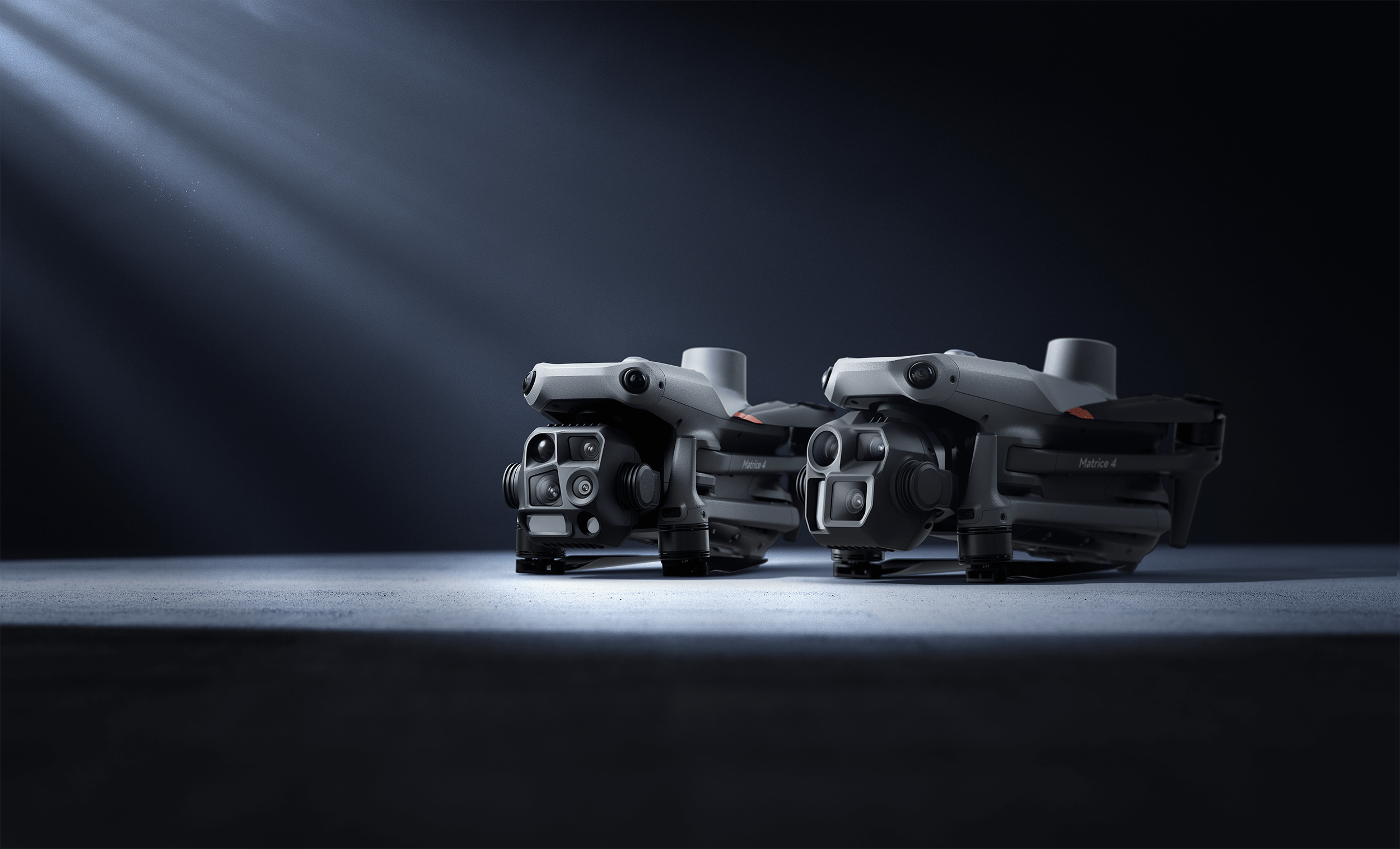
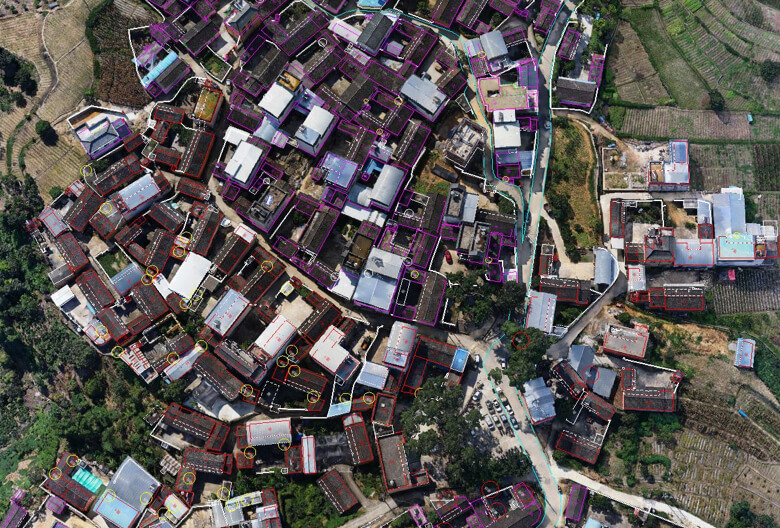
DJI Terra is the first mainstream drone mapping software to integrate Gaussian Splatting. It processes aerial photographs from DJI enterprise drones into GS reconstructions alongside traditional mesh and point cloud outputs.
Key capabilities:
- Handles up to 12,800 images per task standalone at 32 GB RAM (192,000 with cluster processing)
- Outputs 3DTiles (web streaming with LOD), PLY, and GeoTIFF
- RTK georeferencing for coordinate-accurate output
- Requires Flagship license ($2,800–$4,400)
Strengths: Industrial-grade reliability, direct integration with DJI drone workflow, georeferenced output, batch processing for large datasets. THE FUTURE 3D uses DJI Terra for all professional aerial GS work.
Limitations: DJI hardware only, Windows desktop, no mobile option, steep learning curve, significant license cost.

Choose DJI Terra when: You need professional, georeferenced aerial GS from drone photography at building or site scale.
Polycam — Mobile LiDAR + GS
Polycam is the most widely adopted mobile 3D scanning app, with over 540,000 iOS ratings (4.7/5 stars). It combines iPhone/Android LiDAR scanning with photogrammetry and Gaussian Splatting.
Key capabilities:
- LiDAR-enhanced scanning with 1–2cm accuracy (iPhone 12 Pro+)
- Automatic room detection and floor plan generation (Pro tier)
- Cloud processing via AWS in minutes
- Export to GLTF, FBX, PLY, USDZ, OBJ
- Unreal Engine 5 integration for game/VFX workflows
Pricing:
- Free: Unlimited LiDAR scans, up to 180 photos, limited exports
- Pro ($150/year): High-quality exports, unlimited captures
- Business (~$400/year): Measurement tools, team collaboration
Strengths: Best mobile scanning experience, widest export format support, LiDAR accuracy, mature ecosystem.
Limitations: LiDAR features require iPhone 12 Pro+, Pro pricing has increased, scan quality can degrade in long sessions, cloud-dependent processing.
Choose Polycam when: You need LiDAR-accurate mobile captures with professional export formats, floor plans, or UE5 integration.
Luma AI — Cloud GS with Best Visual Quality
Luma AI focuses on making Gaussian Splatting as accessible as possible. Upload a video from any smartphone, and Luma produces a photorealistic 3D model in under 1 minute.
Key capabilities:
- Cloud processing in under 1 minute (fastest in the market)
- Works with any smartphone video — no LiDAR required
- Text-to-3D generation via Dream Machine
- AI-enhanced scene reconstruction
- Export to GLB, USD, OBJ, MP4
Pricing: Free for basic use, paid tiers for higher usage and quality.
Strengths: Fastest processing, best visual quality among consumer apps, zero hardware requirements, generous free tier.
Limitations: No LiDAR integration, no measurement tools, fewer export formats than Polycam, fully cloud-dependent, less mature mobile app.
Choose Luma AI when: You want the fastest, simplest path to a photorealistic GS model from any smartphone video. Ideal for quick experiments and social content.
For a detailed head-to-head, see Polycam vs Luma AI.
PostShot — Desktop GS Without the Cloud
PostShot (by Jawset) provides local desktop Gaussian Splatting processing — no cloud uploads required. This matters for users with privacy requirements, air-gapped networks, or large datasets that are impractical to upload.
Key capabilities:
- Local processing on Windows and Mac
- Full control over GS parameters (iterations, density, quality)
- No cloud dependency — complete offline operation
- PLY export with editing tools
Pricing:
- Indie: Free (limited features)
- Pro: $199/year (full feature set)
Strengths: Privacy, offline operation, parameter control, no subscription for basic use.
Limitations: Processing speed depends on local GPU hardware, less automated than cloud tools, smaller community.
Choose PostShot when: You need offline GS processing, have privacy requirements, or want full control over reconstruction parameters.
Nerfstudio / gsplat — Open-Source Research GS
Nerfstudio is the leading open-source framework for neural rendering research, with integrated gsplat support for Gaussian Splatting. It is the tool of choice for academic researchers and developers building custom GS pipelines.
Key capabilities:
- Open-source (Apache 2.0 license)
- Extensible Python framework for custom GS implementations
- Supports multiple GS methods (gsplat, 3DGS, Mip-Splatting)
- Training visualization and metrics dashboard
- Export to PLY and custom formats
Pricing: Free (open-source). Requires NVIDIA GPU with CUDA support.
Strengths: Extensibility, academic rigor, latest research methods, complete transparency, active developer community.
Limitations: Requires Python/CUDA expertise, no GUI for non-developers, slower than commercial tools for standard workflows, no commercial support.
Choose Nerfstudio when: You are a researcher, developer, or advanced user who needs custom GS pipelines, the latest academic methods, or reproducible results for publications.
SuperSplat — Browser-Based GS Editor
SuperSplat is a free, browser-based Gaussian Splatting editor built on the PlayCanvas engine. It fills a gap that reconstruction tools leave: editing, cleaning, and optimizing GS scenes after they have been created.
Key capabilities:
- Browser-based — no installation required
- Edit individual Gaussians (position, scale, rotation, color)
- Crop, delete, and filter splats by region
- Real-time preview of edits
- Export optimized PLY files
Pricing: Free (open-source, MIT license).
Strengths: Zero setup, visual editing, clean UI, PlayCanvas web deployment, completely free.
Limitations: Input only (requires pre-built GS files), browser performance limits on very large scenes, no reconstruction capability.
Choose SuperSplat when: You have a GS scene from another tool and need to edit, clean, crop, or optimize it before deployment.
SplatForge — Blender GS Integration
SplatForge brings Gaussian Splatting into the Blender 3D workflow — the standard tool for 3D artists, VFX professionals, and game developers.
Key capabilities:
- Blender addon for GS import, editing, and compositing
- Animation of GS scenes within Blender’s timeline
- Material and lighting compositing with GS data
- Export to Blender-native formats
Pricing: $49 one-time purchase.
Strengths: Blender integration (the most popular 3D content creation tool), animation support, VFX compositing, one-time purchase.
Limitations: Blender-only, requires existing GS files as input, no reconstruction capability, smaller user base.
Choose SplatForge when: You are a Blender user who needs to composite, animate, or integrate GS scenes into VFX or game development workflows.
Comparison: Which Tool for Which Workflow?
Professional Building Documentation
DJI Terra → Aerial GS from drone imagery, georeferenced, combined with photogrammetry mesh and point cloud. This is how THE FUTURE 3D processes Gaussian Splatting projects.
Quick Room Capture
Polycam (with LiDAR iPhone) → Fast mobile scanning with GS output, floor plans, and professional exports. Or Luma AI → Even faster, from any phone video, but with fewer export options.
BIM Integration
Xgrids LCC (via L2 Pro scanner) → The only GS-to-Revit pipeline currently available.
Research and Custom Development
Nerfstudio → Open-source, extensible, the latest academic methods. Requires Python and CUDA.
Post-Processing and Editing
SuperSplat (browser) → Quick edits, crops, and cleanup. SplatForge (Blender) → Animation, compositing, VFX integration.
Privacy-First Processing
PostShot → Full offline desktop processing with no cloud dependency.
File Format Compatibility
| Tool | PLY | 3DTiles | glTF | OpenUSD | OBJ | GLTF/FBX |
|---|---|---|---|---|---|---|
| DJI Terra | Yes | Yes | — | — | — | — |
| Polycam | Yes | — | Yes | — | Yes | Yes |
| Luma AI | — | — | Yes | Yes | Yes | — |
| PostShot | Yes | — | — | — | — | — |
| Nerfstudio | Yes | — | — | — | — | — |
| SuperSplat | Yes | — | — | — | — | — |
| SplatForge | Via Blender | — | — | — | — | — |
For a detailed guide to GS file formats, see What file formats does Gaussian Splatting use?
The Professional Choice
For professional building and environment scanning, no single consumer tool replaces a professional service. Consumer apps produce good room-scale results. Professional services like THE FUTURE 3D deliver:
- Aerial + ground coverage from enterprise drones and terrestrial scanners
- Survey-grade accuracy (±1–2mm via LiDAR) alongside GS photorealism
- Georeferenced deliverables tied to real-world coordinates
- Combined datasets — point cloud + mesh + GS from one site visit
- Documented, repeatable quality for commercial projects
Professional GS services start at $2,250 (1.5× standard photogrammetry rates). Get a quote → or use our GS Cost Guide.
Frequently Asked Questions
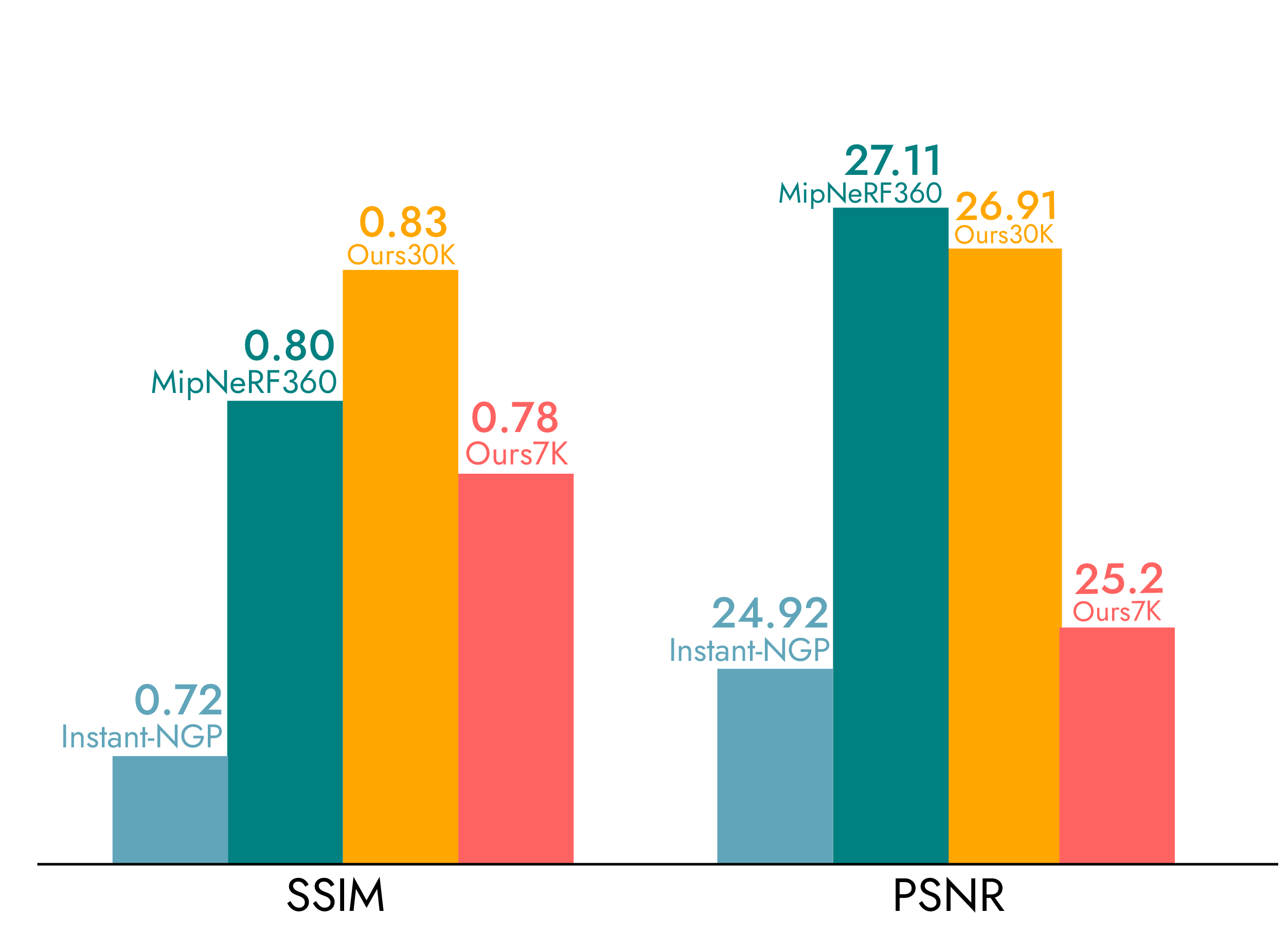
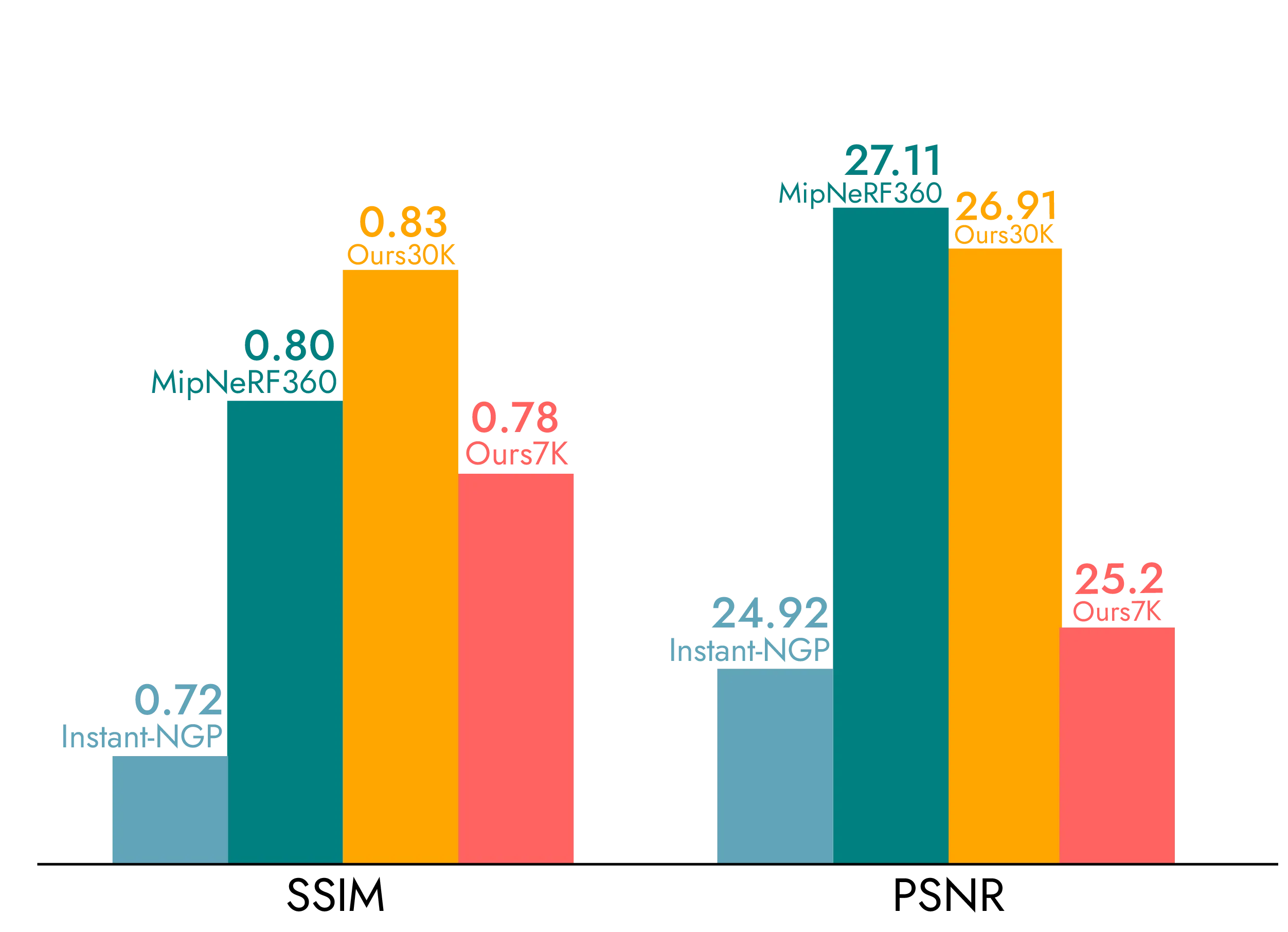
Which GS software has the best visual quality? For consumer apps, Luma AI is generally regarded as producing the best visual quality. For professional use, DJI Terra V5.0+ with high-overlap drone imagery produces excellent results at building scale. Quality depends heavily on input data quality — good photos produce good GS regardless of tool.
Can I process GS on my laptop? PostShot and Nerfstudio run locally. Minimum requirement: 8GB VRAM (e.g., RTX 3060). Recommended: 16–24GB VRAM (RTX 4080/4090). Cloud tools (Polycam, Luma AI) require no local GPU.
Are any of these tools free? Luma AI (cloud), Nerfstudio (open-source), SuperSplat (browser), and PostShot Indie are all free. Polycam has a free tier with limited exports.
What is the best GS software for real estate? Polycam Pro ($150/year) for quick mobile captures with floor plans. For higher quality, Matterport for indoor tours + professional drone GS for aerials. See GS vs Matterport.
Can any of these replace professional 3D scanning? For room-scale personal projects, yes. For building-scale commercial work requiring accuracy, aerial coverage, and documented deliverables, no. Professional scanning services provide equipment, expertise, and quality assurance that consumer tools cannot match.
Which tool should I start with? If you have an iPhone with LiDAR: Polycam. If you have any smartphone: Luma AI. If you want to learn GS technically: Nerfstudio. If you need professional building-scale GS: contact THE FUTURE 3D.
Ready to Start Your Project?
Get a free quote and consultation from our 3D scanning experts.
Get Your Free Quote