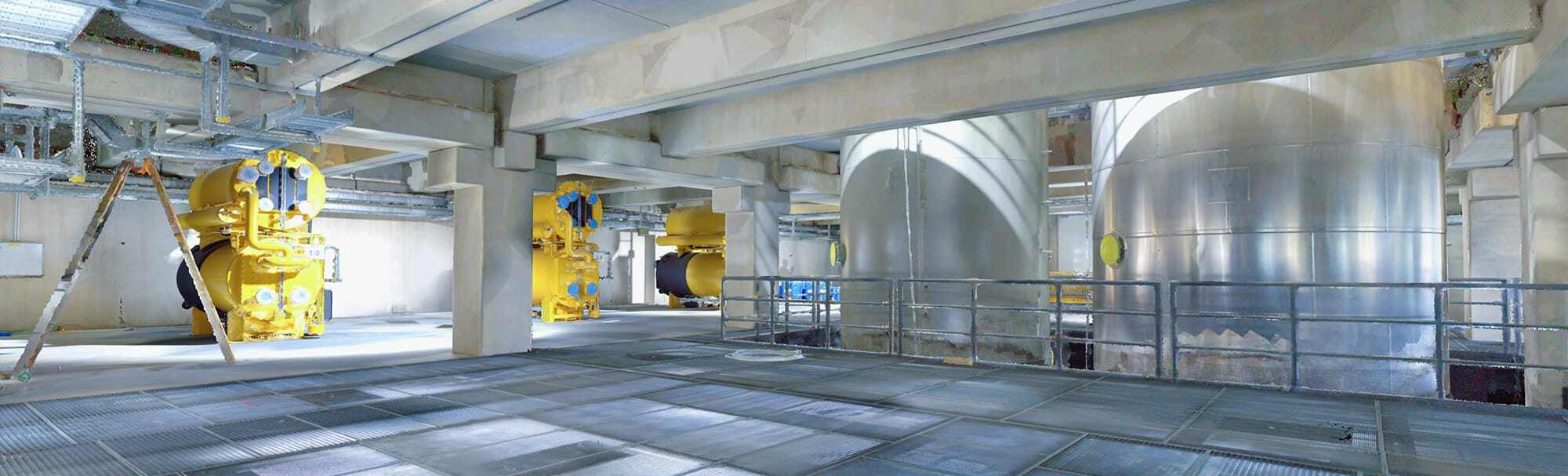
When you receive point cloud data from a scanning project, the file format determines what software can open it, what metadata travels with the point data, and how efficiently the files can be stored and transferred. E57 and LAS are the two most common open formats in the AEC (architecture, engineering, and construction) industry, and each serves a distinct purpose.
This guide compares E57 and LAS in technical detail — covering their origins, internal structure, strengths, limitations, and the practical situations where each format is the right choice. If you are new to point cloud data, our introduction to point clouds provides useful background before diving into format specifics.
E57: The Vendor-Neutral Exchange Standard
Origins and Governance
E57 is defined by the ASTM E2807 standard, published by ASTM International (formerly the American Society for Testing and Materials). The format was developed specifically as a vendor-neutral, open standard for storing 3D imaging data — including point clouds, images, and metadata — in a single container file.
The ASTM E57 committee includes representatives from major scanner manufacturers (Leica, FARO, Trimble, Zoller+Frohlich), software developers (Autodesk, Bentley), and industry organizations. This broad participation is what gives E57 its position as the universal exchange format in the scanning industry.
File Structure
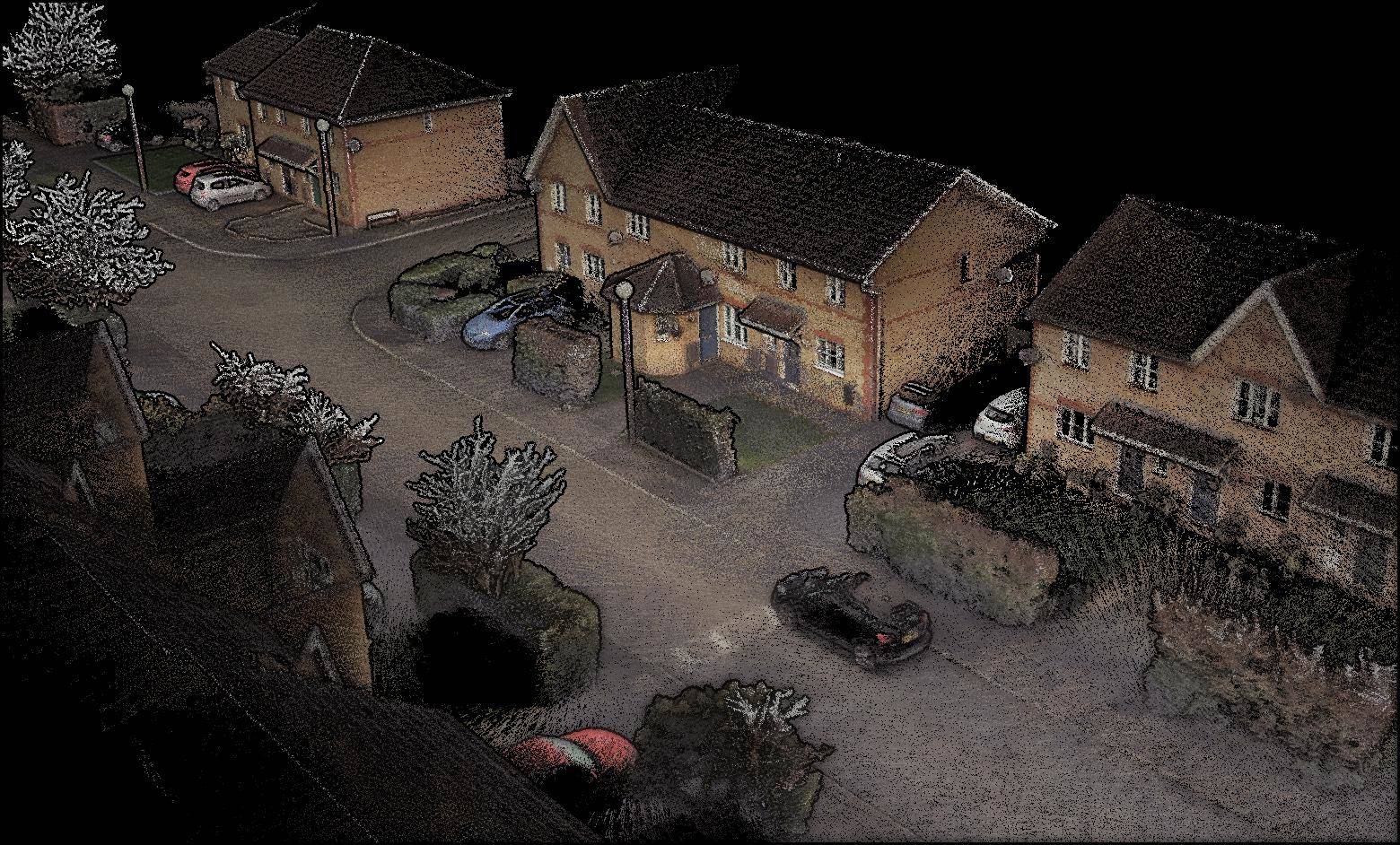
An E57 file uses a hybrid structure combining XML metadata with binary data blocks:
- XML header — Contains project metadata, scanner information, coordinate system definitions, and a table of contents pointing to each data section
- Binary data blocks — Store the actual point coordinates, color values, intensity, and other per-point attributes in a compressed binary format
- Image sections — Can store panoramic photographs and camera calibration data alongside the point data
This hybrid approach means E57 files are partially human-readable (the XML) and partially optimized for machine processing (the binary blocks).
Key Strengths of E57
Comprehensive metadata storage. E57 files can store scanner position information, calibration data, acquisition parameters, coordinate reference systems, and panoramic images — all in a single file. This makes E57 a complete archive of a scanning project, not just the point data.
Vendor neutrality. Because E57 is governed by an ASTM standard rather than a single company, it is supported by virtually every point cloud software platform. CloudCompare, Autodesk ReCap, Leica Cyclone, Trimble RealWorks, FARO SCENE, and Revit all read E57 files.
Multi-scan container. A single E57 file can contain multiple scan positions, each with its own transformation matrix and metadata. This is particularly useful for delivering an entire scanning project as one file rather than hundreds of individual scan files.
Built-in compression. E57’s binary data blocks support internal lossless compression that typically reduces file sizes by 50-70% compared to raw point data, without any loss of precision.
Limitations of E57
Software implementation inconsistencies. While the ASTM standard defines E57’s capabilities, not every software application implements every feature. Some tools may strip metadata on import, fail to read certain compression modes, or ignore image data. Testing compatibility before committing to a workflow is important.
Loading speed. For very large E57 files (10+ GB), some software takes longer to parse the XML header and decompress binary blocks compared to simpler formats. This is a practical consideration for day-to-day work with large datasets.
No native classification system. Unlike LAS, E57 does not have a built-in point classification scheme. Points can carry custom attributes, but there is no standardized way to label a point as “ground,” “building,” or “vegetation” within the E57 specification.
LAS: The LiDAR Industry Standard
Origins and Governance
LAS is maintained by the ASPRS (American Society for Photogrammetry and Remote Sensing). It was originally developed for aerial LiDAR survey data — the point clouds generated by aircraft-mounted laser scanners used in topographic mapping, forestry, and land surveying.
The format has evolved through several versions: LAS 1.0 (2003), LAS 1.2 (2008), LAS 1.3 (2010), and LAS 1.4 (2011). Each version added new point data record formats to accommodate additional attributes like full waveform data, near-infrared channels, and extended classification codes.
File Structure
A LAS file has a straightforward binary structure:
- Public header block — Contains file signature, version, creation date, coordinate reference system, point count, bounding box, and scale/offset factors
- Variable Length Records (VLRs) — Store additional metadata like coordinate system definitions (GeoTIFF keys), projection information, and custom attributes
- Point data records — Each point is stored as a fixed-length binary record containing X, Y, Z coordinates, intensity, return number, classification code, GPS time, and optionally RGB color values
- Extended VLRs (LAS 1.4) — Additional metadata blocks at the end of the file
Key Strengths of LAS
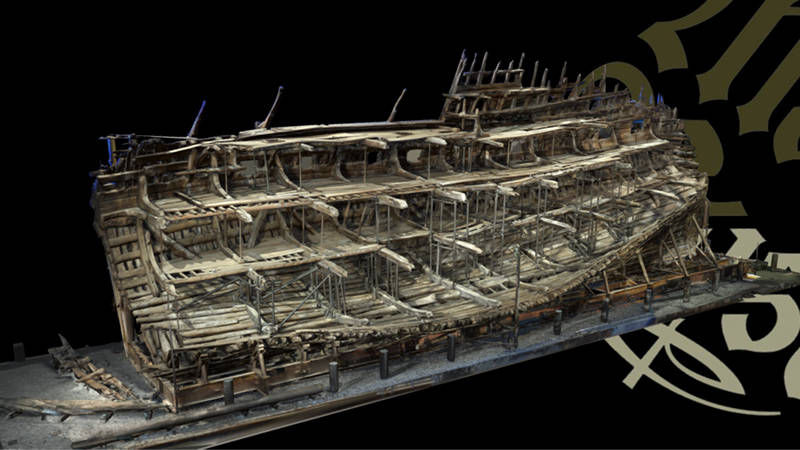
Built-in point classification. LAS defines a standardized classification system with codes for ground (2), low vegetation (3), medium vegetation (4), high vegetation (5), building (6), water (9), bridge deck (17), and many more. This is critical for surveying and geospatial workflows where automated ground classification drives deliverables like digital terrain models.
Mature geospatial integration. LAS files natively store coordinate reference system information using GeoTIFF keys. GIS software (ArcGIS, QGIS, Global Mapper), surveying software, and civil engineering tools all handle LAS files natively.
Simple, efficient structure. The fixed-length point record format makes LAS files fast to read, write, and process. Software can jump directly to any point in the file without parsing intervening data.
Wide adoption in aerial LiDAR. If your data comes from airborne LiDAR (drone or manned aircraft), it will almost certainly be delivered in LAS format. The entire aerial surveying industry is built around LAS.
Per-point attributes. Each point can carry intensity, return number (first/last/intermediate), scan angle, GPS time, classification code, and RGB color — all defined by the format standard.
Limitations of LAS
No image storage. LAS files contain only point data. If a scanning project includes panoramic photographs, camera calibration, or scanner position imagery, those must be delivered as separate files.
No multi-scan container. Each LAS file is a flat list of points. There is no built-in concept of “scan positions” or “scanner locations” within the file. If you need to know which scanner captured which points, that information must be tracked externally or encoded in a custom attribute.
File size. Uncompressed LAS files are large. A point cloud with 100 million points at LAS Point Data Record Format 2 (with RGB) generates approximately 2.6 GB of data. This is where LAZ compression becomes essential.
LAZ: Lossless Compression for LAS
LAZ is the compressed version of LAS, developed by Martin Isenburg (creator of LAStools). LAZ applies lossless arithmetic encoding to LAS point records, typically achieving 5:1 to 10:1 compression ratios. A 2.6 GB LAS file might compress to 300-500 MB as LAZ.
Key facts about LAZ:
- Lossless — Zero data loss. Decompressing a LAZ file produces the exact original LAS file, bit for bit.
- Widely supported — CloudCompare, LAStools, PDAL, QGIS, ArcGIS, Global Mapper, and most point cloud software read LAZ natively.
- Streaming capable — LAZ files can be read incrementally, allowing software to load and display data before the entire file is decompressed.
- De facto standard — While LAZ is not part of the official ASPRS LAS specification, it is so widely adopted that it functions as a standard compression format.
For practical purposes, when someone says “LAS” they often mean “LAS or LAZ.” The data content is identical — LAZ is simply the compressed transport format.
Side-by-Side Comparison
| Feature | E57 | LAS / LAZ |
|---|---|---|
| Governing body | ASTM International (E2807) | ASPRS |
| Primary use case | Vendor-neutral exchange, archiving | LiDAR survey delivery, geospatial |
| Point data | XYZ, intensity, RGB, custom attributes | XYZ, intensity, RGB, return number, classification, GPS time |
| Metadata | Comprehensive (scanner info, calibration, transforms) | Header + VLRs (CRS, projection, bounding box) |
| Image storage | Yes (panoramic images, camera data) | No |
| Multi-scan support | Yes (multiple scans in one file) | No (flat point list) |
| Classification codes | No built-in standard | Yes (ASPRS 0-255 codes) |
| Compression | Built-in lossless (50-70% reduction) | LAS = none; LAZ = lossless (70-80% reduction) |
| GIS integration | Limited | Native (GeoTIFF keys, CRS embedded) |
| Software support | Broad (most point cloud tools) | Broad (point cloud + GIS + survey tools) |
| Typical file size | 5-20 GB per building | LAS: 5-30 GB; LAZ: 0.5-5 GB |
When to Use E57
Choose E57 when:
- Exchanging data between different software platforms. E57 is the safest bet when you do not know what software the recipient uses. It is the closest thing to a universal format.
- Archiving a complete scanning project. E57’s ability to store scanner positions, panoramic images, and calibration data alongside point data makes it the best format for long-term project archives.
- Delivering to Autodesk workflows. While RCP/RCS is Autodesk’s native format, Revit 2025+ imports E57 directly. E57 avoids locking data into a proprietary ecosystem while remaining Autodesk-compatible.
- Working with terrestrial laser scanning data. Terrestrial scanners (Leica, FARO, Trimble) typically export E57 alongside their native formats. For building documentation and AEC work, E57 is the standard delivery format.
When to Use LAS
Choose LAS/LAZ when:
- Delivering aerial LiDAR data. Drone surveys, airborne LiDAR, and topographic mapping projects almost universally use LAS/LAZ. The format’s classification codes and geospatial metadata are designed for this workflow.
- Working in GIS environments. If data needs to load into ArcGIS, QGIS, or Global Mapper, LAS is the native format. E57 requires conversion or plugin support in most GIS tools.
- Point classification is required. LAS’s built-in classification system (ground, building, vegetation, water, etc.) is essential for surveying deliverables like digital terrain models, building footprints, and tree canopy analysis.
- File transfer size matters. LAZ compression achieves better compression ratios than E57’s built-in compression, making it more efficient for transferring large datasets over the internet.
Converting Between Formats
Converting between E57 and LAS is straightforward in most point cloud software. CloudCompare, LAStools, PDAL, and commercial platforms all support bidirectional conversion.
Important considerations when converting:
- E57 to LAS — Panoramic images, scanner position data, and some metadata will be lost because LAS does not support those features. The point data (coordinates, color, intensity) transfers cleanly.
- LAS to E57 — Classification codes transfer, but E57 stores them as custom attributes rather than using LAS’s standardized classification scheme. Some software may not recognize the classifications after conversion.
- Coordinate precision — Both formats store coordinates as double-precision values, so no precision is lost during conversion. However, verify that scale factors and offset values are handled correctly, especially for data in large coordinate systems.
- Color depth — LAS typically stores RGB as 16-bit values per channel, while some E57 implementations use 8-bit. Check color fidelity after conversion if accurate color is critical.
For a complete overview of all point cloud formats, including RCP/RCS, PLY, PTS, and others, see our point cloud file formats guide.
How THE FUTURE 3D Delivers Scan Data
When you work with THE FUTURE 3D for 3D laser scanning, we deliver registered, cleaned point cloud data in the formats your workflow requires. Our standard delivery includes:
- E57 — For universal compatibility and long-term archiving
- RCP/RCS — For Autodesk Revit and AutoCAD workflows
- LAS — For surveying, GIS, and geospatial applications
- OBJ — For 3D visualization and mesh-based workflows
We recommend E57 as the primary archival format for building documentation projects and LAS/LAZ for survey and site mapping deliverables. If you are unsure which format your team needs, we will advise based on your downstream software and workflow requirements.
Frequently Asked Questions
Can Revit open E57 files directly?
Yes. Starting with Revit 2025, you can import E57 files directly via Insert > Point Cloud without converting to RCP/RCS first. For multi-scan E57 files, Revit loads the entire registered dataset. Performance may be slightly better with RCP/RCS files that have been optimized in ReCap Pro, but direct E57 import works well for most projects.
Is LAZ compression truly lossless?
Yes. LAZ applies lossless arithmetic encoding to LAS point records. Decompressing a LAZ file produces the exact original LAS file with zero data loss — every coordinate, classification code, color value, and attribute is identical. This is fundamentally different from lossy compression (like JPEG for images) where some data is permanently discarded.
Which format produces smaller files, E57 or LAZ?
LAZ typically achieves smaller file sizes. LAZ compression ratios range from 4:1 to 7:1 (70-80% reduction), while E57’s built-in compression typically achieves 2:1 to 3:1 (50-70% reduction). For a 10 GB raw dataset, you might see a 2-3 GB LAZ file versus a 3-5 GB E57 file. The trade-off is that E57 stores additional metadata and imagery that LAZ does not.
Do I lose data converting E57 to LAS?
You lose metadata, not point data. The XYZ coordinates, color values, and intensity transfer cleanly. What gets dropped in conversion are E57-specific features: panoramic images, scanner position data, calibration information, and project metadata. If you need those features preserved, keep the original E57 file as an archive.
Which format should I request from my scanning provider?
Request both if possible. Ask for E57 as your archival and exchange format, and LAS/LAZ if you work in GIS or need classified point data. Most scanning providers deliver multiple formats at no additional cost. At THE FUTURE 3D, we include E57, RCP/RCS, and LAS in our standard deliverables.
Need scan data delivered in the exact format your software requires? Get a quote from THE FUTURE 3D or learn more about our 3D laser scanning services.
Ready to Start Your Project?
Get a free quote and consultation from our 3D scanning experts.
Get Your Free Quote

