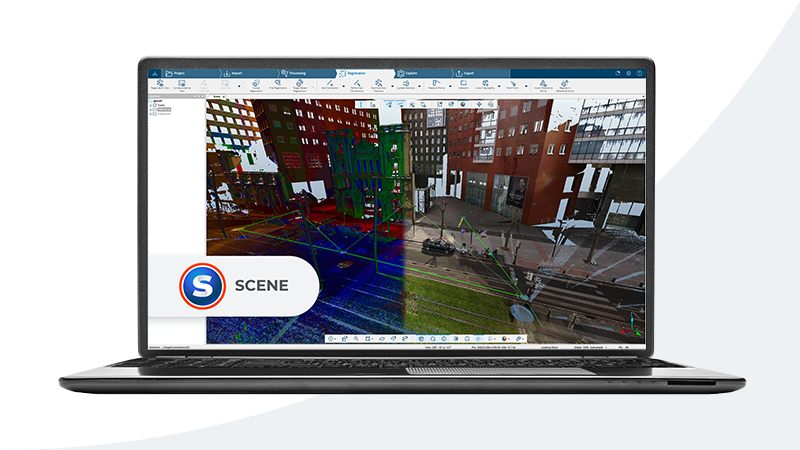
Working with point cloud data requires the right software. Whether you are viewing a quick scan, registering hundreds of scan positions, cleaning noise from a dataset, or preparing deliverables for a BIM team, the application you choose has a direct impact on your efficiency and the quality of your output.
The point cloud software landscape in 2026 includes free open-source tools, mid-range subscriptions, and full enterprise platforms. This guide covers the most relevant options for AEC (architecture, engineering, and construction) professionals, organized by category and workflow stage.
Point Cloud Software Categories
Before comparing specific applications, it helps to understand the four main categories of point cloud software. Most tools overlap across categories, but each has a primary strength.
Viewers let you open, navigate, and measure point cloud files without heavy processing capabilities. They are useful for quick inspections, client presentations, and basic measurements.
Registration software aligns multiple scan positions into a single unified coordinate system. This is the first processing step after field scanning and requires specialized algorithms for target-based, cloud-to-cloud, or SLAM-based alignment.
Processing and cleaning tools handle noise removal, outlier filtering, decimation, coordinate transformation, and export to various formats. These sit between raw scan data and final deliverables.
Modeling and analysis platforms support advanced workflows like clash detection, deviation analysis, feature extraction, and integration with BIM/CAD software.
Free and Open-Source Options
CloudCompare
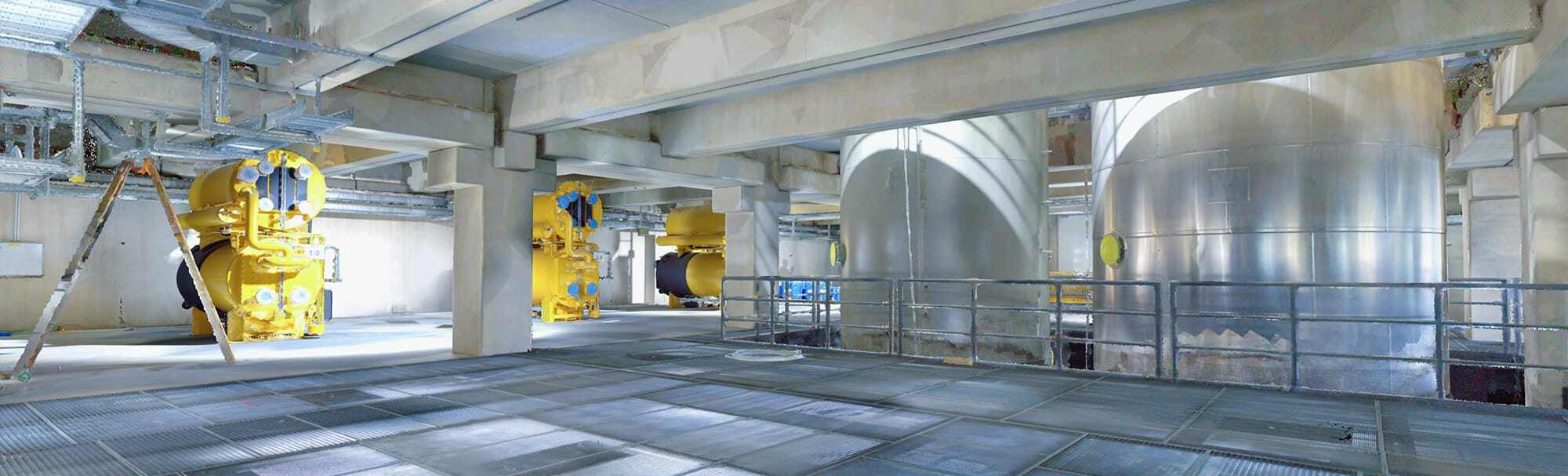
CloudCompare is the most capable free point cloud tool available. It is open source (GPL license), runs on Windows, macOS, and Linux, and supports virtually every point cloud format in use — E57, LAS/LAZ, PLY, PTS, PCD, OBJ, and many more.
Key strengths:
- Point cloud comparison and distance computation between datasets
- Registration using ICP (Iterative Closest Point) and manual alignment
- Segmentation, filtering, and subsampling tools
- Cross-section extraction and volume calculation
- Plugin architecture for extended functionality
Limitations:
- No CAD or BIM output — it processes point clouds, not models
- Interface is functional but not polished compared to commercial tools
- Limited scripting and batch processing compared to enterprise platforms
CloudCompare is an excellent choice for students, researchers, and professionals who need to inspect, measure, and compare point clouds without a software budget. For many AEC workflows, it serves as a reliable secondary tool alongside a commercial platform.
Price: Free (open source) OS: Windows, macOS, Linux Formats: E57, LAS/LAZ, PLY, PTS, PCD, OBJ, BIN, and 20+ more
MeshLab
MeshLab focuses on mesh processing rather than raw point clouds, but it handles point cloud import and can generate meshes from scan data. It is useful for converting point clouds to surface models and performing mesh repair, simplification, and analysis.
Price: Free (open source) OS: Windows, macOS, Linux Best for: Mesh generation from point clouds, surface reconstruction
Potree
Potree is a web-based point cloud renderer. It loads point clouds in the browser, making it ideal for sharing scan data with clients and stakeholders who do not have desktop software installed. Several commercial platforms (including Leica’s Cyclone 360 viewer) use Potree’s rendering engine under the hood.
Price: Free (open source) Best for: Web-based viewing, client sharing, embedding in web applications
Autodesk Ecosystem
Autodesk ReCap Pro
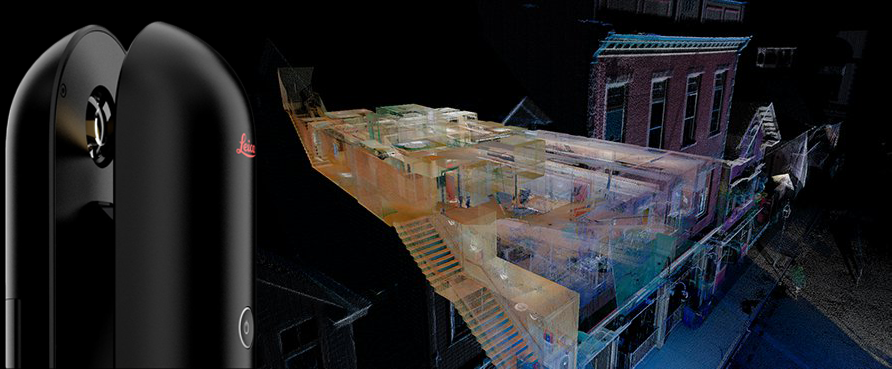
ReCap Pro is the standard entry point for bringing scan data into the Autodesk ecosystem. It handles scan registration, point cloud cleaning, and export to RCP/RCS format — the native format for Revit and AutoCAD point cloud workflows.
Key strengths:
- Registration of scan positions with automatic and manual alignment
- Noise removal and outlier cleaning
- Export to RCP/RCS for direct use in Revit, AutoCAD, and Navisworks
- Cloud processing for large datasets via Autodesk cloud credits
- E57 import support
Limitations:
- Tightly integrated with the Autodesk ecosystem — limited value outside of it
- Cloud processing uses token credits that require management
- Not designed for advanced analysis or comparison workflows
ReCap Pro is the go-to choice if your downstream workflow involves Revit or AutoCAD. It bridges the gap between raw scan data and Autodesk’s BIM/CAD tools effectively.
Price: Approximately $375/year (subscription) OS: Windows Formats: E57, RCP, RCS, PTX, PTS, and scanner-native formats
Revit (Point Cloud Support)
Revit is not point cloud software per se, but it natively imports RCP, RCS, and E57 files as linked references. BIM modelers use the point cloud as a tracing reference to build intelligent Revit models — the core of the Scan-to-BIM workflow. Our guide on importing point clouds into Revit covers this workflow in detail.
Professional / Enterprise Platforms
Leica Cyclone
Leica Cyclone is a suite of applications covering the full scan-to-deliverable pipeline. The main components include:
- Cyclone REGISTER 360 — Scan registration with visual alignment, cloud-to-cloud matching, and survey control integration
- Cyclone 3DR — Point cloud analysis, meshing, inspection, and reporting
- Cyclone ENTERPRISE — Server-based project management for large teams
- CloudWorx — Plugins for Revit, AutoCAD, Navisworks, and MicroStation that allow direct point cloud interaction inside those applications
Key strengths:
- Industry-leading registration accuracy and workflow
- CloudWorx plugins bring point clouds directly into BIM/CAD environments
- JetStream server technology for massive datasets (billions of points)
- Comprehensive reporting and deliverable generation
- Works with any scanner brand, not just Leica
Limitations:
- High licensing cost — enterprise pricing typically requires a quote
- Steep learning curve for the full suite
- Windows only for most components
Cyclone is the professional standard for firms that handle large-volume scanning projects. Its registration tools and CloudWorx plugins are considered best-in-class by many AEC scanning professionals.
Price: Enterprise licensing (contact Leica for pricing) OS: Windows (CloudWorx plugins available for Revit, AutoCAD, MicroStation) Formats: E57, LAS, PTS, PTX, and proprietary Leica formats
Trimble RealWorks
Trimble RealWorks is a full-featured point cloud processing platform designed for surveying and AEC workflows. It covers registration, cleaning, analysis, and deliverable generation.
Key strengths:
- Automated and semi-automated registration workflows
- Floor plan extraction and cross-section generation
- Inspection and deviation analysis against design surfaces
- Integration with Trimble field hardware and software ecosystem
- Supports point cloud classification and feature extraction
Limitations:
- Strongest when paired with Trimble hardware
- Licensing cost comparable to other enterprise platforms
Price: Enterprise licensing (contact Trimble for pricing) OS: Windows Formats: E57, LAS, RCP, and Trimble native formats
FARO SCENE
FARO SCENE is the primary software for processing data from FARO laser scanners, though it also supports third-party scan data via E57 import.
Key strengths:
- Automated registration optimized for FARO Focus and FreeStyle scanners
- Color mapping and HDR image processing from scanner cameras
- WebShare for browser-based project sharing with measurement tools
- Real-time on-site registration for field verification
Limitations:
- Strongest with FARO hardware — less feature-rich for non-FARO data
- WebShare requires separate hosting configuration
Price: License included with some FARO scanner purchases; standalone pricing varies OS: Windows Formats: FARO native, E57, LAS, PTS
Comparison Table
| Software | Price | OS | Key Formats | Best For |
|---|---|---|---|---|
| CloudCompare | Free | Win/Mac/Linux | E57, LAS, PLY, PTS, 20+ more | Viewing, comparison, analysis |
| MeshLab | Free | Win/Mac/Linux | PLY, OBJ, STL, PTS | Mesh generation, surface repair |
| Potree | Free | Web browser | LAS, LAZ | Client sharing, web embedding |
| ReCap Pro | ~$375/yr | Windows | E57, RCP, RCS, PTX | Autodesk ecosystem registration |
| Leica Cyclone | Enterprise | Windows | E57, LAS, PTS, PTX | Large projects, BIM integration |
| Trimble RealWorks | Enterprise | Windows | E57, LAS, RCP | Surveying, inspection, analysis |
| FARO SCENE | Varies | Windows | E57, LAS, PTS | FARO scanner workflows |
How to Choose Based on Your Workflow
The right software depends on where you sit in the project lifecycle and what tools your team already uses.
If you just need to view and measure point clouds: Start with CloudCompare. It is free, handles every format, and provides reliable measurement tools. For sharing with non-technical stakeholders, Potree or a cloud viewer is more appropriate.
If your downstream workflow is Revit or AutoCAD: ReCap Pro is the natural choice. It converts raw scan data into RCP/RCS files that import cleanly into Revit, and its registration tools are solid for standard projects.
If you run a scanning firm processing high volumes: Leica Cyclone or Trimble RealWorks offer the automation, batch processing, and reporting features needed for production-level throughput. The upfront investment pays off quickly when processing dozens of projects per month.
If you primarily use FARO scanners: FARO SCENE is optimized for FARO data and offers the smoothest field-to-office workflow for that hardware.
If you need to compare datasets or perform deviation analysis: CloudCompare (free) and Cyclone 3DR (paid) both excel at cloud-to-cloud comparison and tolerance-based inspection.
For most AEC firms that receive point cloud data from scanning providers, the combination of ReCap Pro (for processing) and CloudCompare (for inspection and verification) covers the majority of needs at a reasonable cost.
What THE FUTURE 3D Delivers
When you work with THE FUTURE 3D for 3D laser scanning, we deliver production-ready point cloud data in the formats your software requires — E57 for universal compatibility, RCP/RCS for Autodesk workflows, and LAS for surveying applications. Our data is registered, cleaned, and optimized so you can load it directly into your preferred software and start working immediately.
To understand the file formats we deliver, see our guide on point cloud file formats. For a foundational understanding of what point clouds are and how they work, our point cloud overview covers the basics.
Frequently Asked Questions
Is CloudCompare good enough for professional AEC work?
CloudCompare is a capable tool for viewing, measuring, comparing, and analyzing point clouds. Many professional firms use it alongside commercial software for tasks like QA verification, deviation analysis, and quick inspections. Where it falls short is in automated registration workflows, reporting, and direct BIM/CAD integration — areas where commercial platforms like Cyclone and ReCap Pro are significantly more efficient. For firms that receive already-registered point clouds from scanning providers, CloudCompare often handles the remaining analysis tasks well.
Can I open E57 files in free software?
Yes. CloudCompare opens E57 files natively, as do several other free viewers. E57 is an open standard (ASTM E2807), and broad software support is one of its primary advantages. You can view, measure, and analyze E57 point clouds in CloudCompare without spending anything on software.
Do I need ReCap Pro to use point clouds in Revit?
Not necessarily. Revit 2025 and later versions can import E57 files directly without converting them in ReCap first. However, ReCap Pro remains valuable for registration (aligning multiple scan positions), cleaning, and optimizing point clouds before they reach Revit. For single-scan E57 files or pre-registered datasets, direct Revit import works fine. For multi-scan projects that need alignment, ReCap Pro or an equivalent registration tool is still needed.
What is the difference between Leica Cyclone and CloudWorx?
Cyclone is the standalone point cloud processing platform where you register scans, clean data, and perform analysis. CloudWorx is a set of plugins that bring Cyclone’s point cloud viewing and measurement capabilities directly inside BIM/CAD applications like Revit, AutoCAD, and MicroStation. Think of Cyclone as the processing engine and CloudWorx as the bridge into your modeling environment.
How large a point cloud can these programs handle?
Capacity depends on your hardware (RAM and GPU) as much as the software. CloudCompare can handle datasets of 100 million to several hundred million points on a modern workstation with 32-64 GB of RAM. Leica Cyclone’s JetStream technology can serve billions of points by streaming data from a server, making it suitable for campus-scale or city-scale projects. ReCap Pro handles typical building-scale datasets (50-500 scan positions) efficiently. For extremely large datasets, enterprise platforms with server-based architectures (Cyclone ENTERPRISE, Trimble Connect) are the appropriate choice.
Need production-ready point cloud data in the format your software requires? Get a quote from THE FUTURE 3D or explore our 3D laser scanning services to see how we deliver scan data optimized for your workflow. You can also use our interactive point cloud software comparison tool to filter and compare applications by feature, price, and platform.
Ready to Start Your Project?
Get a free quote and consultation from our 3D scanning experts.
Get Your Free Quote

