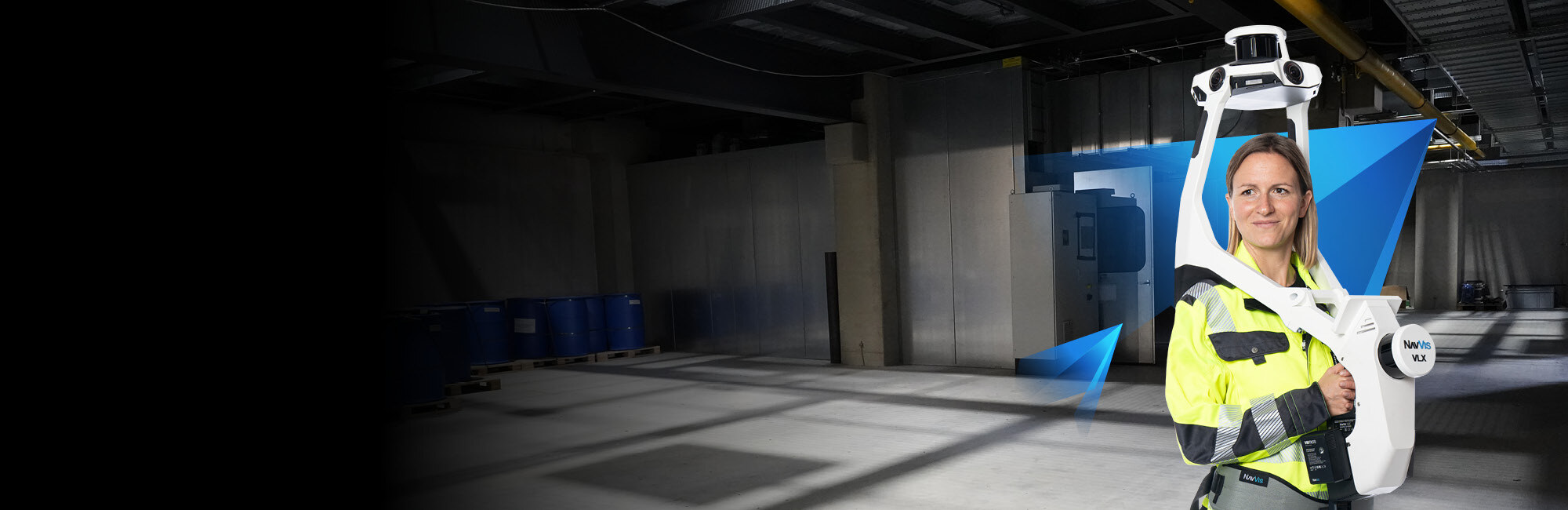
Warehouses are among the most challenging buildings to document with traditional surveying methods. The sheer square footage, repetitive racking layouts, high ceilings, and constant operational activity make conventional measurement approaches painfully slow and disruptive. Mobile SLAM scanning removes the step that dominates a traditional survey of a distribution center — stopping to set up an instrument at every measurement position — because the operator captures continuously while walking the aisles.
This guide covers everything you need to know about 3D scanning a warehouse: why facilities need it, which technology works best, what it costs, what the process looks like, and how to choose a provider.
Why Warehouses Need 3D Scanning
Warehouse operations are evolving. E-commerce growth, automation integration, and supply chain optimization are driving facility managers and owners to demand accurate spatial data about their buildings. Here is why 3D scanning has become essential for modern warehouse management.
Rack Optimization and Layout Planning
The difference between an optimized and an unoptimized warehouse layout can represent millions of dollars in operational efficiency. A 3D scan captures the exact dimensions of every aisle, rack bay, clearance height, and structural element. This data allows layout planners to model changes before physically moving anything — testing new rack configurations, evaluating automation paths, and maximizing cubic utilization.
WMS and Automation Integration
Warehouse Management Systems (WMS) and automated guided vehicles (AGVs) require accurate facility models to function correctly. AGVs need precise floor maps and clearance data. WMS systems benefit from accurate bin locations and dimensional data. A 3D scan provides the spatial foundation that makes automation work.
Lease Verification and Space Audits
For landlords and tenants, a 3D scan provides an indisputable measurement of leasable square footage, clear heights, column spacing, and dock configurations. This eliminates disputes about space dimensions and provides documented evidence for lease negotiations.
Insurance and Compliance Documentation
Insurance carriers increasingly request documented building conditions. A point cloud captures the as-built state of the facility including fire suppression systems, egress routes, electrical infrastructure, and structural elements. This documentation supports insurance applications and compliance audits.
Renovation and Expansion Planning
Before any renovation or expansion project, the existing conditions need accurate documentation. Architectural and engineering teams need precise floor plans, ceiling heights, column grids, utility locations, and structural details. A 3D scan captures all of this in a fraction of the time that manual measurement would require.
Mobile SLAM vs. Tripod Scanning for Warehouses
Two fundamentally different scanning approaches exist for warehouse documentation, and the choice between them matters significantly for cost, timeline, and disruption.
Tripod-Based Terrestrial Scanning
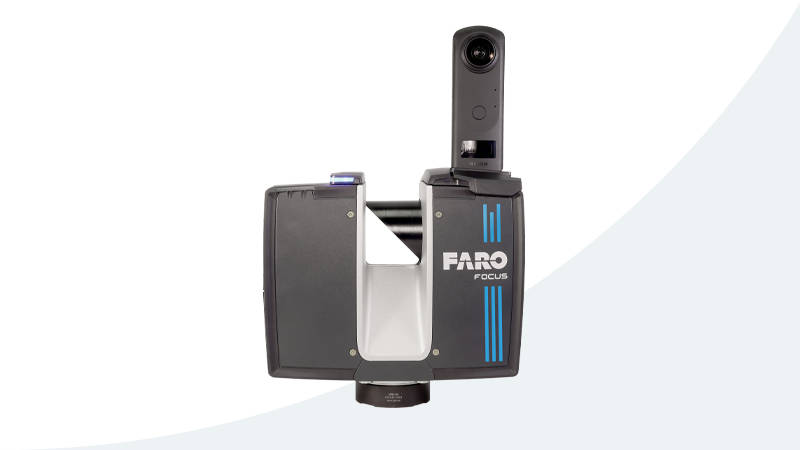
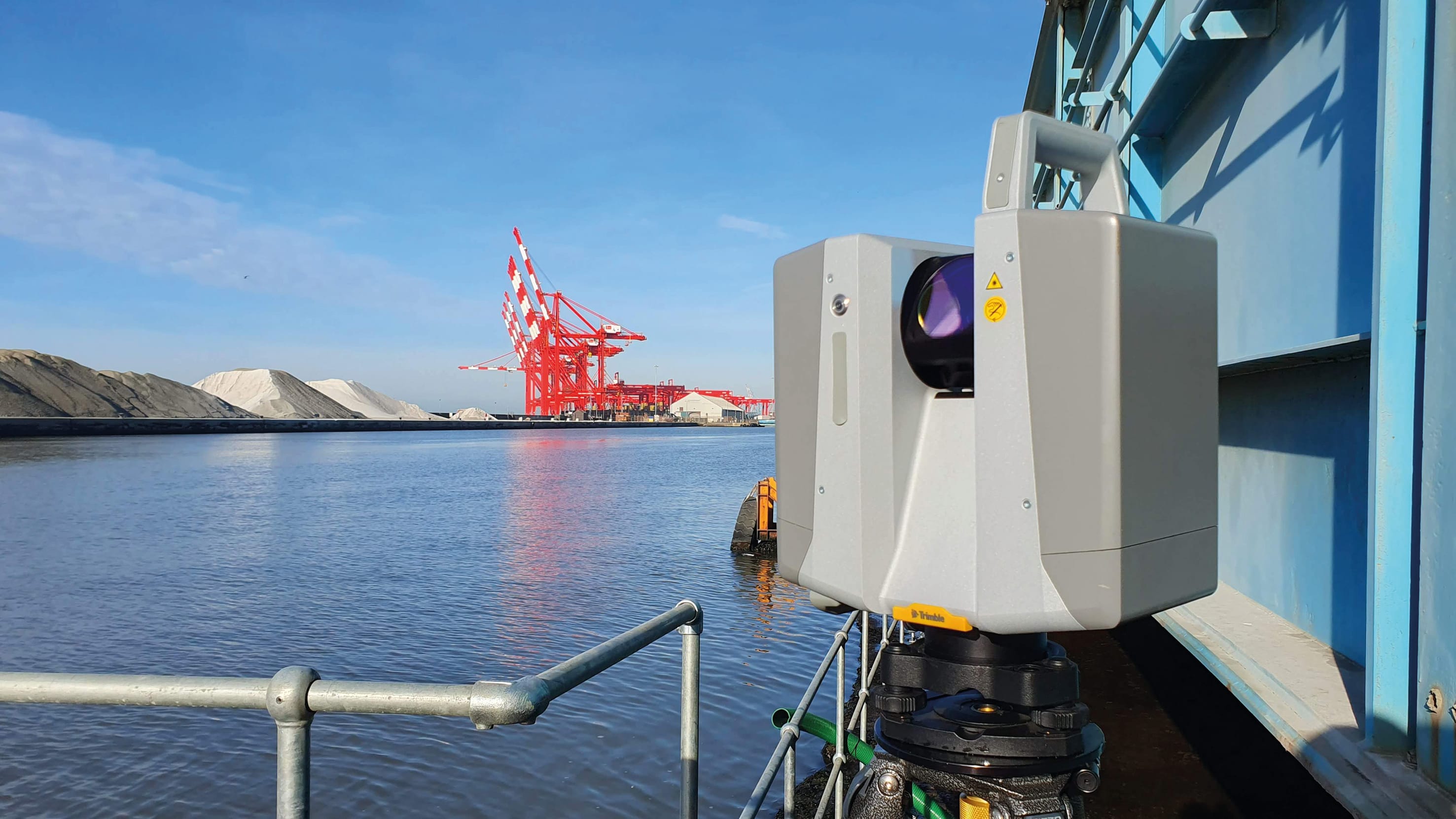
A tripod-mounted scanner like the Trimble X12 or FARO Focus Premium is placed at a fixed position, captures a 360-degree point cloud, then gets moved to the next position. Each position takes 2-5 minutes. For warehouse documentation, positions are typically spaced 10-15 meters apart.
For a 200,000-square-foot warehouse:
- Approximately 500-800 scan positions needed
- 3-5 days of field work (with a 2-person crew)
- Accuracy: 1-3mm
- Significant operational disruption (tripods block aisles)
Mobile SLAM Scanning
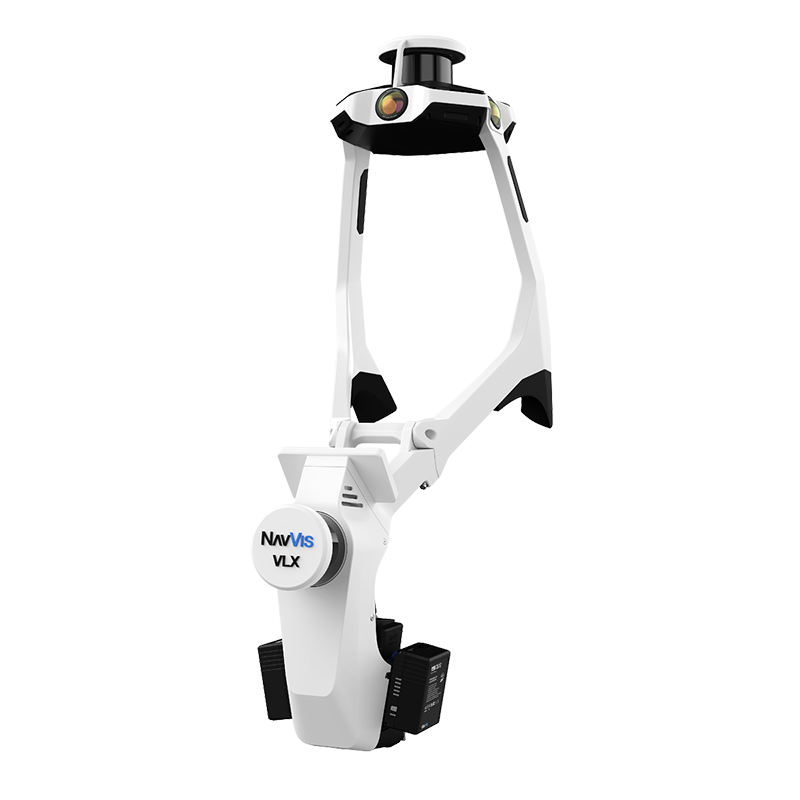
A mobile SLAM scanner like the NavVis VLX 3 is worn by the operator, who walks through the facility at normal pace. The scanner captures continuously, using SLAM (Simultaneous Localization and Mapping) algorithms to build the point cloud in real time.
For the same 200,000-square-foot warehouse:
- Continuous walking capture — no stopping for setup
- 4-8 hours of field work (single operator)
- Accuracy: 5-10mm
- Minimal operational disruption (operator walks through like any visitor)
Which Approach Wins for Warehouses?
For the vast majority of warehouse projects, mobile SLAM scanning is the better choice. Here is why:
Speed advantage is dramatic. Mobile scanning covers 200,000-300,000 square feet per day versus 20,000-40,000 for tripod scanning, capturing continuously while the operator walks, where a tripod scanner has to be positioned, levelled and moved for every single scan. The real figure on any given warehouse depends on aisle layout, rack density, clear floor access and the point density the project requires.
Operational disruption is minimal. A mobile scanner operator walks through open aisles without blocking traffic. Tripod scanners require clearing aisle space and pausing forklift operations around each scan position.
Accuracy is sufficient. Most warehouse applications — layout planning, WMS integration, lease verification, renovation planning — require accuracy in the 5-15mm range. Mobile SLAM delivers this comfortably. The 1-3mm accuracy of tripod scanning is only necessary for applications like mechanical piping documentation or construction QA/QC.
Cost is lower. Less field time translates directly to lower project costs. Mobile scanning projects typically cost 40-60% less than equivalent tripod-scanned projects.
The exception: If the warehouse project requires sub-5mm accuracy (for example, documenting conveyor systems with tight mechanical tolerances), tripod scanning may be necessary for specific areas. A hybrid approach — mobile scanning for the general facility and tripod scanning for mechanical areas — often provides the best balance.
What Warehouse 3D Scanning Costs
Warehouse scanning costs depend on facility size, complexity, and deliverable requirements. Here are typical ranges based on THE FUTURE 3D’s pricing structure.
Cost by Facility Size
| Warehouse Size | Typical Cost Range | Method |
|---|---|---|
| Small (under 50,000 sqft) | $3,000 - $8,000 | Mobile SLAM |
| Medium (50,000-200,000 sqft) | $8,000 - $25,000 | Mobile SLAM |
| Large (200,000-500,000 sqft) | $20,000 - $50,000 | Mobile SLAM |
| Mega (500,000+ sqft) | $40,000 - $100,000+ | Mobile SLAM or hybrid |
Per-Square-Foot Rates
Commercial scanning rates typically fall between $0.20 and $0.70 per square foot. For warehouse projects, rates tend toward the lower end of this range because warehouses have relatively simple geometry (large open spaces, repetitive layouts) compared to complex commercial buildings.
Factors that push warehouse scanning costs higher:
- Multi-level mezzanines requiring separate scan passes
- Dense racking reducing scanner line-of-sight
- Active operations requiring night/weekend scheduling
- Additional deliverables beyond basic point cloud (floor plans, clearance maps, BIM-ready data)
- Access restrictions requiring safety escorts or confined space protocols
Minimum Project Costs
- Single small warehouse: $3,000 minimum (commercial project)
- Industrial facility: $10,000 minimum
- Multi-building campus: Based on total scope
Pricing varies by location based on local market conditions and project logistics. Contact us for a project-specific quote.
The Warehouse Scanning Process
A well-executed warehouse scanning project follows a structured process from initial planning through final deliverable handoff.
Step 1: Pre-Scan Planning (1-2 Days Before)
Before the scanner arrives on-site, the scanning team works with the facility manager to plan the capture:
- Scope definition: Which areas need scanning? The entire facility? Only occupied zones? Dock areas? Exterior?
- Access scheduling: When can scanning happen with minimal operational impact? Overnight shifts and weekends are common for active distribution centers.
- Control point placement: If georeferencing is required, survey control points are established before scanning begins.
- Safety coordination: PPE requirements, restricted areas, forklift traffic patterns, and escort requirements are documented.
Step 2: Field Capture (1-3 Days)
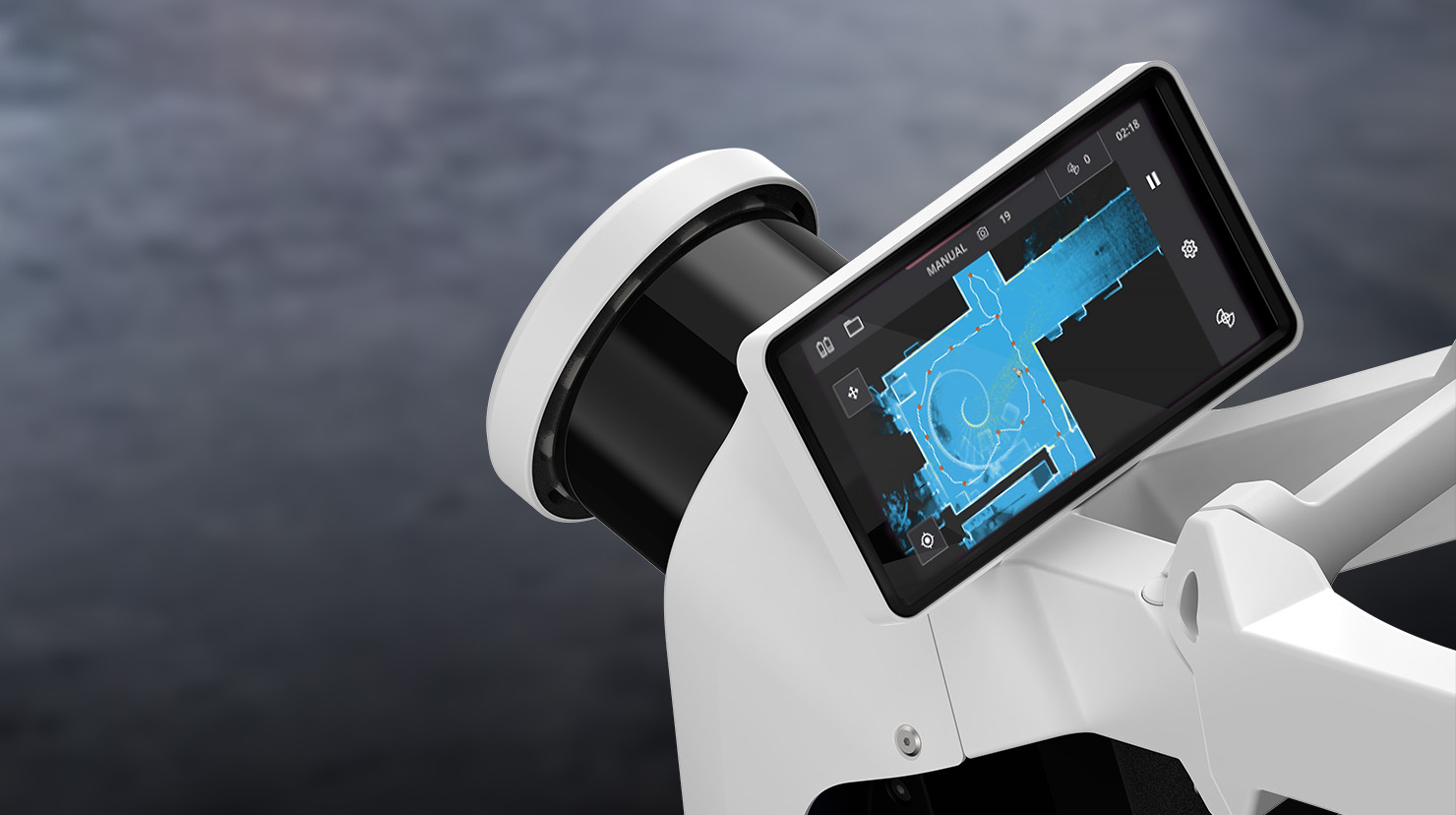
On scan day, the operator arrives with the mobile scanning equipment. For a NavVis VLX 3 deployment:
- Equipment setup: 10-15 minutes to power on, calibrate, and begin
- Scanning: The operator walks through every aisle, corridor, dock area, and office space at a normal walking pace (3-5 km/h). The scanner captures continuously.
- Loop closures: The operator periodically returns to previously scanned areas to create “loop closures” — points where the SLAM algorithm can correct any accumulated drift. This is critical for maintaining accuracy across large facilities.
- Coverage verification: Real-time feedback on the scanner’s display confirms complete coverage. Any missed areas are re-scanned immediately.
How long a warehouse takes depends on the walkable route, the racking density and the level of detail required — we estimate it from the facility’s floor plans rather than applying a generic area-per-hour rate.
Step 3: Data Processing (1-3 Days)
After field capture, the raw scan data is processed:
- Point cloud generation: SLAM algorithms process the raw data into a unified 3D point cloud
- Quality check: The point cloud is inspected for coverage gaps, drift artifacts, and noise
- Cleaning: Unwanted objects (people, moving forklifts, temporary items) are removed
- Registration: If multiple scan sessions were required, they are aligned into a single coordinate system
- Colorization: Camera imagery is mapped onto the point cloud for photorealistic visualization
Step 4: Deliverable Production (2-5 Days)
The processed point cloud becomes the foundation for project deliverables:
- Registered point cloud in E57, RCP, LAS, or other requested formats
- 2D floor plans extracted from the 3D data showing rack layouts, column grids, and room boundaries
- Clearance height maps showing available vertical space across the facility
- Panoramic imagery (if captured with cameras) for virtual walkthroughs via platforms like NavVis IVION
- QA report documenting scan coverage, accuracy metrics, and coordinate system details
Step 5: Delivery and Handoff
Final deliverables are transferred via secure file sharing (point clouds can be 10-100+ GB). The scanning team provides a walkthrough of the data and answers questions about format compatibility with the client’s existing software tools.
What to Look for in a Warehouse Scanning Provider
Not all scanning providers have experience with large-format warehouse projects. Here are the factors that separate qualified providers from those likely to struggle.
Equipment Matters
The provider should operate professional-grade mobile SLAM scanners. The NavVis VLX 3 and NavVis MLX are industry-leading mobile mapping systems. Ask specifically which scanner they will use and what accuracy it achieves.
For hybrid projects that require some high-accuracy areas, the provider should also have terrestrial scanners (Trimble X12, FARO Focus Premium, or similar) and experience registering mobile and terrestrial data together.
Large-Area Experience
Scanning a 5,000-square-foot office is fundamentally different from scanning a 300,000-square-foot distribution center. Ask for examples of large-format projects the provider has completed. Key indicators of large-area competence:
- Experience with SLAM loop closure strategies across long distances
- Ability to manage multi-session scans across multiple days
- Processing infrastructure capable of handling 50+ GB point clouds
- Understanding of warehouse-specific challenges (repetitive geometry, limited SLAM features in empty aisles)
Operational Awareness
A good warehouse scanning provider understands that the facility is a working operation. They should be comfortable scanning around active operations, coordinating with facility management for access, and completing work within agreed time windows.
Deliverable Flexibility
Different stakeholders need different outputs from the same scan data. Architects need floor plans. Facility managers need clearance maps. WMS integrators need specific data formats. The provider should be able to produce the full range of deliverables from a single scanning campaign.
Timeline Expectations
| Phase | Duration | Notes |
|---|---|---|
| Pre-scan planning | 1-2 days | Remote coordination with facility manager |
| Mobilization | 1 day | Travel to site, equipment prep |
| Field capture | 1-3 days | Depends on facility size, layout and required detail; mobile SLAM covers 200,000-300,000 sqft/day |
| Processing | 1-3 days | Point cloud generation and cleaning |
| Deliverable production | 2-5 days | Floor plans, reports, exports |
| Total typical project | 1-2 weeks | From kickoff to final delivery |
For rush or emergency projects, accelerated timelines are available. Contact us to discuss expedited scheduling.
Frequently Asked Questions
Can you scan a warehouse while it is operating?
Yes. Mobile SLAM scanning is specifically designed to work in active environments. The operator walks through open aisles at normal pace without blocking forklift traffic or requiring operations to shut down. Scanning during lower-activity periods (early morning, overnight, weekends) is recommended for the cleanest data, but it is not required.
How accurate is warehouse scanning?
Mobile SLAM scanning achieves 5-10mm accuracy, which is sufficient for layout planning, WMS integration, lease verification, and renovation design. If specific areas require higher accuracy (mechanical documentation, conveyor tolerances), tripod scanning at 1-3mm can be used for those zones while mobile handles the general facility.
What file formats will I receive?
Standard deliverables include E57 (universal point cloud format), RCP/RCS (for Autodesk Revit and ReCap), LAS/LAZ (for GIS applications), and OBJ mesh. Specific formats can be requested based on your downstream software requirements.
How large are the data files?
A warehouse point cloud typically ranges from 5 GB (small facility) to 100+ GB (mega distribution center). File sizes depend on scan density, facility size, and whether colorized imagery is included. The provider should deliver data via secure file transfer, not email.
Can the scan data integrate with our WMS?
Yes. Point cloud data can be exported in formats compatible with WMS platforms and CAD/GIS systems. The 3D data provides accurate spatial coordinates for bin locations, aisle dimensions, and building geometry that WMS and automation systems require.
Do I need to clear the warehouse before scanning?
No. Mobile scanners capture the facility as-is, including racking, inventory, equipment, and infrastructure. For renovation planning, scanning the occupied facility actually provides more useful data because it documents the current operational layout. If the goal is to capture bare building geometry only, scanning during a vacancy period is preferred.
How often should a warehouse be re-scanned?
For facilities undergoing frequent layout changes, annual or bi-annual re-scanning captures the current state. For stable facilities, a single comprehensive scan may serve for 5-10 years. Major events that trigger re-scanning include rack reconfigurations, mezzanine additions, automation installations, and ownership or lease transitions.
Ready to scan your warehouse? Get a quote from THE FUTURE 3D. We deploy mobile SLAM scanning technology that documents facilities up to 300,000 square feet per day with minimal operational disruption. Explore our 3D laser scanning services or learn more about our NavVis VLX 3 mobile mapping system.
Ready to Start Your Project?
Get a free quote and consultation from our 3D scanning experts.
Get Your Free Quote

