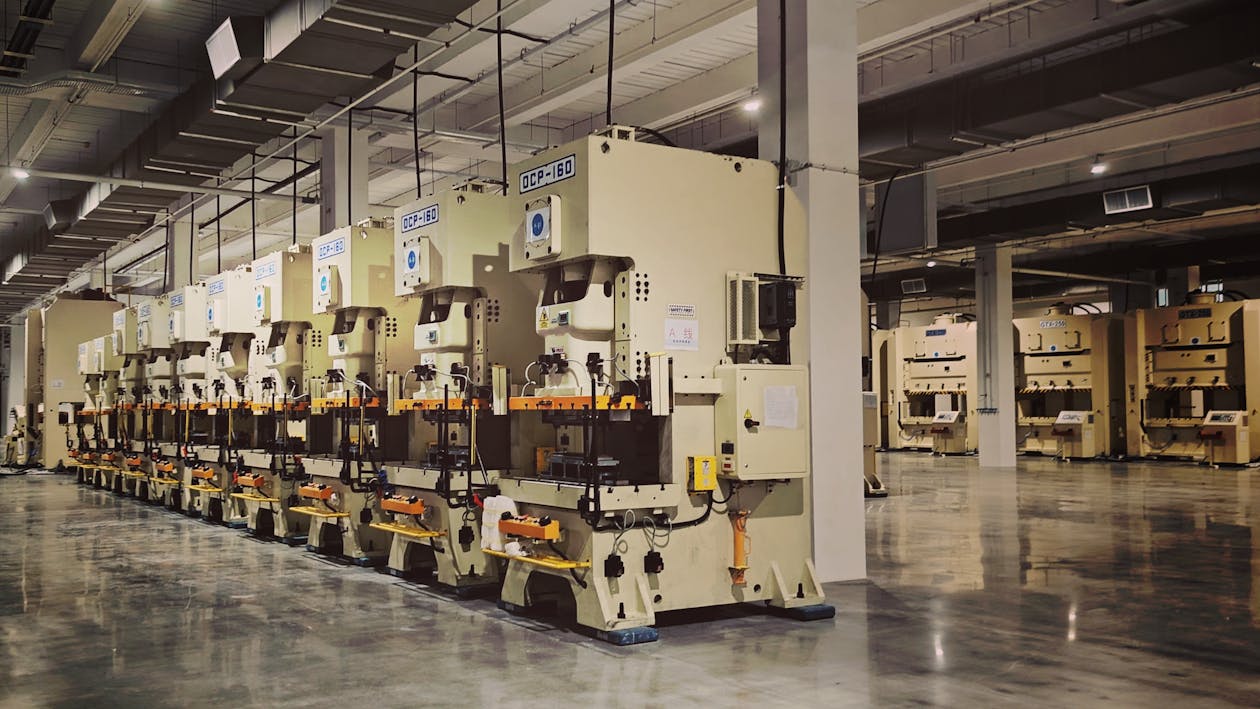
Manufacturing plants are among the most complex environments to document accurately. Dense equipment layouts, overhead piping networks, active production lines, and decades of undocumented modifications create facilities where the as-built reality rarely matches the original drawings. For many factories, reliable documentation simply does not exist.
Mobile SLAM scanning has changed what is practical for factory documentation. Instead of shutting down production lines for a week while a tripod-mounted scanner captures one position at a time, an operator can walk through an active facility with a wearable scanner and capture the entire plant in a fraction of the time. The result is a comprehensive digital twin that captures the factory as it actually exists today.
Why Factories Need Digital Twins
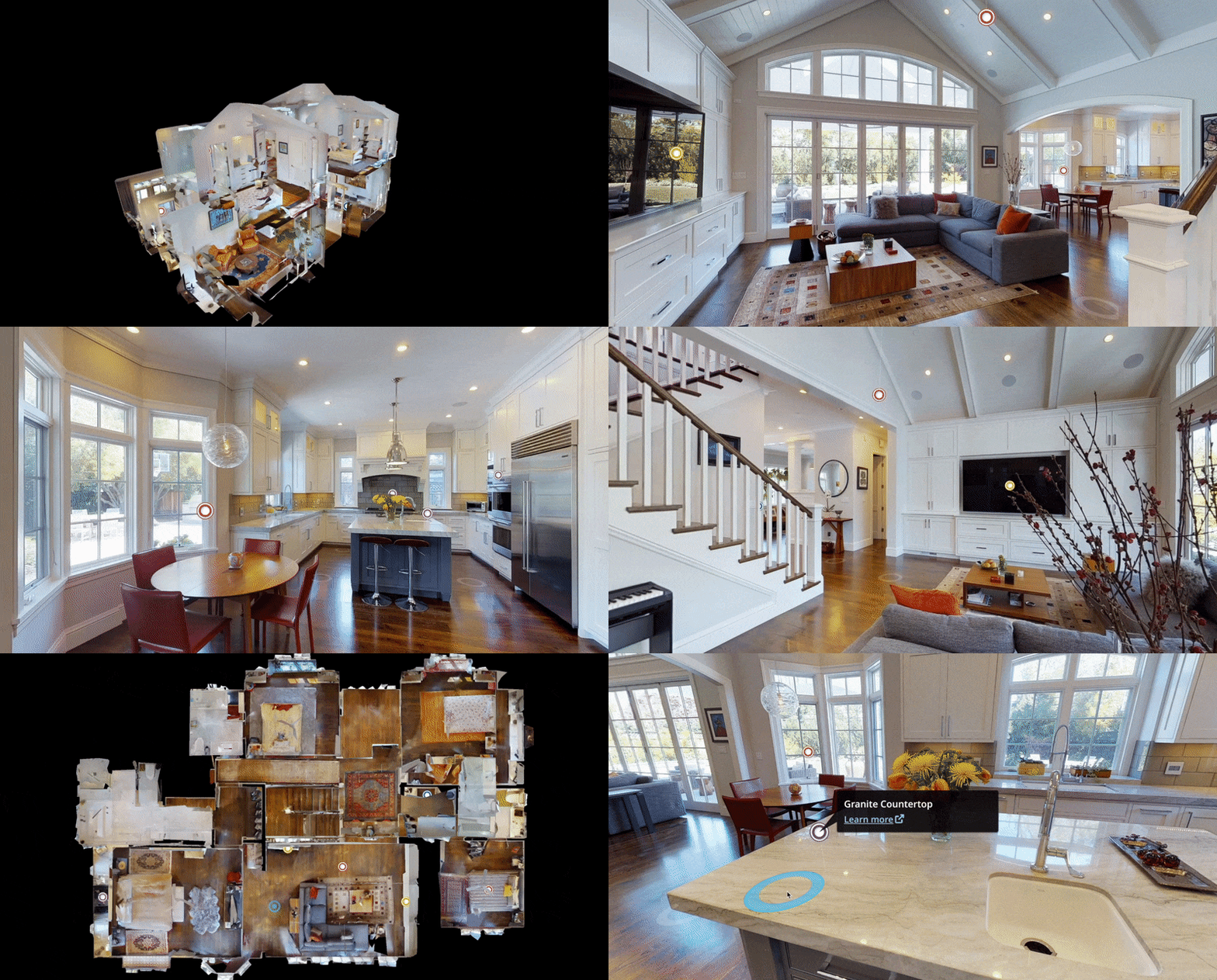
A factory digital twin is a spatially accurate 3D representation of a physical manufacturing facility. It captures the geometry of the building, the layout of every piece of equipment, the routing of every pipe and conduit, and the configuration of every workspace. Here is why this matters for modern manufacturing operations.
Industry 4.0 and Smart Manufacturing
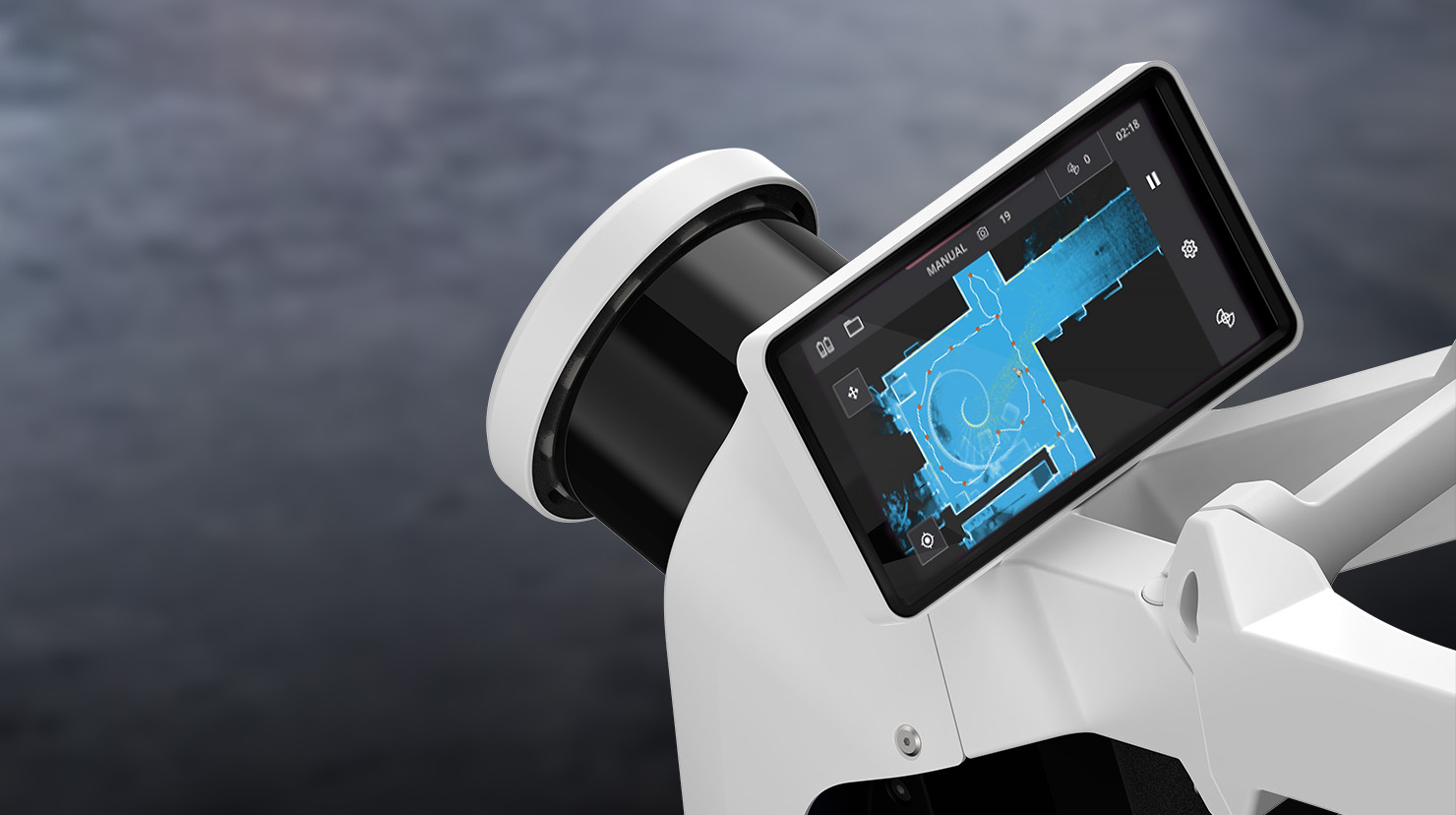
Industry 4.0 — the integration of IoT sensors, automation, AI, and data analytics into manufacturing processes — requires a spatial foundation. Automated guided vehicles need accurate floor maps. IoT sensor placement requires understanding of facility geometry. Production optimization algorithms need spatial context for equipment relationships. A digital twin provides that foundation.
Without an accurate spatial model, smart manufacturing initiatives are built on assumptions rather than data. The digital twin becomes the map that all other Industry 4.0 systems reference.
Equipment Documentation
Most factories contain equipment that was installed over decades by different contractors, often without consistent documentation. A 3D scan captures the exact position, dimensions, and spatial relationships of every piece of equipment — information that is critical for maintenance planning, equipment relocation, and new installation design.
When a new piece of equipment needs to be installed, the engineering team needs to know exactly what space is available, where utilities are routed, what clearances exist, and how the new equipment relates to existing infrastructure. A digital twin provides all of this without requiring a site visit for every planning question.
Safety and Compliance
Manufacturing facilities are subject to extensive safety regulations — OSHA standards, fire codes, EPA requirements, and industry-specific compliance frameworks. A digital twin documents egress routes, fire suppression coverage, hazardous material storage locations, emergency equipment positions, and clearance requirements. This documentation supports regulatory audits, insurance inspections, and safety program management.
When OSHA or a local fire marshal requests documentation of egress widths, sprinkler coverage, or hazardous material setbacks, the digital twin provides measured, verifiable answers.
Renovation and Expansion Planning
Manufacturing facilities regularly undergo modifications — new production lines, equipment replacements, utility upgrades, building expansions. Every modification requires accurate existing-condition documentation. A digital twin captures the current state of the facility, providing architects and engineers with the spatial data they need to design modifications without dimensional surprises.
The alternative — relying on original construction drawings that may not reflect decades of changes — leads to design conflicts, field modifications, and project delays.
Process Piping Documentation
Process piping networks in manufacturing plants are among the most difficult building systems to document accurately. Pipes of varying diameters run at different elevations, branch and merge, penetrate walls and floors, and connect to equipment in configurations that change over time. A 3D point cloud captures all of this geometry, providing the basis for pipe routing documentation, clash detection with proposed new installations, and maintenance planning.
Mobile SLAM Advantages in Active Manufacturing

Scanning an active manufacturing facility presents challenges that favor mobile SLAM technology over traditional tripod-based methods.
Minimal Production Disruption
The most significant advantage is operational continuity. A tripod scanner requires a clear line of sight and stable footing — meaning production areas must be cleared, equipment must be shut down, and workers must be redirected. For a large manufacturing plant, this can mean days of partial shutdowns that directly impact production output and revenue.
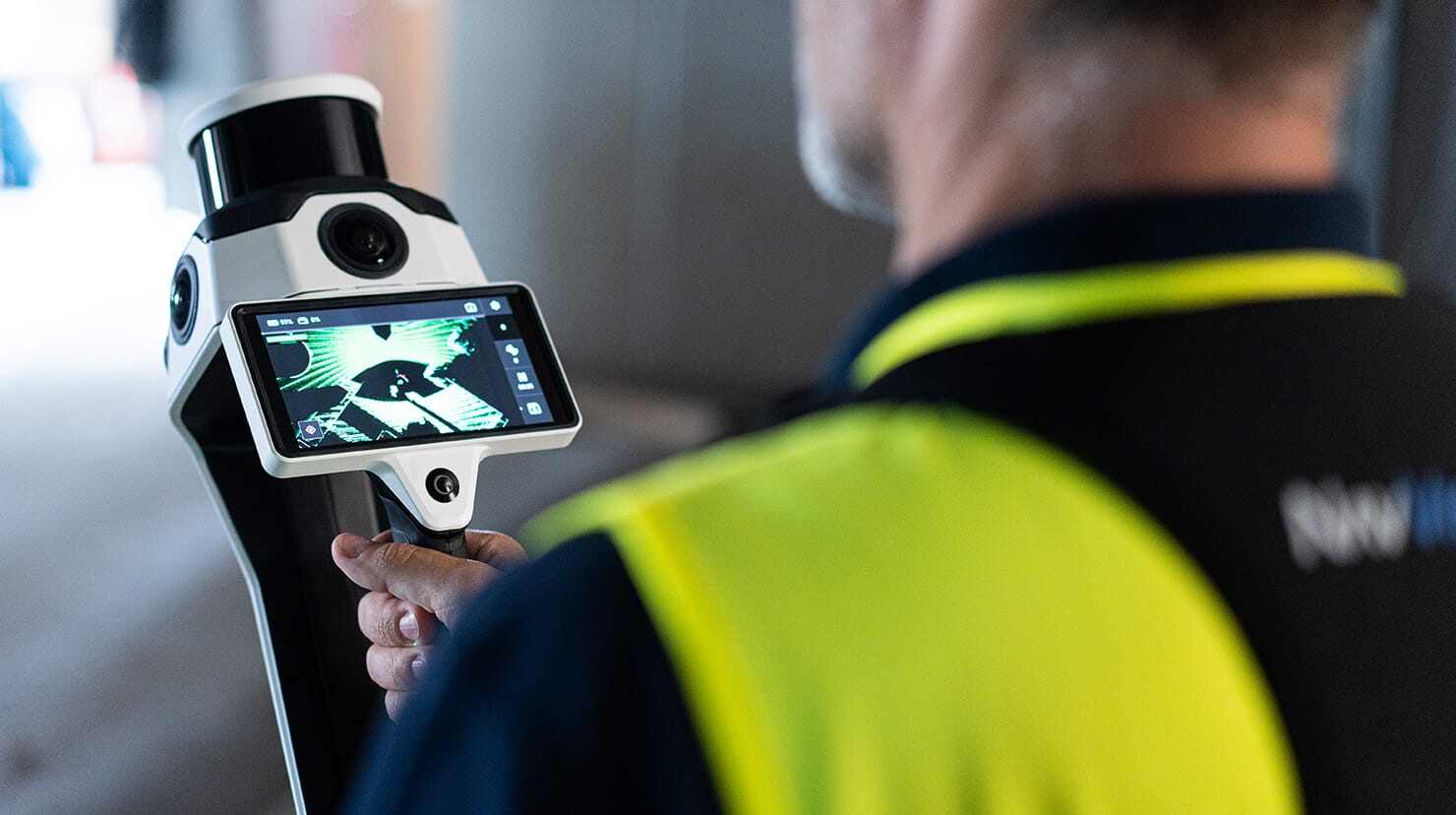
A mobile SLAM scanner like the NavVis VLX 3 is worn by the operator, who walks through the facility at normal pace. The operator navigates around active equipment, working personnel, and ongoing operations. No production areas need to be shut down. No equipment needs to be moved.
Speed Across Large Floor Areas
Manufacturing plants are large, and the difference between a tripod workflow and a mobile one is not marginal at that scale. This speed difference matters not just for cost — it matters for the feasibility of scanning in the first place. Many facility managers cannot justify a multi-week scanning project but can accommodate a short one.
The NavVis VLX 3 captures 200,000-300,000 square feet per day, capturing continuously as the operator walks, while traditional tripod scanners cover 20,000-40,000 square feet per day and have to be set up, levelled and moved for every position. The actual rate on any given factory depends on layout, obstructions, floor levels and the point density the project requires, which is why we scope every site individually.
Navigating Complex Environments
Factories contain obstacles that make tripod scanning difficult: narrow aisles between equipment, overhead cranes, active forklift paths, conveyor systems, and areas with limited floor space. A wearable scanner moves through these environments naturally — the operator simply walks the path, and the scanner captures everything within its range.
Tripod scanners, by contrast, need to be set up at many closely-spaced positions in complex areas, significantly increasing field time in exactly the spaces where speed matters most.
Capturing Active Equipment Configurations
For many factory documentation needs, capturing the facility in its operating state is more valuable than capturing it empty. Equipment positions, tool configurations, material staging areas, and workflow layouts are all part of the operational reality that planners and engineers need to understand. Mobile scanning captures the factory as it operates.
What Factory Scanning Captures
A comprehensive factory 3D scan produces a point cloud that documents every visible surface within the facility. Here is what that includes and how different stakeholders use the data.
Building Shell
The structural envelope — exterior walls, roof structure, floor slab, columns, and foundations — provides the spatial framework for all other documentation. Scan data captures actual building dimensions (which often differ from original drawings due to settling, modifications, and construction tolerances).
Equipment Layout
Every piece of production equipment, support equipment, and ancillary machinery is captured in its current position with its actual dimensions. This includes:
- Production line machinery and workstations
- CNC machines, presses, lathes, and mills
- Conveyor systems and material handling equipment
- Overhead cranes and hoists
- Storage systems and racking
Utility Infrastructure
The point cloud documents overhead and underground utilities that are critical for renovation planning and new equipment installation:
- Process piping (compressed air, water, steam, chemicals, gas)
- Electrical distribution (conduit runs, panel locations, transformer positions)
- HVAC ductwork and equipment
- Fire suppression piping and equipment
- Data and communication cabling trays
Clearances and Spatial Relationships
Beyond individual elements, the scan captures the spatial relationships between them — clearances between equipment, aisle widths, overhead clearance heights, door and loading dock dimensions, and accessibility paths. This relational data is what makes the digital twin valuable for planning.
Integration with Factory Systems
A factory digital twin does not exist in isolation. Its value increases when integrated with other manufacturing systems.
CMMS/CAFM Integration
Computerized Maintenance Management Systems (CMMS) and Computer-Aided Facility Management (CAFM) platforms benefit from spatial context. When a maintenance work order references a specific piece of equipment, the digital twin shows where it is, what surrounds it, and how to access it. Some CMMS platforms can link directly to point cloud viewers or virtual walkthrough platforms.
BIM and CAD Workflows
The 3D point cloud data can be delivered as BIM-conversion-ready scan data in E57, RCP, LAS, or OBJ formats for import into BIM and CAD platforms. Engineering teams use this data as the reference for design work — laying out new equipment, routing new piping, and designing structural modifications against the measured reality of the existing facility.
IoT and Sensor Networks
IoT sensor placement planning benefits from accurate spatial models. Knowing the exact geometry of a production area — including obstructions, elevation changes, and material properties — helps engineers plan sensor positions for optimal coverage. Temperature sensors, vibration monitors, air quality detectors, and proximity sensors all need spatial context for effective deployment.
Simulation and Analysis
The digital twin provides the geometric basis for factory simulation — modeling production flow, evaluating layout changes, testing automation scenarios, and analyzing material handling efficiency. Simulation software imports the 3D geometry and layers operational data on top of it.
Mobile SLAM vs. Tripod for Factory Scanning
The accuracy tradeoff between mobile SLAM and tripod scanning is particularly relevant in factory environments, where some areas demand high precision and others do not.
Where Mobile SLAM Excels
- Production floor general layout — Equipment positions, aisle dimensions, clearance heights
- Office and administrative areas — Standard commercial spaces adjacent to production
- Warehouse and storage zones — Open areas with racking and material storage
- Loading docks and shipping areas — Large volumes with simple geometry
- General building documentation — Wall positions, column grids, door locations
Where Tripod Scanning May Be Needed
- Dense mechanical rooms — Boiler rooms, compressor rooms, electrical switchgear rooms where pipe and conduit routing requires sub-5mm accuracy
- Critical equipment foundations — Where equipment alignment tolerances demand millimeter precision
- Structural analysis areas — Where deformation, deflection, or settlement measurement is the primary objective
- Process piping documentation — Where pipe sizing (distinguishing 4” from 6” pipe) requires the highest point density
The Hybrid Factory Scan
For most factory projects, a hybrid approach delivers the best value:
- Mobile SLAM captures the entire facility in 1-2 days, documenting the general layout, equipment positions, and building geometry at 5-10mm accuracy
- Tripod scanning is deployed in critical areas — mechanical rooms, specific equipment zones, piping corridors — capturing those areas at 1-3mm accuracy
- Both datasets are registered into a single unified point cloud, giving engineers a complete facility model with precision where it matters
This hybrid approach typically costs 40-60% of a full tripod scan while providing tripod-grade data in the areas that require it.
Factory Scanning Costs
Factory scanning costs reflect the complexity and scale of manufacturing environments.
| Factory Size | Typical Cost Range | Method |
|---|---|---|
| Small (under 50,000 sqft) | $10,000 - $25,000 | Mobile SLAM or hybrid |
| Medium (50,000-200,000 sqft) | $20,000 - $55,000 | Mobile SLAM or hybrid |
| Large (200,000-500,000 sqft) | $40,000 - $100,000 | Mobile SLAM or hybrid |
| Mega (500,000+ sqft) | $80,000 - $200,000+ | Mobile SLAM or hybrid |
Per-square-foot rates for factory scanning typically range from $0.20 to $0.70, with the rate depending on facility complexity, deliverable requirements, and access constraints. The $10,000 industrial minimum applies to all factory projects regardless of size.
For a detailed cost breakdown including sample calculations, see our mobile SLAM scanning cost guide.
Frequently Asked Questions
Can factory scanning happen during production hours?
Yes. Mobile SLAM scanning is specifically designed to work in active environments. The operator walks through the facility without requiring equipment shutdowns, aisle closures, or production pauses. Scanning during lower-activity periods (shift changes, maintenance windows, weekends) produces cleaner data with fewer moving objects, but it is not required.
How do you handle hazardous areas in a factory?
Areas with hazardous atmospheres, confined spaces, or other safety restrictions require appropriate protocols. The scanning operator works within the facility’s existing safety programs — wearing required PPE, following lockout/tagout procedures, using safety escorts in restricted areas, and avoiding active hazardous zones per facility rules. Intrinsically safe scanning equipment may be required for certain classified areas.
What accuracy does factory scanning achieve?
Mobile SLAM scanning achieves 5-10mm accuracy in typical factory environments. For areas requiring higher accuracy (mechanical rooms, critical equipment zones), tripod scanning at 1-3mm is deployed. The hybrid approach gives you the best of both: speed for the general facility and precision where it matters.
How often should a factory be re-scanned?
Factories that undergo frequent equipment changes or layout modifications benefit from annual re-scanning to maintain an up-to-date digital twin. Facilities with stable configurations may only need re-scanning every 3-5 years or when major capital projects are planned. Specific triggers for re-scanning include new equipment installations, production line reconfigurations, building expansions, and ownership transitions.
Can scan data be used for equipment relocation planning?
Yes. The point cloud captures the exact current positions and dimensions of all equipment, including clearances, utility connections, and access paths. Engineers use this data to plan equipment moves — verifying that the new position has adequate space, clearance, and utility access before any physical relocation begins.
What file formats are delivered?
Standard deliverables include E57 (universal point cloud format), RCP/RCS (Autodesk Revit and ReCap), LAS/LAZ (GIS applications), and OBJ mesh. The data is BIM-conversion-ready for import into CAD and BIM platforms. Specific format requests are accommodated based on the client’s downstream software requirements.
How large are factory point cloud files?
A typical factory point cloud ranges from 10 GB (small facility, mobile scan only) to 200+ GB (large facility, hybrid scan with high-density tripod data). File sizes depend on facility size, scan density, and whether colorized camera imagery is included. Files are delivered via secure file transfer.
Ready to create a digital twin of your manufacturing facility? Get a quote from THE FUTURE 3D. We deploy mobile SLAM scanning and hybrid scanning approaches for factories and industrial facilities of any size. Learn more about our 3D laser scanning services or explore our digital twin capabilities.
Ready to Start Your Project?
Get a free quote and consultation from our 3D scanning experts.
Get Your Free Quote