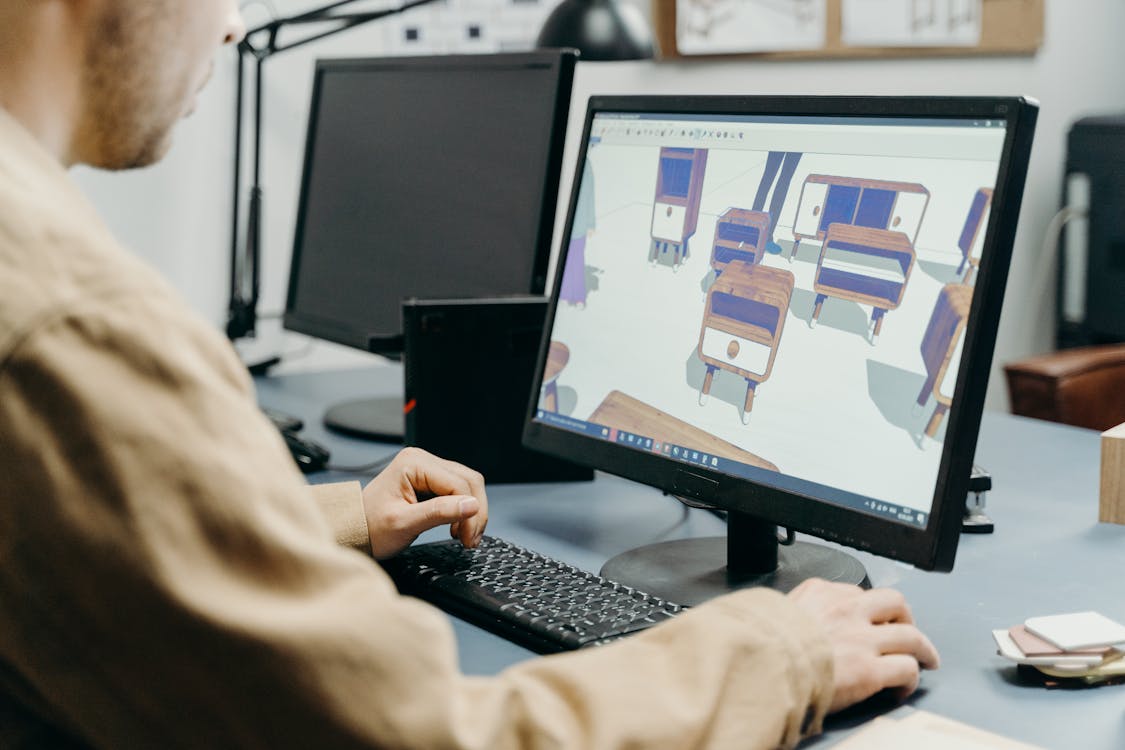
Level of Development (LOD) is the specification system that defines how much geometric detail and information a BIM model element contains. In scan-to-BIM projects, the LOD specification is the single most important factor driving modeling cost, timeline, and the usefulness of the final deliverable.
Despite its importance, LOD is frequently misunderstood. Project teams specify LOD levels without fully understanding what they are asking for, leading to budget surprises, scope disputes, and deliverables that do not meet expectations. This guide explains each LOD level in practical terms — what the model looks like, what it costs, and when each level is the right choice.
What LOD Actually Means
LOD was originally defined by the BIMForum (building on earlier AIA definitions) as a way to communicate how much a BIM element can be relied upon for decision-making. A higher LOD means the element contains more geometric detail and more non-geometric information (metadata, material properties, manufacturer data), and can therefore be used for more specific purposes.
The LOD specification is defined per element, not per model. A single BIM model can (and often does) contain elements at different LOD levels. Structural columns might be modeled at LOD 300 while MEP piping is at LOD 200. This mixed-LOD approach is standard practice and is usually the most cost-effective strategy.
Important clarification: LOD refers to “Level of Development,” not “Level of Detail.” While detail is part of it, LOD also encompasses the reliability and completeness of the information. An LOD 300 element is not just more detailed than LOD 200 — it is more trustworthy for coordination and decision-making.
LOD 100: Conceptual / Mass Model
What It Looks Like
LOD 100 is the roughest level. Building elements are represented as basic geometric shapes — boxes, cylinders, planes — that indicate the approximate location and size of building components without any specific detail.
Think of it as a building massing model: a series of volumes that show where things are, roughly how big they are, and how the overall building is organized in space.

Specific Examples at LOD 100
| Element | LOD 100 Representation |
|---|---|
| Wall | A simple extruded rectangle at approximate location, with approximate thickness |
| Column | A generic cylinder or rectangular prism at approximate grid location |
| Door | A void in the wall volume (no door geometry, no hardware) |
| HVAC duct | A rectangular prism along the approximate route |
| Pipe | A cylinder along the approximate route |
| Equipment | A box representing the approximate occupied volume |
When to Use LOD 100
LOD 100 is rarely specified for scan-to-BIM projects because its value proposition is limited. If you are going to the expense of laser scanning a building, you typically need more detail than LOD 100 provides. LOD 100 is more commonly used in early design phases (pre-scanning) for conceptual space planning.
Typical use cases:
- Preliminary space studies
- Gross area calculations
- Very early feasibility analysis
- Visualization of overall building massing
Cost
LOD 100 BIM modeling from scan data — performed by your team or a third-party BIM firm — is rarely ordered as a standalone deliverable because the scan data itself is more informative than an LOD 100 model.
LOD 200: Generic Geometry
What It Looks Like
LOD 200 elements have recognizable geometry that approximates their actual shape, size, and location. A wall looks like a wall. A column looks like a column. But the elements use generic types rather than specific products or exact dimensions.
This is the level where the BIM model becomes genuinely useful for design work. You can identify rooms, measure approximate dimensions, understand spatial relationships, and plan renovation or new construction with reasonable confidence in the existing conditions.
Specific Examples at LOD 200
| Element | LOD 200 Representation |
|---|---|
| Wall | Correct location and approximate thickness, generic wall type (no specific assembly definition) |
| Column | Correct cross-section shape and location, approximate size (e.g., “roughly 24x24 concrete column”) |
| Door | Generic door family at correct location, approximate size, swing direction indicated |
| Window | Generic window family at correct location and approximate size |
| HVAC duct | Correct routing with approximate cross-section size, generic duct type |
| Pipe | Correct routing with approximate diameter, generic pipe type |
| Equipment | Generic placeholder at correct location with approximate dimensions |
When to Use LOD 200
LOD 200 is the most common specification for facility management, space planning, and early-phase renovation design. It provides enough information to understand what exists without the cost of modeling every element to precise specifications.
Typical use cases:
- Facility condition assessment
- Space planning and utilization studies
- Schematic and early design development
- General as-built documentation for property management
- Code compliance rough checks (ADA clearances, egress widths)
Cost
LOD 200 BIM modeling from scan data — performed by your team or a third-party BIM firm — typically costs $0.15-$0.25 per square foot for the modeling component (architectural elements). MEP systems at LOD 200 add a significant multiplier depending on system density.
These are estimated market rates for third-party CAD/BIM conversion — not THE FUTURE 3D services or quotes; no guarantees. THE FUTURE 3D delivers the scan data; the BIM modeling is performed by your team or a BIM firm.
LOD 300: Specific Geometry
What It Looks Like
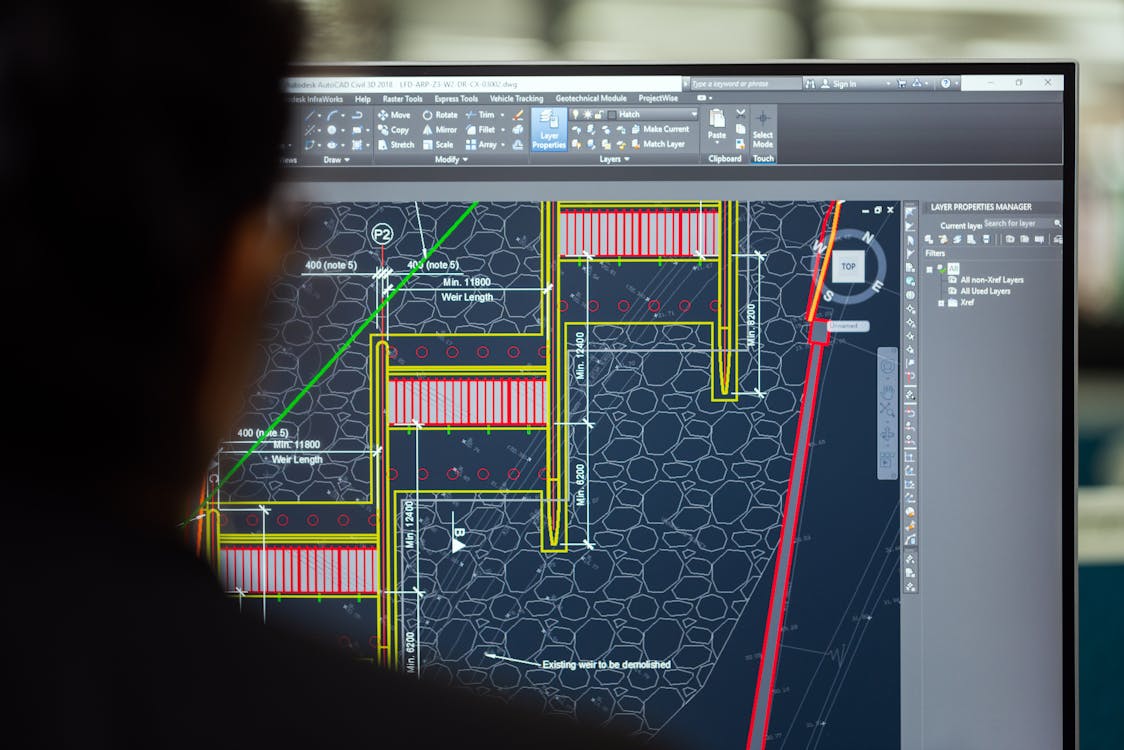
At LOD 300, elements are modeled with accurate geometry — correct dimensions, specific types, and proper relationships to adjacent elements. An LOD 300 wall is not just “approximately 6 inches thick.” It is a specific wall assembly (e.g., 3-5/8” metal stud with 5/8” gypsum board each side) at its precise as-built location.
LOD 300 is where the BIM model becomes reliable for detailed design coordination. Elements can be trusted for dimensioning, quantity takeoff, and spatial coordination between systems.
Specific Examples at LOD 300
| Element | LOD 300 Representation |
|---|---|
| Wall | Exact location, measured thickness, specific wall type identified (CMU, metal stud + GWB, etc.) |
| Column | Exact cross-section dimensions (e.g., W14x30 steel column at grid intersection) |
| Door | Specific door size (3’-0” x 7’-0”), frame type, swing direction, hardware location |
| Window | Specific window dimensions, sill height, frame type |
| HVAC duct | Exact cross-section dimensions, routing, transition and fitting locations |
| Pipe | Exact diameter, routing, fitting locations, support locations |
| Equipment | Manufacturer-identified dimensions, connection points, clearance requirements |
When to Use LOD 300
LOD 300 is the standard for renovation design development, where the accuracy of existing conditions directly affects the design of new work. It is also the minimum for meaningful clash detection between existing and proposed systems.
Typical use cases:
- Renovation design development and construction documents
- Clash detection between existing and proposed systems
- Accurate quantity takeoff for existing elements
- Detailed facility documentation
- Energy modeling (when combined with performance data)
Cost
LOD 300 BIM modeling from scan data — performed by your team or a third-party BIM firm — typically costs $0.25-$0.45 per square foot for the modeling component (architectural elements). MEP at LOD 300 adds considerably more, varying with system complexity and density. For more on scan-to-BIM cost structures, see our scan-to-BIM cost guide.
LOD 350: Coordination-Grade
What It Looks Like
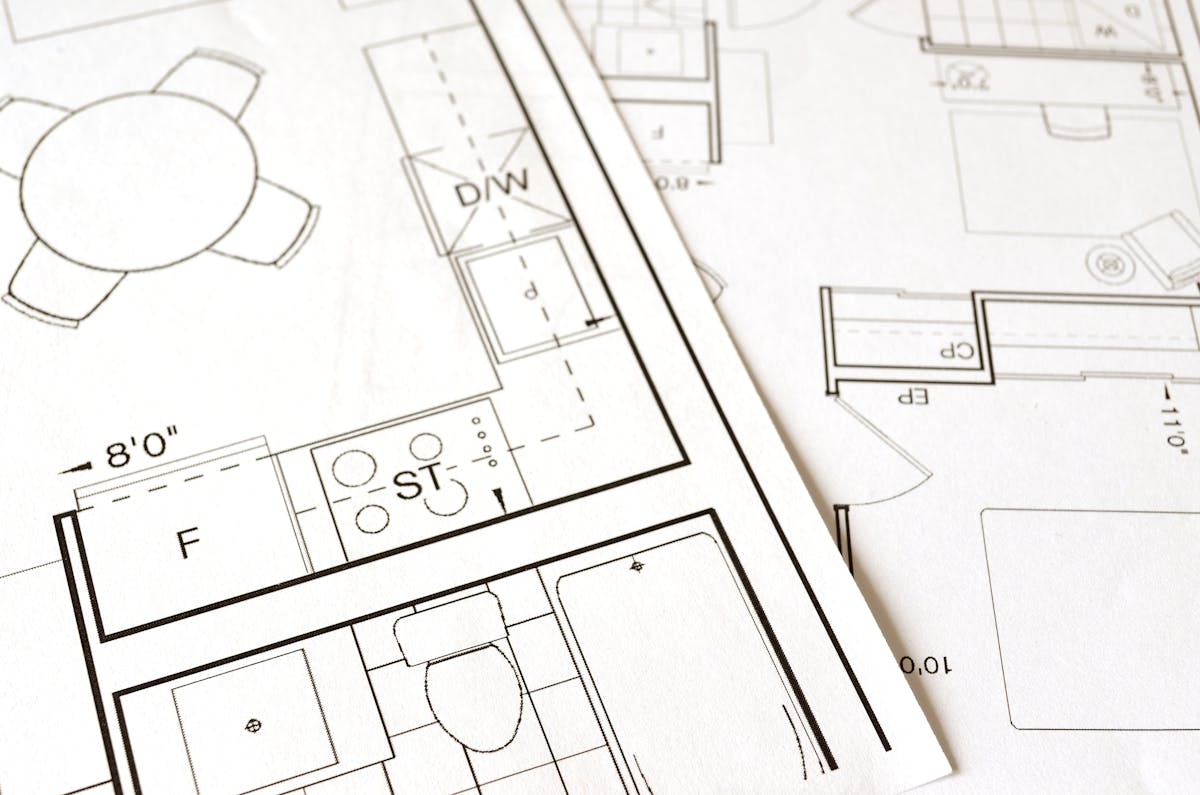
LOD 350 adds to LOD 300 the interface details necessary for coordination between building systems. Elements include not just their own geometry but also the connections, clearances, and support structures that affect adjacent systems.
This is the level required for genuine BIM coordination — where the model is used to identify and resolve conflicts between structural, architectural, and MEP systems before construction begins.
Specific Examples at LOD 350
| Element | LOD 350 Additions (beyond LOD 300) |
|---|---|
| Wall | Embedded items (electrical boxes, fire stopping, sleeve locations) |
| Column | Base plate and anchor bolt details, connection plates |
| HVAC duct | Connections to equipment, damper locations, access door locations, hanger/support details |
| Pipe | Valve locations, support/hanger details, insulation representation, sleeve penetrations |
| Equipment | Service access clearances, connection points with sizes, maintenance access zones |
| Fire protection | Sprinkler head locations, branch line routing, riser connections |
When to Use LOD 350
LOD 350 is specified when the BIM model will be used for active coordination — typically on renovation projects where new MEP systems must be routed through spaces occupied by existing systems, and the locations of hangers, supports, and accessories matter.
Typical use cases:
- MEP coordination on renovation projects
- Clash detection requiring support and accessory locations
- Prefabrication planning where existing conditions constrain new work
- Detailed facility maintenance planning
Cost
LOD 350 BIM modeling from scan data — performed by your team or a third-party BIM firm — falls between LOD 300 and LOD 400 pricing, with the cost increase driven primarily by the additional time needed to model support structures, accessories, and interface details.
A Note on LOD 350 and Scan Data
LOD 350 often pushes beyond what the point cloud alone can provide. Hanger details, valve types, damper locations, and embedded items may not be clearly visible in the scan data. The modeling team often supplements point cloud data with:
- Field photographs taken during scanning
- Existing as-built drawings or shop drawings
- Field verification visits to inspect specific elements
- Engineering judgment based on standard installation practices
LOD 400: Fabrication-Grade
What It Looks Like
LOD 400 elements contain sufficient detail for fabrication and installation — manufacturer-specific models with exact fitting types, connection details, and installation-level geometry. An LOD 400 pipe is not just “4-inch Schedule 40 steel pipe.” It includes specific fitting catalog numbers, weld locations, gasket types, and hanger catalog numbers.
When to Use LOD 400
LOD 400 is rarely specified for scan-to-BIM projects because the point cloud does not capture fabrication-level detail. You cannot determine fitting catalog numbers, gasket types, or weld details from a laser scan. LOD 400 models are typically created from manufacturer shop drawings and specification documents, not from scan data.
Typical use cases:
- Fabrication planning for new systems that must interface with scanned existing conditions
- Detailed maintenance scheduling requiring part-level identification
- Contractor prefabrication workflows
Cost
LOD 400 BIM modeling typically costs $0.45-$0.75 per square foot for the modeling component and is usually performed by specialty contractors or fabrication firms rather than general BIM service providers. For scan-to-BIM projects, LOD 400 is almost always limited to specific systems or areas rather than applied building-wide.
LOD Comparison Summary
| LOD | Geometric Detail | Information Content | Reliability for Coordination | Typical Modeling Cost/sqft |
|---|---|---|---|---|
| 100 | Mass volumes | Approximate location | Not reliable | Rarely ordered standalone |
| 200 | Generic shapes | Approximate size & type | Preliminary planning | $0.15-$0.25 |
| 300 | Specific geometry | Accurate dimensions & type | Design development | $0.25-$0.45 |
| 350 | Coordination detail | Supports, connections, clearances | Coordination & clash detection | Between LOD 300 and 400 |
| 400 | Fabrication detail | Manufacturer-specific parts | Fabrication & installation | $0.45-$0.75 |
Note: These are estimated market rates for third-party CAD/BIM conversion — not THE FUTURE 3D services or quotes; no guarantees. The figures above are BIM modeling costs charged by your team or a BIM firm, separate from the scanning data capture cost. THE FUTURE 3D delivers the scan data — use our cost calculator to ballpark the scanning phase cost for your project.
How LOD Affects Scan Data Requirements
The LOD specification directly affects what the scanning provider needs to capture. Higher LOD requirements mean:
- More scan positions — Higher LOD requires finer geometric detail, which requires more scan positions to minimize occlusion and ensure sufficient point density on small elements.
- Higher scan resolution — Scanner settings may need to be increased for denser point capture.
- Ceiling and access panel removal — LOD 300+ MEP documentation typically requires opening suspended ceilings and access panels.
- Supplementary documentation — Field photographs, measurements of specific elements, and notes on equipment nameplates and valve tags.
When requesting a scanning quote, always communicate the target LOD. A scanning scope designed for LOD 200 will not capture sufficient data for LOD 350 modeling, and going back to site for additional scanning is expensive. For a deeper understanding of what scanning captures and how, see our guide on how 3D scanning works.
Practical Recommendations
Use Mixed LOD Strategically
Do not specify the same LOD for everything. A practical approach:
- Structural elements: LOD 300 (accurate dimensions for design verification)
- Architectural elements: LOD 200-300 (depending on renovation scope)
- HVAC ductwork: LOD 200-300 (depending on coordination needs)
- Plumbing/piping: LOD 200 (unless coordination-critical)
- Electrical: LOD 200 (conduit routing) or excluded (not cost-effective to model from scan data)
- Fire protection: LOD 200-300 (depending on modification plans)
Match LOD to Project Phase
- Feasibility/schematic design: LOD 200
- Design development: LOD 300 for areas under design, LOD 200 for context
- Coordination/construction documents: LOD 300-350 for coordination-critical systems
- Fabrication: LOD 400 for specific systems being fabricated
Communicate LOD Requirements Early
The scanning provider, the modeling firm, and the end user must all agree on the LOD specification before work begins. Misaligned expectations are the primary cause of scan-to-BIM project disputes. For a walkthrough of the complete workflow, see our scan-to-BIM workflow guide.
Frequently Asked Questions
Is LOD 200 sufficient for renovation design?
For schematic design and early design development, LOD 200 is often sufficient. For detailed design development and construction documents, LOD 300 is typically needed for elements directly affected by the renovation. Context areas (spaces not being modified) can remain at LOD 200.
What is the cost difference between LOD 200 and LOD 300?
LOD 300 typically costs 1.5-2x more than LOD 200 for architectural elements and 2-3x more for MEP elements. The additional cost reflects the detailed element identification, precise dimensioning, and type assignment required at LOD 300.
Can LOD be upgraded after initial modeling?
Yes, but it is more expensive than modeling at the target LOD from the start. Upgrading from LOD 200 to LOD 300 requires the modeler to revisit every element, verify dimensions against the point cloud, and assign specific types. This typically costs 60-80% of what LOD 300 modeling would have cost originally.
Who decides the LOD specification?
The project owner or design team specifies the LOD based on the intended use of the BIM model. The scanning provider and modeling firm advise on feasibility and cost implications. In practice, the decision often involves negotiation between the ideal LOD and the available budget.
Does higher LOD always mean a better model?
Not necessarily. A well-executed LOD 200 model that accurately represents existing conditions and serves its intended purpose (space planning, preliminary design) is more valuable than a poorly-executed LOD 300 model with dimensional errors. Specify the LOD level that matches your actual need, and invest in quality at that level rather than pursuing higher LOD for its own sake.
What LOD does THE FUTURE 3D’s scan data support?
THE FUTURE 3D delivers BIM-conversion-ready point cloud data with sufficient accuracy and density to support modeling at any LOD level. Our survey-grade terrestrial scanners achieve 1-3mm accuracy, which exceeds the geometric precision requirements for LOD 400. The practical LOD limit is determined by the modeling effort, not by scan data quality. Learn more about our 3D laser scanning and scan-to-BIM services.
Planning a scan-to-BIM project and need help determining the right LOD specification? Get a quote from THE FUTURE 3D. We help project teams define scanning scope based on their BIM modeling requirements and deliver the point cloud data that makes accurate modeling possible.
Ready to Start Your Project?
Get a free quote and consultation from our 3D scanning experts.
Get Your Free Quote

