Data centers are the fastest-growing market for 3D laser scanning in 2026, driven by a massive wave of retrofit and expansion projects tied to AI infrastructure deployment. The demand for GPU-dense computing clusters, liquid cooling systems, and higher power density racks is transforming facilities that were designed for traditional server workloads into something fundamentally different — and accurate existing-conditions documentation is the critical first step.
This guide covers how 3D scanning applies to data center projects, what makes these environments unique from a scanning perspective, and what facility teams need to know before commissioning a scan.
Why Data Centers Need 3D Scanning Now
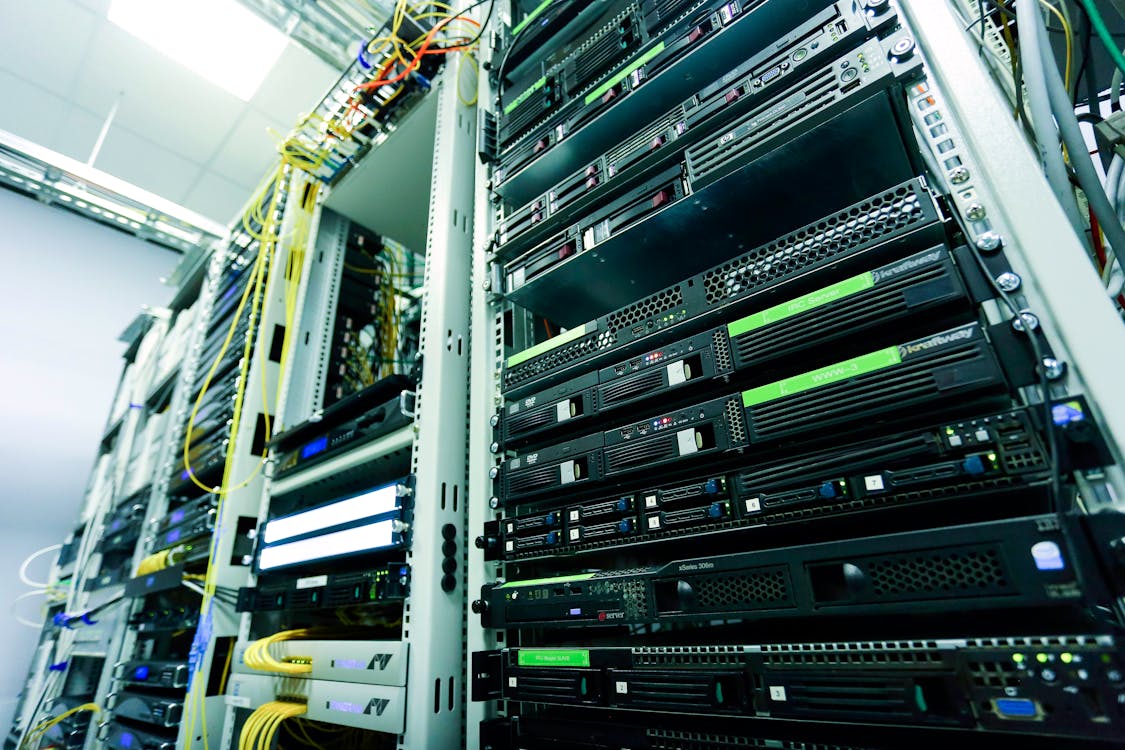
The AI Infrastructure Retrofit Wave
The explosive growth in AI computing has created an unprecedented demand for data center capacity. But building new data centers takes 18-36 months. Retrofitting existing facilities to support higher-density workloads is faster, and it is happening at scale across the industry.
These retrofits involve fundamental changes to facility infrastructure:
- Power density increases: Traditional data centers operate at 5-8 kW per rack. AI workloads demand 30-80+ kW per rack. This requires electrical infrastructure upgrades — new switchgear, bus ducts, power distribution units — all of which must fit within the existing building envelope.
- Liquid cooling deployment: Air cooling cannot handle 80+ kW racks. Rear-door heat exchangers, direct-to-chip liquid cooling, and immersion cooling systems require new piping infrastructure routed through spaces designed for air-cooled equipment.
- Structural loading: GPU servers with liquid cooling systems weigh significantly more than traditional servers. Raised floors and building structures may need reinforcement.
- Cable management overhaul: Fiber optic and power cable routing must accommodate the new equipment layout while maintaining accessibility for maintenance.
Every one of these modifications requires precise knowledge of what exists today. That is where 3D scanning comes in.
The Cost of Getting It Wrong
In data center construction, rework is extraordinarily expensive. Not because the materials cost more, but because the downtime costs more. Taking a data center section offline for unexpected construction work can cost $100,000-$500,000+ per hour in lost computing capacity, depending on the facility and its tenants.
Accurate existing-conditions data from 3D scanning prevents the most common source of construction rework: field conditions that do not match the design assumptions. When your engineering team knows exactly where every pipe, cable tray, duct, and structural member is located — to within millimeters — they can design the retrofit to fit the first time.
What Gets Scanned in a Data Center
Raised Floor and Sub-Floor
The raised floor environment is often the most challenging and most critical area to scan. Sub-floor spaces contain:
- Power distribution cabling and bus ducts
- Cooling air plenums and dampers
- Fire suppression piping
- Data cabling and fiber runs
- Structural supports and floor pedestals
Scanning the sub-floor requires removing floor tiles in systematic patterns to allow scanner line-of-sight. This is typically done during scheduled maintenance windows. The resulting point cloud captures the complete sub-floor geometry, including cable and pipe routing that is invisible from above.
White Space (Server Hall)
The main data hall is scanned to capture:
- Rack positions, dimensions, and spacing
- Overhead cable tray routing and capacity
- Cooling distribution (CRAC/CRAH units, in-row coolers, overhead ducts)
- Fire suppression heads and sensors
- Lighting and electrical panel locations
- Structural columns and ceiling height
For retrofit planning, this scan data allows engineering teams to design new rack layouts, cooling system modifications, and cable routing in 3D — verifying that everything fits before any physical work begins.
Mechanical and Electrical Rooms
These rooms house the infrastructure that powers and cools the data center:
- Switchgear and transformers
- Uninterruptible power supplies (UPS)
- Power distribution units (PDUs)
- Chillers and cooling towers
- Pumps and piping systems
- Generator sets
Mechanical rooms in data centers are typically dense with equipment and piping. They require significantly more scan positions per square foot than open server halls. This is where scanning complexity — and cost — increases.
Building Envelope and Exterior
Exterior scanning captures:
- Building dimensions and structural grid
- Roof-mounted equipment (cooling towers, generators, dry coolers)
- Dock and loading areas
- Site grading and drainage
- Utility entry points
This data is essential for expansion planning and for integrating new exterior equipment (additional cooling towers, generator pads, electrical utility connections).
Scanning Methodology for Data Centers
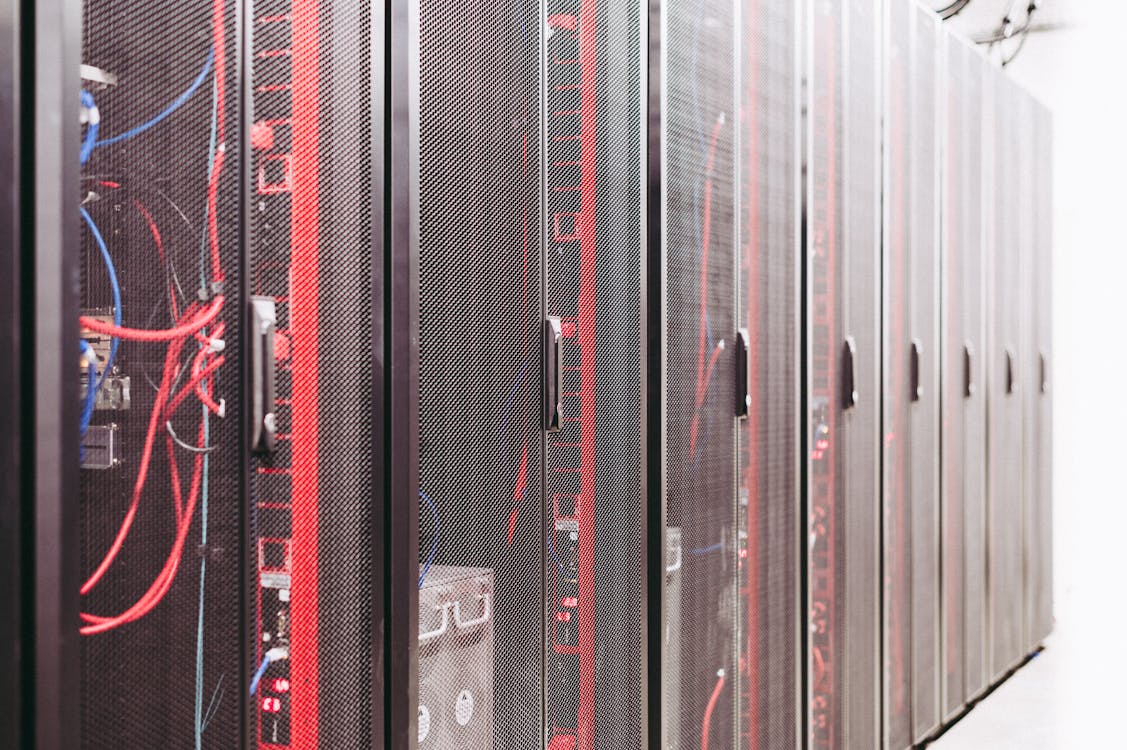
Security and Access Considerations
Data centers have strict security protocols. Scanning teams must navigate:
- Background checks: Most colocation providers require background checks for all personnel accessing the facility
- Escort requirements: In multi-tenant facilities, scanning teams may need escorts when working near other tenants’ equipment
- Restricted zones: Some areas (network meet-me rooms, certain client cages) may be off-limits
- Photography policies: Some facilities restrict photography — scanner-captured photos should be discussed during planning
- Equipment restrictions: Some facilities require static dissipation wrist straps or limit what tools can enter the white space
Planning for these requirements adds time to the project. Build in at least 2-4 weeks of lead time for access coordination on colocation facilities. Owner-operated facilities are typically faster to arrange.
Scanning Around Active Equipment
Data centers are 24/7 environments. Scanning must occur without disrupting operations. Key considerations:
- No physical contact with active equipment: Scanners are placed on tripods in aisles and pathways, never on top of or attached to active racks
- Cable awareness: Tripod placement must avoid cable paths and power distribution
- Airflow management: Scanner placement should not block hot/cold aisle containment
- EMI concerns: Modern laser scanners do not produce electromagnetic interference that affects server equipment, but this question comes up frequently — the answer is that laser scanning is EMI-safe
Scan Position Density
Data center environments require higher scan density than typical commercial spaces due to equipment obstruction:
| Area | Typical Scan Spacing | Notes |
|---|---|---|
| Open server hall (hot/cold aisle) | Every 10-15 feet | One scan per aisle intersection |
| Dense server hall (filled racks) | Every 5-10 feet | Racks block line-of-sight |
| Sub-floor | Every 6-10 feet | Requires tile removal for access |
| Mechanical room | Every 5-8 feet | Dense piping and equipment |
| Electrical room | Every 8-12 feet | Less dense than mechanical |
| Exterior | Every 15-30 feet | Open areas scan efficiently |
A 20,000-square-foot data center white space typically requires 150-300 scan positions — significantly more than a 20,000-square-foot office that might need 80-120 positions.
Data Center Digital Twins
What Is a Data Center Digital Twin?
A digital twin of a data center is a continuously updated 3D model that reflects the current state of the facility. The 3D laser scan provides the geometric foundation — the precise physical layout of the building, equipment, and infrastructure. This scan data can then be integrated with:
- DCIM (Data Center Infrastructure Management) systems: Linking physical locations to power, cooling, and capacity metrics
- BMS (Building Management Systems): Connecting environmental sensors to physical locations
- Asset management databases: Tying equipment records to exact rack positions
- Capacity planning tools: Overlaying available power, cooling, and space on the physical layout
Scanning as the Foundation
The scanning phase captures the physical reality. What you do with that data determines whether you have a static as-built record or a living digital twin:
- Static as-built: Point cloud plus 2D/3D drawings. A snapshot in time. Useful for renovation and retrofit design.
- Digital twin: Point cloud integrated with live operational data. Updated as changes occur. Useful for ongoing capacity planning and operations.
THE FUTURE 3D delivers the scanning component — the precise physical measurement that serves as the geometric backbone of either approach. Our data is delivered in formats compatible with all major DCIM and BIM platforms.
ROI of Data Center Digital Twins
The investment in scanning and digital twin creation pays back quickly in data center environments:
- Reduced retrofit design time: Engineering teams working from accurate 3D data design faster and with fewer field-verification trips
- Eliminated construction rework: Designs verified against scan data before construction starts
- Faster capacity planning: Available space, power, and cooling capacity visible at a glance
- Reduced outage risk: Modifications planned with full knowledge of existing infrastructure
- Improved vendor coordination: Contractors and vendors can plan installations virtually before arriving on site
Cost Considerations for Data Center Scanning
Data center scanning typically costs more per square foot than standard commercial scanning due to the factors described above. Here are realistic ranges:
| Scope | Approximate Cost |
|---|---|
| White space only (10,000 sqft) | $5,000-$15,000 |
| White space + mechanical/electrical (20,000 sqft) | $10,000-$35,000 |
| Full facility including sub-floor (50,000 sqft) | $25,000-$75,000 |
| Campus/multi-building (100,000+ sqft) | $50,000-$150,000+ |
These ranges cover the scanning, data processing, and delivery of registered point clouds. They do not include BIM modeling, digital twin platform integration, or ongoing data management — those are separate scopes with separate providers.
Per-square-foot rates for data center scanning typically run $0.40-$0.70/sqft, reflecting the higher scan density and access complexity compared to standard commercial spaces. For a personalized ballpark, use our cost calculator or request a quote.
Liquid Cooling Documentation Challenges
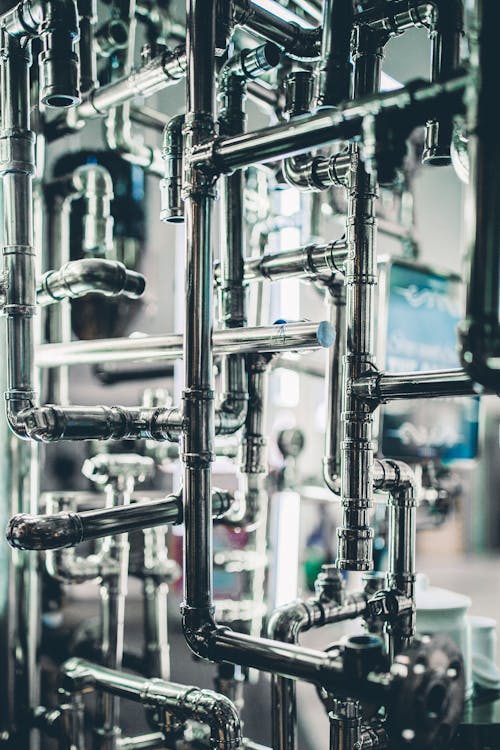
Liquid cooling systems represent one of the most complex documentation challenges in modern data centers. Here is why scanning is particularly valuable for these projects:
Pipe Routing Verification
Liquid cooling manifolds, supply/return piping, and distribution headers must be routed through spaces originally designed for air-cooled infrastructure. 3D scan data shows exactly where pipes can and cannot fit — accounting for existing cable trays, structural members, and equipment clearances.
Connection Point Documentation
Every rack connection point for direct-to-chip or rear-door liquid cooling must be precisely located. Scan data provides the exact coordinates and clearances at each rack position.
Leak Detection Planning
Liquid cooling in data centers introduces water (or cooling fluid) into environments traditionally designed to be dry. Scan data helps plan leak detection sensor placement, containment pan positioning, and drainage routing.
Maintenance Access Verification
Liquid cooling systems require regular maintenance — valve access, filter replacement, fluid top-off. Scan data verifies that maintenance access pathways remain clear after installation.
Case Study Framework: Data Center Retrofit Planning
While we cannot share specific client details, here is the general workflow for how 3D scanning supports a typical data center retrofit from initial assessment through construction:
Phase 1: Existing Conditions Capture
A scanning team spends 3-5 days on site capturing the white space, sub-floor, mechanical rooms, electrical rooms, and exterior. The resulting point cloud dataset (typically 100-500GB for a full facility) is processed and delivered within 10-15 business days.
Phase 2: Engineering Design
The engineering team imports the point cloud into their design tools (Revit, AutoCAD, Plant3D) and designs the retrofit within the precise context of the existing building. New equipment, piping, electrical, and structural modifications are designed to fit within the verified existing geometry.
Phase 3: Clash Detection
Before construction, the new design is overlaid on the existing scan data to identify conflicts — a new pipe that intersects an existing cable tray, a new rack that conflicts with an existing cooling unit, a structural column that was not shown on the original drawings.
Phase 4: Construction Coordination
During construction, contractors reference the scan data to verify field conditions match the design. This reduces RFIs (Requests for Information), change orders, and construction delays.
THE FUTURE 3D’s role in this workflow is Phase 1: delivering the accurate, complete, BIM-conversion-ready scan data that makes Phases 2-4 possible.
Frequently Asked Questions
Does laser scanning interfere with server equipment?
No. Modern laser scanners use Class 1 or Class 1M lasers (eye-safe) and do not produce electromagnetic interference. They are safe to operate in active data center environments without any risk to server equipment or network infrastructure.
Can you scan while the data center is operational?
Yes. Laser scanning is non-contact and non-intrusive. The scanner is placed on a tripod in aisle spaces and common areas. There is no need to power down equipment or disconnect services. The only requirement is physical access to the areas being scanned.
How do you handle sub-floor scanning?
Sub-floor scanning requires strategic floor tile removal to allow scanner line-of-sight below the raised floor. This is coordinated with the facility operations team during scheduled maintenance windows. Tiles are removed and replaced as the scanning progresses through the space.
What deliverable format works best for data center projects?
E57 is the universal standard and works with virtually all downstream software. For teams using Autodesk products (Revit, ReCap, AutoCAD), RCP format provides the smoothest workflow. For GIS integration, LAS format is standard. We deliver in whatever format your engineering team requires. Our file format guide covers the technical differences.
How often should a data center be re-scanned?
For facilities undergoing active modifications, re-scanning affected areas after each major change keeps the digital record current. For stable facilities, a comprehensive re-scan every 2-3 years is typical for maintaining accurate documentation. Between full scans, targeted scans of modified areas can keep the dataset current.
What is the difference between Matterport and laser scanning for data centers?
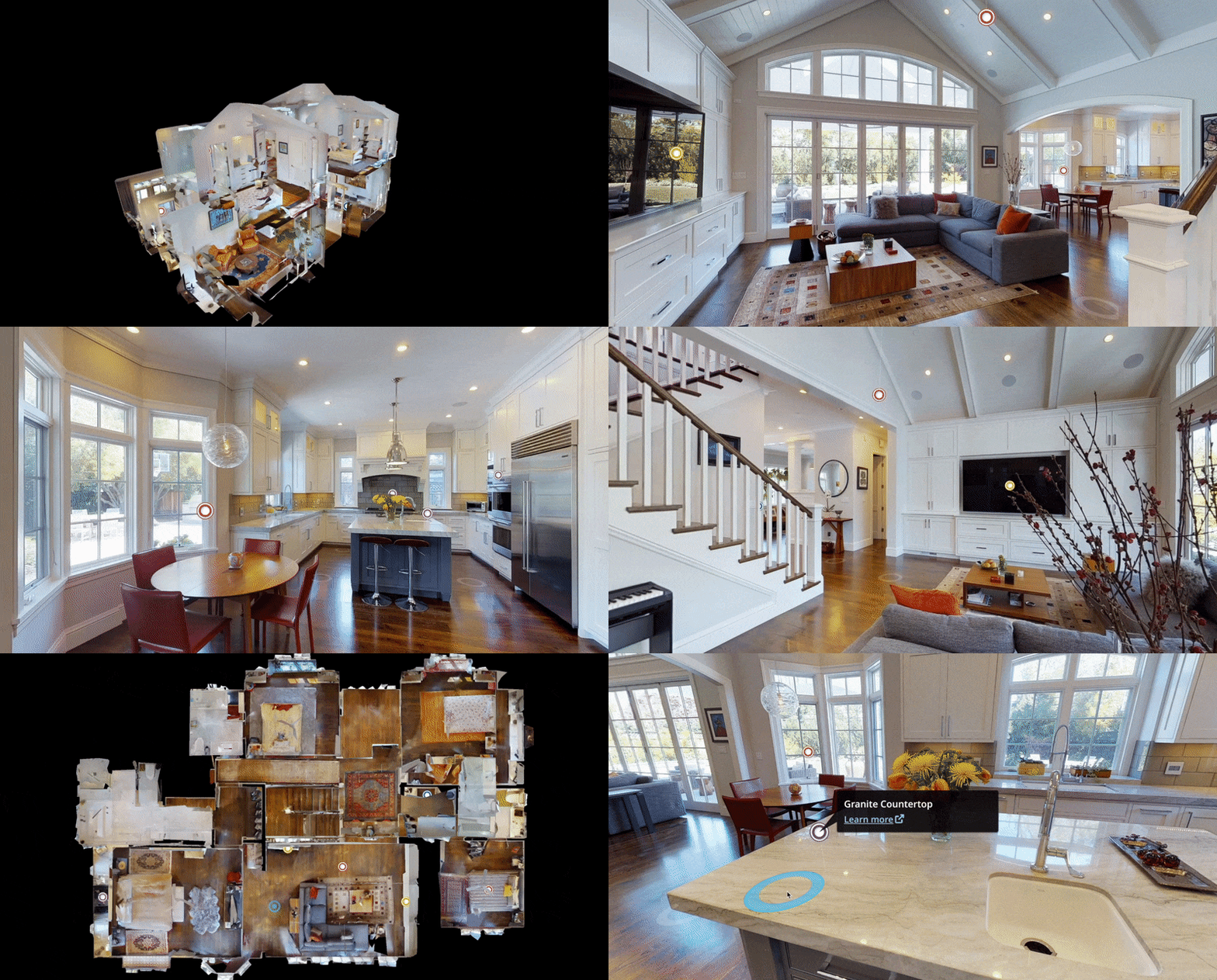
Matterport is excellent for virtual walkthroughs and visual documentation, but it does not provide the measurement accuracy needed for retrofit engineering. Matterport accuracy is plus or minus 1-2% of the measured distance, while survey-grade laser scanners deliver plus or minus 2-4mm regardless of distance. For data center retrofit planning, engineering-grade accuracy is essential.
Planning a data center scanning or retrofit documentation project? Request a quote or contact our team to discuss your facility’s specific requirements.
Ready to Start Your Project?
Get a free quote and consultation from our 3D scanning experts.
Get Your Free Quote