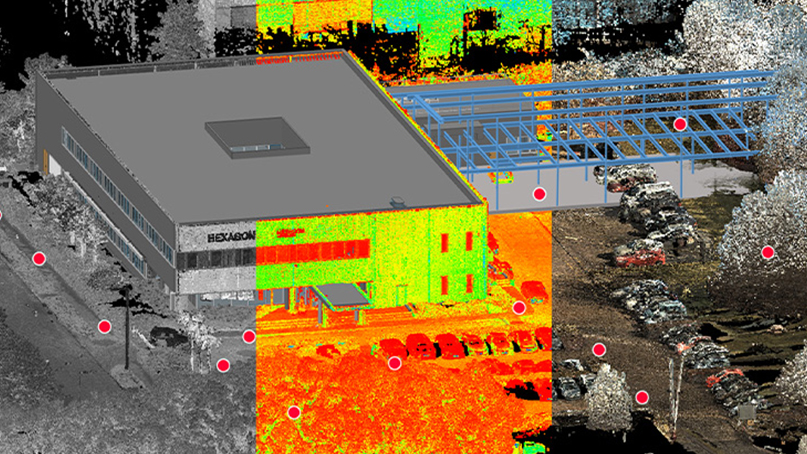
When you commission a 3D laser scanning project, the single most important question is straightforward: how accurate is the data going to be? Whether you are documenting an existing building for renovation, verifying construction tolerances, or creating a permanent record of critical infrastructure, the accuracy of your scan data determines whether the project succeeds or fails downstream.
The challenge is that “accuracy” in 3D scanning is not a single number. It depends on the scanner hardware, the environment, the operator’s technique, and how the individual scans are stitched together. Understanding these factors puts you in a position to specify the right equipment, plan the right workflow, and hold your scanning provider accountable for delivering data that meets your project requirements. For a foundational overview of how 3D scanning works, see our technology guide.
Accuracy vs Precision vs Resolution: Three Different Things
Before comparing scanners or discussing techniques, it is important to understand that accuracy, precision, and resolution are three distinct measurements that are often conflated.
Accuracy is how close a measured value is to the true value. If a wall is exactly 10.000 meters away and the scanner reports 10.002 meters, the accuracy is 2 millimeters. This is the number that matters most for dimensional verification and as-built documentation.
Precision (also called repeatability) is how consistently the scanner returns the same measurement when scanning the same point multiple times. A scanner could be precise but inaccurate — consistently reporting 10.005 meters for a wall that is actually 10.000 meters away. The readings are tightly grouped but offset from truth.
Resolution is the density of points the scanner captures — how many individual measurement points exist per square meter of surface. Higher resolution means more data, but it does not inherently mean more accurate data. A scanner capturing 2 million points per second at 3mm accuracy is not more accurate than one capturing 500,000 points per second at 1mm accuracy.
For most AEC (architecture, engineering, construction) projects, accuracy is the primary specification. You need the dimensions to be correct, not just repeatable or dense.
What Determines Scanning Accuracy
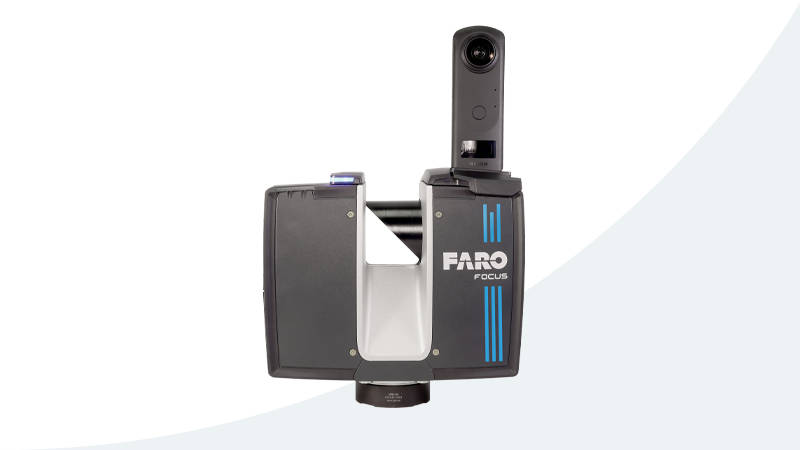
Several factors combine to determine the accuracy of your final point cloud data. Some are inherent to the hardware. Others depend entirely on how the scanning project is planned and executed.
1. Scanner Hardware Specifications
Every laser scanner has a published accuracy specification, typically expressed as a 3D point accuracy at a specific distance. These numbers come from controlled laboratory testing under ideal conditions — clean surfaces, stable temperature, no vibration. Real-world accuracy will always be somewhat lower than the published specification.
The key hardware specifications that affect accuracy include:
- Ranging accuracy — The precision of the laser distance measurement at a given range (e.g., 1.9mm at 10m)
- Angular accuracy — How precisely the scanner knows the direction of each laser pulse (measured in arcseconds)
- Beam divergence — How much the laser beam spreads over distance. A wider beam at long range means the measured point is an average of a larger surface area
- Receiver noise — Electronic noise in the sensor affects point-to-point consistency
2. Distance to Target
Accuracy degrades with distance. A scanner rated at 1.9mm accuracy at 10 meters will be measurably less accurate at 50 or 100 meters. This is because both ranging errors and angular errors compound over distance. Angular error is particularly significant — at 100 meters, an angular error of 18 arcseconds translates to roughly 8.7mm of positional uncertainty.
This is why scanning plans should minimize the distance between scanner and target surfaces. For interior spaces, this typically means placing the scanner in the center of each room. For exterior facades, it means setting up closer rather than farther, even if it requires more scan positions.
3. Environmental Conditions
The scanning environment significantly affects data quality:
- Temperature — Rapid temperature changes cause the scanner’s internal components to expand or contract, introducing drift. Most professional scanners are calibrated for a specific operating temperature range (-20 to 50 degrees C for the Leica RTC360)
- Vibration — Any vibration transmitted through the scanner’s tripod during a scan corrupts the angular measurements. Active construction sites, traffic on nearby roads, and HVAC systems can all introduce vibration
- Humidity and airborne particles — Dust, fog, and rain scatter the laser beam, creating noise in the point cloud and reducing effective range
- Lighting — While laser scanners work in any lighting condition, direct sunlight on reflective surfaces can cause saturated returns and phantom points
4. Surface Properties
The material being scanned affects how the laser beam bounces back:
- Highly reflective surfaces (polished metal, mirrors, glass) — The laser beam bounces away at an angle instead of returning to the scanner, creating gaps or erroneous points
- Very dark or black surfaces — Absorb most of the laser energy, returning a weak signal with higher noise
- Transparent surfaces (glass, clear plastic) — The laser passes through instead of bouncing back, so these surfaces may not appear in the scan at all
- Wet surfaces — Change reflectivity compared to dry conditions and can create specular reflections
5. Registration Quality
Individual scans from a single position are only useful when they are combined into a unified point cloud. This process — called registration — introduces its own error layer. Registration accuracy depends on the method used:
- Target-based registration — Using physical targets (checkerboard or sphere) placed in overlapping scan areas. Typically achieves millimeter-level alignment when targets are well distributed
- Cloud-to-cloud registration — Using the overlap between adjacent scans to mathematically align them. Accuracy depends on the amount of geometric detail in the overlap zone
- SLAM-based registration — Simultaneous Localization and Mapping, used by mobile scanners. Accuracy ranges from 3-10mm depending on the environment
Scanner Comparison: Accuracy Specifications
The following table compares the accuracy specifications of scanners commonly used in professional 3D scanning, including all equipment in THE FUTURE 3D’s fleet. These numbers are drawn from manufacturer datasheets and THE FUTURE 3D’s published equipment specifications.
| Scanner | Type | 3D Point Accuracy | At Distance | Max Range | Point Rate |
|---|---|---|---|---|---|
| Trimble X12 | Terrestrial | 2.2mm | 20m | 250m effective (365m ambiguity interval) | 2.187M pts/sec |
| Leica RTC360 | Terrestrial | 1.9mm | 10m | 130m | 2.0M pts/sec |
| FARO Focus Premium | Terrestrial | 2mm | 10m | 200m (90% reflectivity) | 2.0M pts/sec |
| Trimble X9 | Terrestrial | 2.3mm | 10m | 150m (Premium); 80m (Core) | 1.0M pts/sec (Premium); 500K (Core) |
| Trimble X7 | Terrestrial | 2.4mm | 10m | 80m | 500K pts/sec |
| FARO Focus Premium Max | Terrestrial | 2mm | 10m | 400m (90% reflectivity) | 2.0M pts/sec |
| NavVis VLX 3 | Mobile SLAM | 5mm (local, 500 m² test environment) | — | 50m operational range | 1.28M pts/sec (2 × 640,000, NavVis datasheet v2409) |
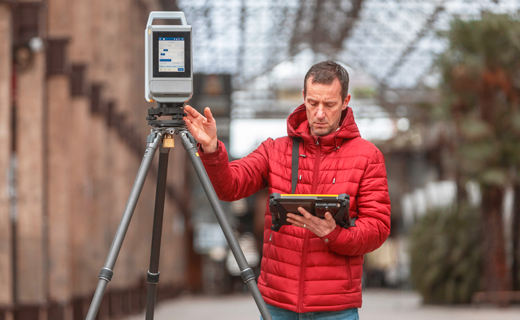
A few observations from this comparison:
The Trimble X12 leads in raw accuracy at a Trimble-published 3D point accuracy of 2.2 mm @ 20 m, making it the clear choice for survey-grade work where contractual accuracy requirements are strict. The Leica RTC360 at 1.9mm provides an excellent balance between speed and accuracy for high-volume scanning. The FARO Focus Premium matches the Leica in speed while offering longer range at 200 meters, and the Focus Premium Max extends that to 400 meters.
The NavVis VLX 3 is in a different category as a mobile SLAM scanner. Its 5mm local accuracy is lower than terrestrial scanners, but it captures entire floors of a building in a fraction of the time. For applications where speed outweighs millimeter-level precision — facility management, space planning, virtual tours — it is the right tool.
Registration Accuracy: The Hidden Variable
Even when individual scan positions achieve their published accuracy specifications, the final point cloud accuracy depends on how well those positions are registered together. Registration error is cumulative — it grows as you move farther from the registration origin point.
For a typical commercial building project with 50-100 scan positions:
- Target-based registration typically achieves 1-3mm overall registration accuracy when targets are well-placed with good geometry
- VIS (Visual Inertial System) registration on the Leica RTC360 achieves automated registration with accuracy comparable to manual target-based methods, significantly reducing field time
- Cloud-to-cloud registration in well-featured environments (lots of geometric detail) typically achieves 2-5mm
- SLAM-based registration for mobile scanners typically ranges from 3-10mm depending on environment complexity
The key takeaway: your final point cloud accuracy is the combination of individual scan accuracy plus registration accuracy. A scanner accurate to 1mm per position can still produce a point cloud with 5mm overall accuracy if the registration workflow is poorly executed.
Best Practices for Maximizing Accuracy
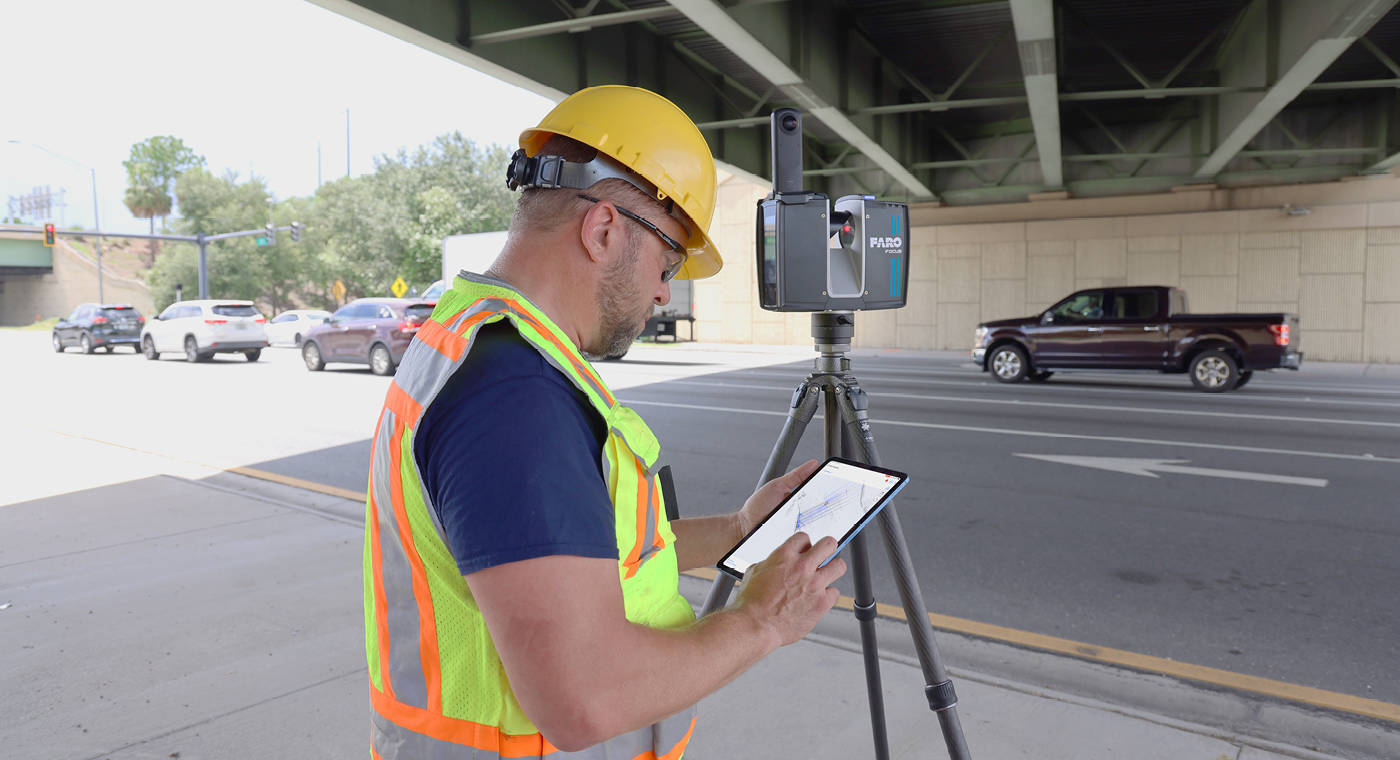
Based on the factors described above, here are the practices that professional scanning teams follow to maximize data accuracy:
Plan Scan Positions Strategically
- Place the scanner closer to critical surfaces rather than farther away
- Ensure at least 30% overlap between adjacent scans for robust registration
- Position the scanner where it can see registration targets or geometric features from multiple angles
- Avoid scanning through doorways or narrow openings where only a small portion of the next room is visible
Control the Environment
- Schedule scanning during periods of minimal vibration (early morning, weekends for occupied buildings)
- Allow the scanner to acclimate to the ambient temperature before beginning (30 minutes minimum for significant temperature changes)
- Avoid scanning wet surfaces unless the project specifically requires wet-condition documentation
- Use anti-vibration pads under the tripod on floors with noticeable vibration
Optimize Registration
- Place registration targets at varying heights and distances from the scanner, not all at the same elevation
- Use a minimum of 3 well-distributed targets per scan position (4-5 is better)
- Verify registration quality in the field before leaving the site — re-scan any positions with registration residuals above your accuracy threshold
- For critical projects, supplement automated registration with manual QA checks
Handle Challenging Surfaces
- For reflective surfaces, apply temporary matte spray or scanning powder to create a scatterable surface
- For glass, either spray it with scanning powder or accept that it will be a gap in the data and supplement with manual measurements
- For very dark surfaces, increase the scanner’s quality setting (more pulses averaged per point) to improve signal-to-noise ratio
- For outdoor scanning, use the scanner’s range setting appropriate for the conditions
Field QA Checks
- Measure known control dimensions with a tape or total station and compare against the scan data
- Check for obvious misalignment between overlapping scans by zooming into transition zones
- Verify that all critical areas have adequate point density — thin coverage means lower effective accuracy
- Document any conditions that may have affected accuracy (weather, vibration, access limitations)
Industry Standards for 3D Scanning Accuracy
Several industry standards define acceptable accuracy for different applications:
- USIBD (U.S. Institute of Building Documentation) Level of Accuracy (LOA) — Defines 5 LOA levels from LOA10 (50mm) to LOA50 (1mm) for as-built documentation
- GSA (General Services Administration) BIM Guide — Requires LOA30 (5mm) or better for most federal building documentation
- ASTM E2807 — Standard specification for 3D imaging data
- ISO 17123-4 — Testing procedures for terrestrial laser scanners
For most commercial renovation and as-built documentation projects, LOA20 (15mm) to LOA30 (5mm) accuracy is the standard requirement. Survey-grade work for construction verification or deformation monitoring may require LOA40 (2mm) or LOA50 (1mm).
Understanding these standards helps you specify the right accuracy level for your project — overspecifying accuracy increases cost (more scan positions, longer processing, higher-end equipment), while underspecifying puts your downstream work at risk.
Frequently Asked Questions
What accuracy do I need for a typical renovation project?
For most commercial renovation projects involving as-built documentation, LOA20 to LOA30 (5-15mm overall accuracy) is standard and sufficient. This level supports architectural design, MEP coordination, and general space planning. If your project involves tight fabrication tolerances or structural deformation monitoring, you may need LOA40 (2mm) or better.
Does higher point density mean higher accuracy?
No. Point density (resolution) and accuracy are independent specifications. Scanning at maximum resolution increases file sizes and processing time without improving the fundamental measurement accuracy of each point. For most projects, a medium-density scan setting provides adequate coverage without the overhead of maximum resolution.
How does temperature affect scanning accuracy?
Temperature affects accuracy in two ways. First, rapid temperature changes cause thermal expansion in the scanner’s internal optics, which can introduce measurement drift. Second, temperature gradients in the air (such as scanning near a hot surface in cold weather) bend the laser beam slightly, introducing ranging errors. Professional scanners are designed to operate within specified temperature ranges, and allowing the scanner to acclimate before scanning minimizes thermal effects.
How tight can terrestrial laser scanner accuracy get?
Individual point measurements on the best terrestrial scanners reach millimeter-level accuracy at short range. However, the overall accuracy of a registered point cloud — combining multiple scan positions — is typically 1-3mm at best for terrestrial scanning. For tolerances tighter than terrestrial scanning can hold across an entire scene, structured light scanners or photogrammetry with calibrated targets are more appropriate technologies.
Need production-ready scan data with documented accuracy for your next project? Get a quote from THE FUTURE 3D or explore our 3D laser scanning services to learn how we deliver verified, high-accuracy point cloud data using the Leica RTC360, Trimble X12, and FARO Focus Premium. To see how these best practices come together on a real project, read our walkthrough of what a 3D scanning session actually looks like.
Ready to Start Your Project?
Get a free quote and consultation from our 3D scanning experts.
Get Your Free Quote

