Every building has a story that its original blueprints do not tell. Walls get moved during construction. Plumbing is rerouted to avoid unforeseen obstacles. Electrical panels are relocated. Tenant improvements add rooms that never existed in the architect’s drawings. Over decades of use, a building’s actual condition drifts further and further from what any original document shows.
This gap between what was designed and what actually exists is not just an inconvenience — it is a liability. Renovation contractors bid on inaccurate conditions. Facility managers cannot locate hidden utilities. Insurance adjusters work from outdated drawings. Building owners make investment decisions based on incomplete information.
As-built documentation closes that gap.
What Is As-Built Documentation?
As-built documentation is a comprehensive record of a building exactly as it exists today — not as it was designed, not as it was originally built, but as it stands right now, with every modification, addition, and alteration accounted for.
Our comprehensive as-built documentation guide covers the full process in detail, but here is the essential overview.
The scope of as-built documentation typically includes:
- Architectural elements — Walls, doors, windows, ceilings, floors, stairs, and their exact dimensions and positions
- Structural systems — Columns, beams, load-bearing walls, foundations, and framing
- MEP systems — Mechanical ductwork, electrical conduit and panels, plumbing lines, fire protection systems
- Building envelope — Roof conditions, exterior cladding, fenestration, and waterproofing
- Site conditions — Surrounding grade, drainage, utilities, and access points
The key distinction is accuracy. As-built documentation reflects measured reality, not design intent. Every dimension, every location, every relationship between building elements is captured from the physical structure itself.
For a deeper look at the drawings themselves, see our guide on as-built drawings.
Types of As-Built Documents
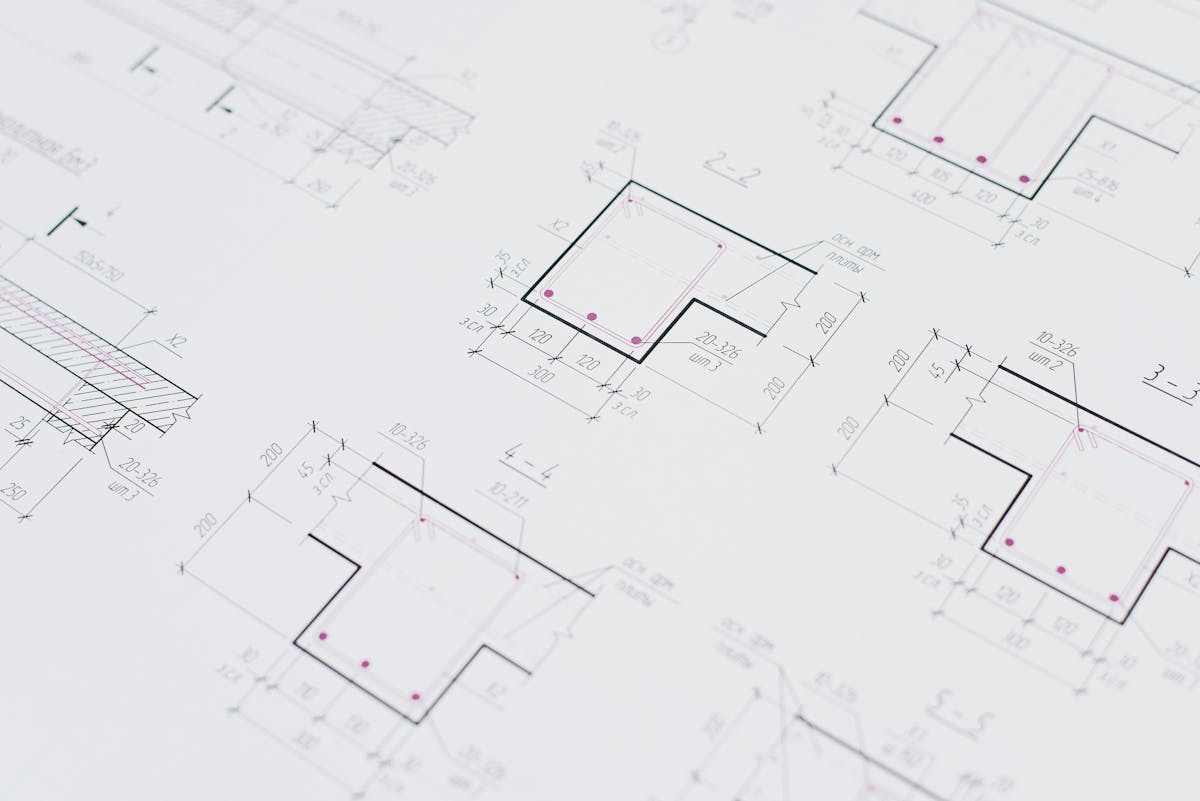
As-built documentation is not a single deliverable — it is a family of related outputs, each serving different purposes.
2D As-Built Drawings
The traditional format. Floor plans, reflected ceiling plans, elevations, and sections drawn to scale, showing the exact geometry and layout of the building. These are typically produced in AutoCAD (DWG format) and remain the most universally understood deliverable across the construction industry.
3D Point Clouds
The raw output of a 3D laser scanning survey. A point cloud is a dense collection of millions of measured XYZ coordinates that together form a photorealistic 3D representation of the building. Point clouds serve as the foundational dataset from which all other as-built deliverables are derived. They capture every visible surface with millimeter-level accuracy.
3D BIM Models
An intelligent Building Information Model created from scan data (through the Scan-to-BIM process). Unlike a point cloud, a BIM model contains named, classified objects — walls with material properties, doors with hardware specifications, pipes with diameter and flow data. BIM models are created in software like Autodesk Revit and serve as living databases for facility management and renovation design. Our BIM scanning guide covers the full Scan-to-BIM workflow in detail.
360-Degree Photography and Virtual Tours
Immersive visual records that allow anyone to virtually walk through the building. These complement the geometric accuracy of point clouds and drawings with intuitive visual context. Facility managers, remote stakeholders, and design teams can reference the actual appearance of spaces without a site visit.
Traditional Photographs
Targeted documentary photos of specific conditions — equipment nameplates, existing damage, concealed elements exposed during selective demolition, and any condition that warrants a permanent visual record.
Why Every Building Needs As-Built Documentation
Renovation and Retrofit Projects
This is the most common trigger for commissioning as-built documentation. Before any renovation can be designed, the design team needs to know exactly what they are working with. Without accurate as-builts, architects and engineers are forced to make assumptions — and assumptions during renovation design lead to change orders during construction.
A study by the National Institute of Standards and Technology (NIST) estimated that inadequate interoperability and the lack of accurate building data costs the U.S. capital facilities industry $15.8 billion annually. Much of that cost traces back to the absence of reliable as-built documentation.
Building Code Compliance
When a building undergoes significant renovation, local building departments require documentation of existing conditions. Fire egress analysis, ADA compliance reviews, structural evaluations, and energy code assessments all depend on knowing what currently exists. As-built documentation provides the verified baseline that code officials and plan reviewers require.
Insurance and Risk Management
Insurance underwriters and adjusters need accurate building information to properly assess risk and process claims. Square footage, construction type, system ages, and building configuration all factor into coverage and claims decisions. After fire, flood, or storm damage, as-built documentation provides the pre-loss reference needed for accurate restoration.
Facility Management and Operations
Building owners and facility managers who maintain accurate as-built records can locate utilities before emergency repairs, plan maintenance cycles based on actual system configurations, and onboard new maintenance staff without relying solely on institutional knowledge. When the person who “knows where everything is” retires, the documentation needs to speak for itself.
Real Estate Transactions
During due diligence for building acquisitions, buyers need verified building data — actual square footage, system conditions, code compliance status, and capital improvement history. As-built documentation provides the objective, measured data that supports purchase decisions worth millions of dollars.
Historical Preservation
For historically significant structures, as-built documentation creates a permanent record of the building’s current state. This serves both preservation planning and insurance purposes. If damage occurs, the documentation provides the reference needed for accurate restoration. Our as-built documentation service covers heritage structures alongside commercial and industrial buildings.
Traditional vs Modern Methods
Traditional Manual Measurement
For decades, as-built documentation meant sending a crew with tape measures, laser distance meters, and clipboards to manually measure every room, corridor, and vertical chase in a building. This approach has significant limitations:
- Speed — A manual survey of a 50,000 square foot building can take 2-3 weeks
- Accuracy — Manual measurements commonly introduce errors of 0.25 to 0.5 inches, with cumulative errors growing as measurements chain together across large buildings
- Completeness — Crews measure what they think matters and inevitably miss elements that become important later
- Documentation gaps — Only dimensions are captured; spatial relationships, alignments, and visual context are not systematically recorded
- Safety — Accessing elevated areas, confined spaces, and active mechanical rooms for manual measurement creates safety risks
Modern 3D Laser Scanning
3D laser scanning has fundamentally changed how as-built documentation is created. A single scan position captures everything visible within its range — walls, ceiling structure, exposed MEP systems, equipment, and architectural details — in minutes rather than hours.
The advantages are substantial:
- Speed — The same 50,000 square foot building can be scanned in 1-2 days
- Accuracy — Laser scanners achieve 1-2 millimeter accuracy at typical indoor distances, with no cumulative error
- Completeness — Everything visible is captured, whether or not anyone thought it was important at the time
- Future-proofing — The full point cloud dataset is preserved, so new measurements can be extracted years later without returning to the site
- Safety — Scanning requires less time in hazardous areas, and scanners can reach locations that are difficult or dangerous to access manually
The cost difference between the two methods has narrowed significantly as scanning technology has matured. For most commercial buildings, 3D scanning is now comparable in cost to thorough manual measurement — while delivering dramatically more data and accuracy.
How 3D Scanning Creates As-Built Documentation
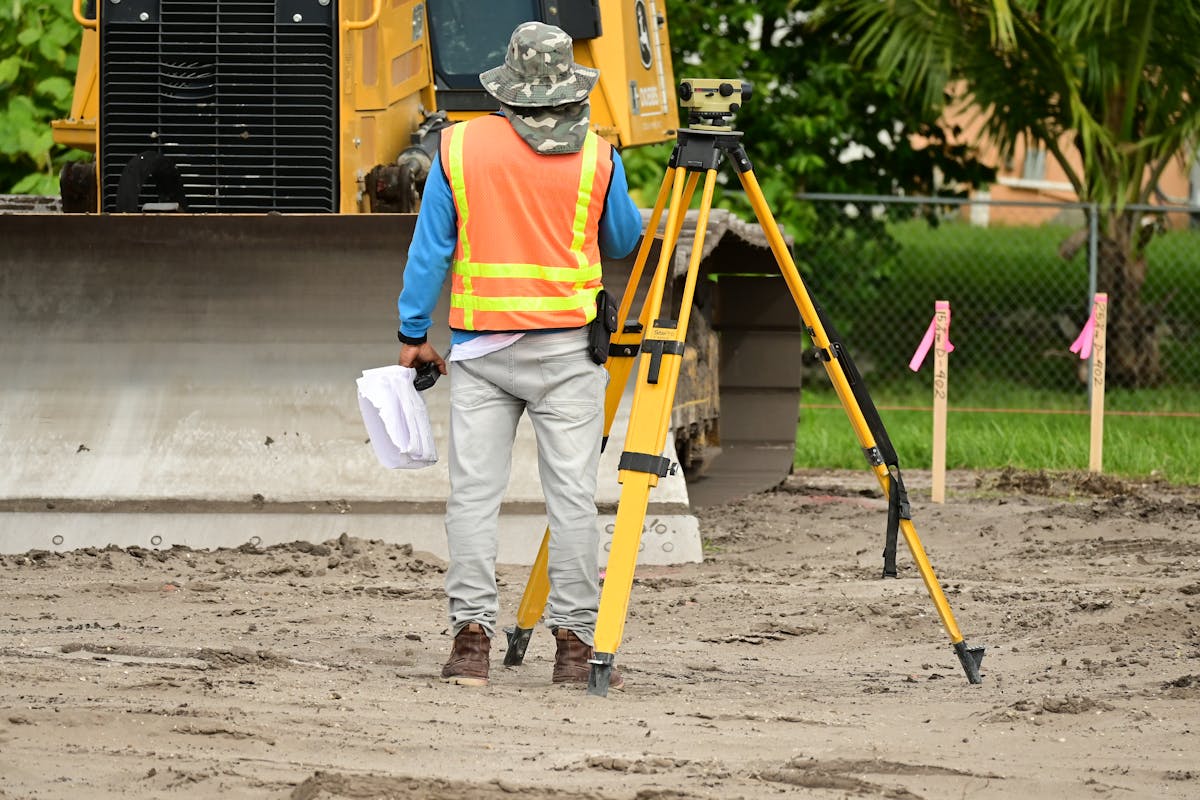
Here is what the process looks like when a professional scanning firm documents a building:
Step 1: Project Planning
Before scanners arrive on site, the scope is defined. Which areas of the building need documentation? What deliverables are required — point cloud only, 2D drawings, BIM model? What level of detail is needed? What is the timeline? A site visit or virtual walkthrough helps identify potential challenges like limited access areas, active construction zones, or high-security spaces.
Step 2: Field Scanning
A scanning crew sets up terrestrial laser scanners at planned positions throughout the building. Each scan position captures a 360-degree point cloud of its surroundings. For a typical commercial floor plate, scan positions are spaced 20-30 feet apart, with additional positions in complex areas like mechanical rooms, stairwells, and elevator shafts.
A 50,000 square foot office floor typically requires 60-100 scan positions and takes one full day to complete.
Step 3: Data Processing and Registration
The individual scan positions are aligned (registered) into a single unified coordinate system. Modern registration workflows combine target-based alignment, cloud-to-cloud matching, and visual verification to achieve final accuracy within a few millimeters. The registered point cloud is cleaned to remove noise, transient objects (people walking through), and scanning artifacts.
Step 4: Deliverable Production
From the registered point cloud, the contracted deliverables are produced:
- Point cloud files in requested formats (E57, RCP, LAS) for direct use in design and modeling software
- 2D as-built drawings traced from the point cloud data in CAD software
- 3D BIM models created by tracing intelligent objects over the point cloud in Revit (if contracted through a BIM modeling firm)
Step 5: Quality Assurance and Delivery
All deliverables are reviewed for accuracy, completeness, and compliance with project specifications. The final package is delivered to the client along with a project report documenting scanning parameters, accuracy specifications, and any areas of limited access.
What to Expect from a Professional Service

Timeline
For a typical commercial building, expect:
- Scanning — 1-3 days on site, depending on building size and complexity
- Processing — 3-5 business days for point cloud registration and cleanup
- Drawing production — 5-10 business days for 2D as-built drawings (if included)
- BIM modeling — 2-6 weeks for full Scan-to-BIM conversion (if contracted through a modeling firm)
Total turnaround from scanning to point cloud delivery is typically 1-2 weeks.
Deliverable Formats
A professional scanning firm should deliver data in industry-standard formats that work with your existing software:
- E57 — Universal point cloud format, works with virtually all 3D software
- RCP/RCS — Autodesk ecosystem (Revit, AutoCAD, Navisworks)
- LAS/LAZ — Surveying and geospatial applications
- DWG — 2D as-built drawings for AutoCAD
- PDF — Plotted drawing sheets for review and printing
For as-built surveys requiring a licensed surveyor’s certification in Florida, Apex Surveying provides PSM-certified as-built documentation across all 67 counties — a critical complement to 3D scanning data for permit and compliance purposes.
Cost Factors
The cost of as-built documentation depends on building size, complexity, required deliverables, and accessibility. Our as-built drawings cost guide provides detailed pricing benchmarks by building type and square footage. You can also use our cost calculator tool for a quick estimate. As a general framework, 3D scanning costs for commercial projects range from $0.20 to $0.70 per square foot for the scan data itself, with additional costs for drawing or BIM model production. Pricing varies by metro area and project complexity.
Frequently Asked Questions
How often should as-built documentation be updated?
As-built documentation should be updated after any significant building modification — tenant improvements, system replacements, structural changes, or major maintenance work. For actively managed portfolios, many facility teams commission updated scans on a 3-5 year cycle to maintain current records. The cost of periodic updates is small compared to the cost of making decisions based on outdated information.
Can as-built documentation be created for occupied buildings?
Yes. 3D laser scanning is non-invasive and does not require clearing the building. Scanning crews work around occupants and normal building operations. Some coordination is needed for accessing secured areas, mechanical rooms, and tenant spaces, but the scanning itself does not disrupt daily operations. A typical scan position takes 2-3 minutes, and the scanner operates silently.
What is the difference between as-built drawings and record drawings?
Record drawings are the contractor’s marked-up version of the original construction documents, noting changes made during construction. As-built drawings are independently measured documentation of the building as it exists today. Record drawings reflect what the contractor remembers changing; as-built drawings reflect what actually exists. For older buildings that have undergone multiple renovations, record drawings from the original construction may bear little resemblance to current conditions.
Do I need as-built documentation if my building was built recently?
Even for buildings completed within the last few years, as-built documentation has value. Construction frequently deviates from design intent in ways that are not fully captured in contractor record drawings. MEP routing, structural modifications, and architectural adjustments made in the field may not be reflected in any existing document. For buildings that will eventually undergo renovation, having accurate as-built documentation from day one saves significant time and cost down the road.
Ready to create accurate as-built documentation for your building? Get a quote from THE FUTURE 3D or learn more about our as-built documentation services and 3D laser scanning capabilities.
Ready to Start Your Project?
Get a free quote and consultation from our 3D scanning experts.
Get Your Free Quote

