If you work in architecture, engineering, or construction, you have probably heard both “point cloud” and “BIM model” used in conversations about building documentation. These two terms get thrown around interchangeably by people who do not work with them daily, but they represent fundamentally different things. Understanding the distinction is critical for anyone commissioning scanning work, managing a renovation, or coordinating building data across teams.
This guide breaks down exactly what each one is, how they differ, when you need one versus the other, and how they connect in a real-world workflow.
What Is a Point Cloud?
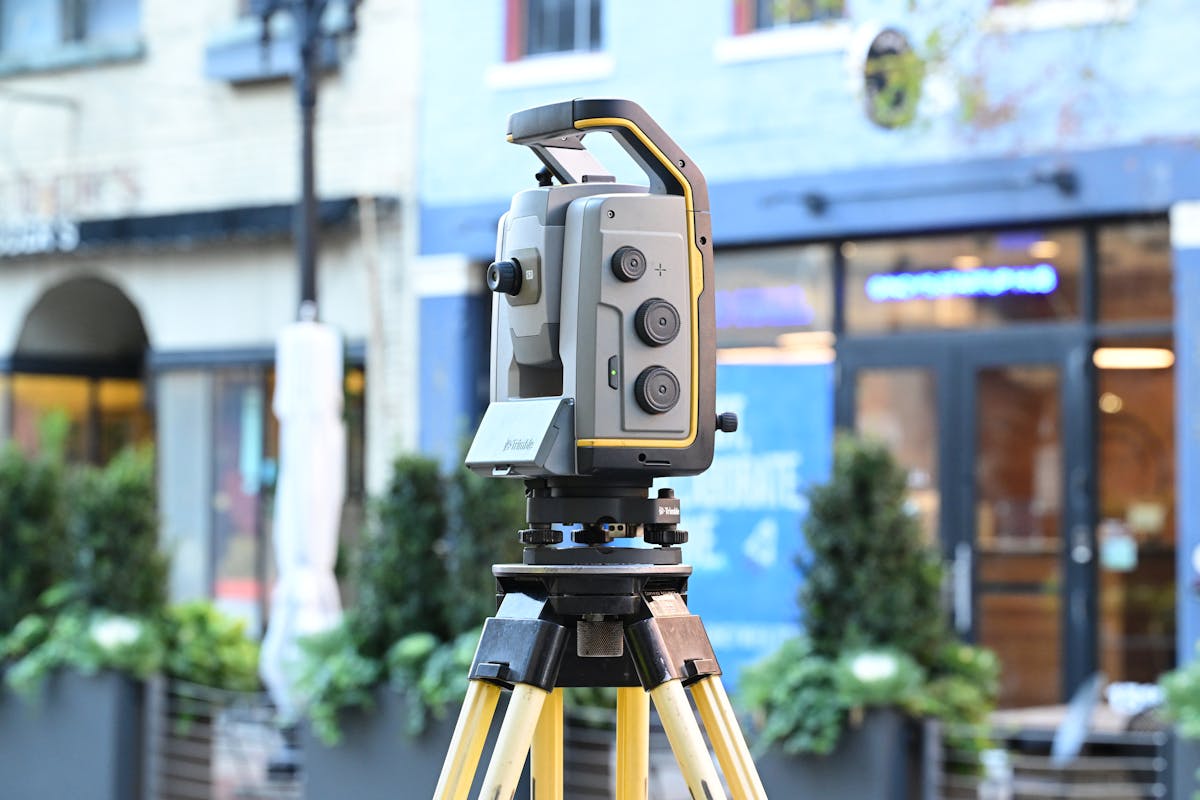
A point cloud is the raw output of a 3D laser scanning session. When a laser scanner like a Leica RTC360 or FARO Focus Premium captures a space, it fires millions of laser pulses per second at surrounding surfaces. Each pulse that bounces back is recorded as a single point in three-dimensional space, defined by its X, Y, and Z coordinates.
The result is a massive collection of these measured points — often hundreds of millions or even billions for a single building. Together, they form a dense, photorealistic representation of the physical environment. Each point typically carries additional data beyond its position: color information captured from the scanner’s camera, intensity values from the laser reflection, and sometimes classification metadata.
A point cloud does not interpret what it sees. It does not know that a surface is a wall, a pipe, or a window. It simply records the position and appearance of every visible surface with millimeter-level precision. Think of it as a hyper-detailed 3D photograph — accurate, comprehensive, but not inherently “smart.”
Common Point Cloud File Formats
- E57 — Open standard, widely supported across software platforms
- RCP/RCS — Autodesk formats optimized for use in Revit and AutoCAD
- LAS/LAZ — Common in surveying and geospatial applications
- PLY/PTS/XYZ — Simple formats listing raw coordinate data
What Is a BIM Model?
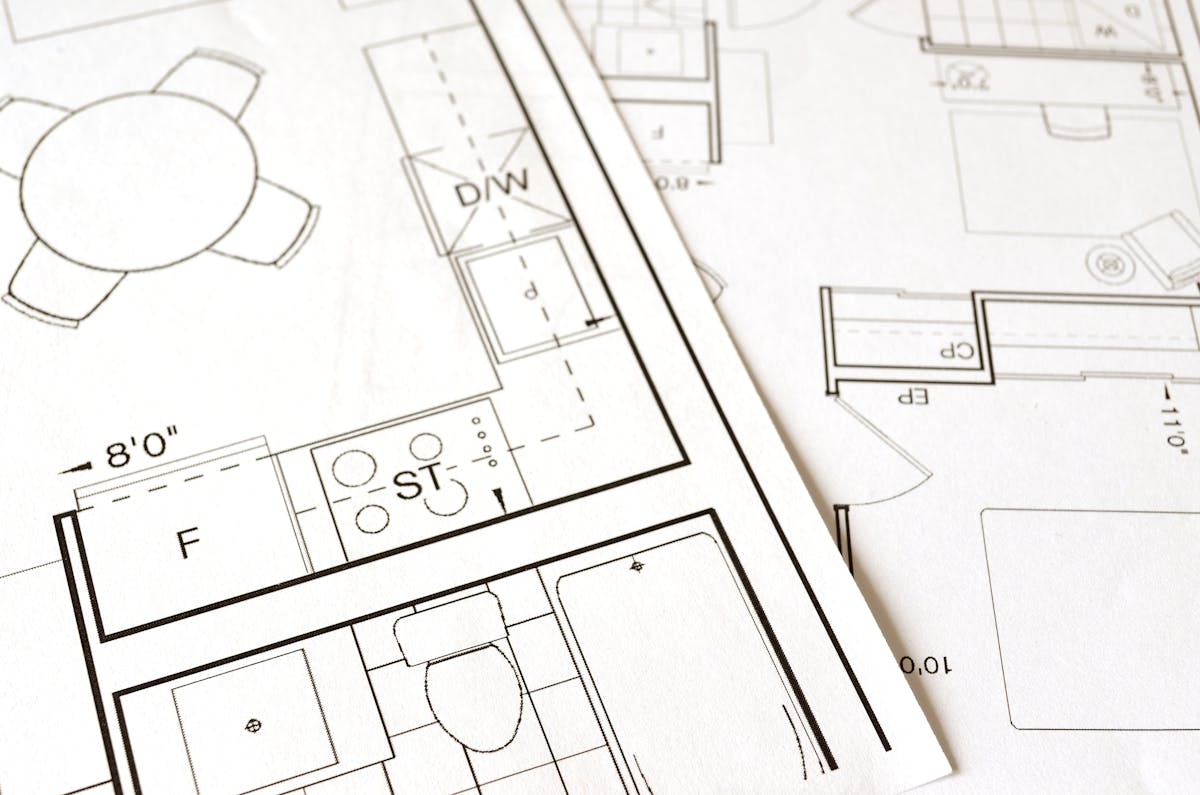
A BIM (Building Information Model) is an intelligent 3D digital representation of a building, typically created in software like Autodesk Revit, ArchiCAD, or Bentley MicroStation. Unlike a point cloud, every element in a BIM model is a defined object with properties, relationships, and metadata.
A wall in a BIM model is not just a surface — it has a material type, thickness, fire rating, acoustic properties, manufacturer specifications, and a relationship to the floor below and the ceiling above. A door in a BIM model carries its dimensions, swing direction, hardware specifications, fire rating, and accessibility compliance status. Every element is a database entry as much as it is a geometric shape.
BIM models are organized by discipline — architectural, structural, mechanical, electrical, plumbing — and can be coordinated across teams to detect clashes before construction begins. They serve as living documents throughout a building’s lifecycle, from design through construction to ongoing facility management.
You can learn more about how BIM and traditional CAD compare in our guide on BIM vs CAD.
Common BIM File Formats
- RVT — Autodesk Revit native format
- IFC — Open standard for interoperability between BIM platforms
- NWD/NWC — Navisworks formats for model coordination and clash detection
- DWG — AutoCAD format, often used for 2D deliverables extracted from BIM
Key Differences: Point Cloud vs BIM Model
Understanding where these two diverge helps you know which one your project actually needs.
| Feature | Point Cloud | BIM Model |
|---|---|---|
| Data type | Raw measured coordinates (XYZ) | Intelligent parametric objects |
| Intelligence | None — geometry only | High — every element has properties and relationships |
| File size | Very large (5-50+ GB per building) | Moderate (50-500 MB typically) |
| Editability | Cannot be easily modified | Fully editable — change a wall type and all related elements update |
| Accuracy | Millimeter-level measurement accuracy | Depends on modeler skill and LOD specification |
| Creation speed | Hours to days of scanning | Weeks to months of modeling |
| Collaboration | View-only reference data | Multi-discipline coordination with clash detection |
| Software | CloudCompare, Cyclone, ReCap | Revit, ArchiCAD, Bentley |
| Use case | Documentation, verification, reference | Design, coordination, facility management |
| Human effort | Automated capture, minimal interpretation | Skilled manual modeling required |
The simplest way to think about it: a point cloud tells you exactly what is there. A BIM model tells you what it is, what it is made of, and how it relates to everything around it.
When Do You Need Each?
You Need a Point Cloud When:
- Documenting existing conditions — Recording a building exactly as it stands today, before renovation or demolition work begins
- Verifying construction progress — Comparing what was built against design intent by overlaying the point cloud on the BIM model
- Creating a permanent record — Archiving the precise geometry of a historic structure, critical infrastructure, or high-value asset
- Providing reference data for modeling — Giving your BIM team or external modeling firm the measured reality they need as a foundation
- Detecting deformation or movement — Comparing point clouds captured at different times to identify structural changes
You Need a BIM Model When:
- Designing renovations or additions — Working within an intelligent model that understands building systems and their interactions
- Coordinating multiple disciplines — Running clash detection between architectural, structural, and MEP systems
- Managing facilities — Maintaining a living database of building components for operations and maintenance
- Meeting project requirements — Many owners, municipalities, and general contractors now require BIM deliverables
- Generating construction documents — Extracting floor plans, sections, elevations, and schedules from a single coordinated model
You Often Need Both
In most renovation and retrofit projects, the workflow requires both. The point cloud captures existing conditions with measurement-grade accuracy, and the BIM model provides the intelligent framework for design and coordination. Neither one replaces the other — they serve complementary roles.
Our BIM scanning guide covers this workflow in greater detail.
The Workflow: From Point Cloud to BIM
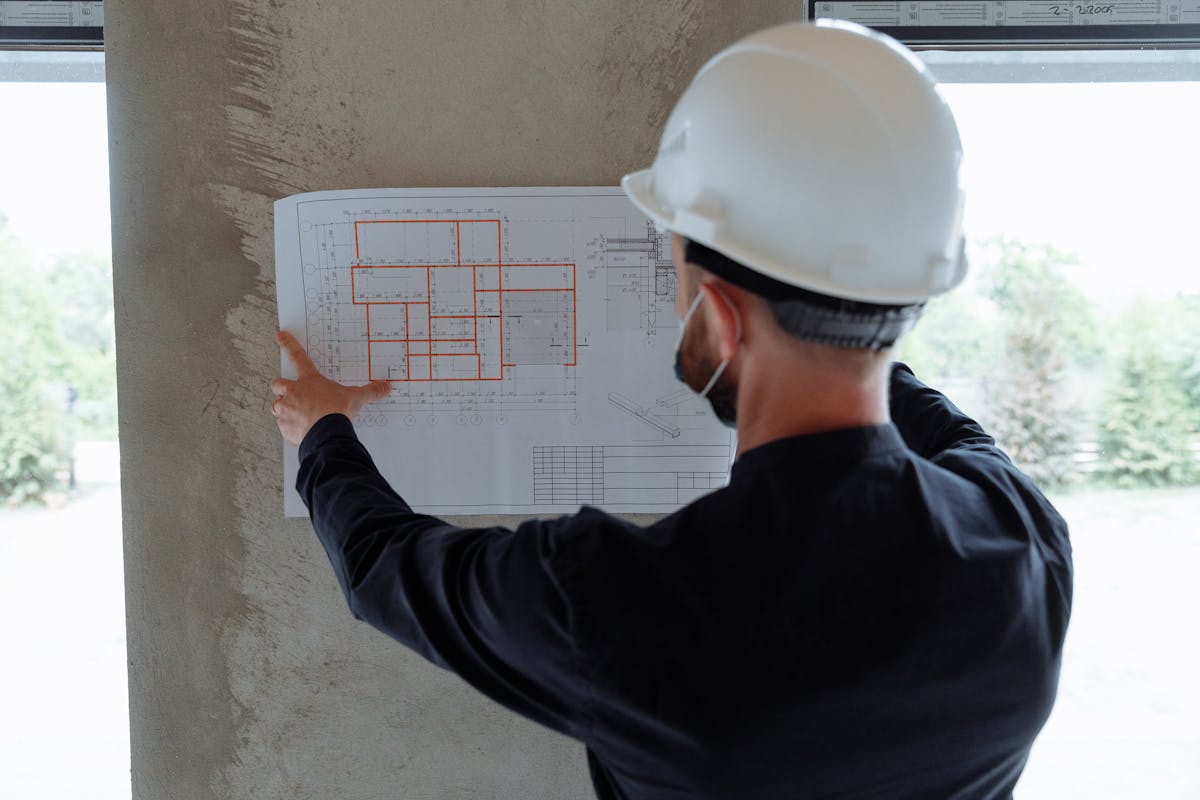
The process of turning raw scan data into an intelligent BIM model is called Scan-to-BIM. Here is how it works at a high level:
Step 1: 3D Laser Scanning
A scanning crew captures the building using terrestrial laser scanners, setting up at multiple positions throughout the space. Each scan position captures a 360-degree point cloud of its surroundings. For a typical commercial building, this involves 50 to 200+ scan positions, depending on size and complexity.
Step 2: Registration and Processing
The individual scan positions are aligned (registered) into a single unified point cloud. Modern scanners use a combination of visual targets, natural feature recognition, and SLAM (Simultaneous Localization and Mapping) technology to achieve registration accuracy within a few millimeters. The registered point cloud is then cleaned to remove noise, artifacts, and unwanted data (people walking through, temporary objects).
Step 3: Delivery of Scan Data
The processed point cloud is delivered to the client in industry-standard formats — typically E57 for universal compatibility, RCP/RCS for Autodesk workflows, and LAS for surveying applications. This is the deliverable that represents the measured reality of the building.
Step 4: BIM Modeling (Scan-to-BIM Conversion)
A BIM modeler — either on the client’s team or at a specialized BIM firm — imports the point cloud into Revit or another BIM platform. They then trace over the point cloud data, creating intelligent BIM objects that match the scanned geometry. This is a skilled, manual process that requires both BIM expertise and construction knowledge to correctly identify and model building elements.
The level of detail (LOD) in the resulting BIM model depends on project requirements:
- LOD 200 — Basic geometry, approximate sizes and locations
- LOD 300 — Accurate geometry, specific systems identified
- LOD 350 — Coordination-ready, includes connections and interfaces
- LOD 400 — Fabrication-ready, includes manufacturer-specific detail
Step 5: Quality Assurance
The completed BIM model is overlaid against the original point cloud to verify accuracy. Deviations between the model and the measured reality are identified and resolved. This QA step is critical — it is the point where the intelligence of the BIM model is validated against the truth of the scan data.
How THE FUTURE 3D Helps
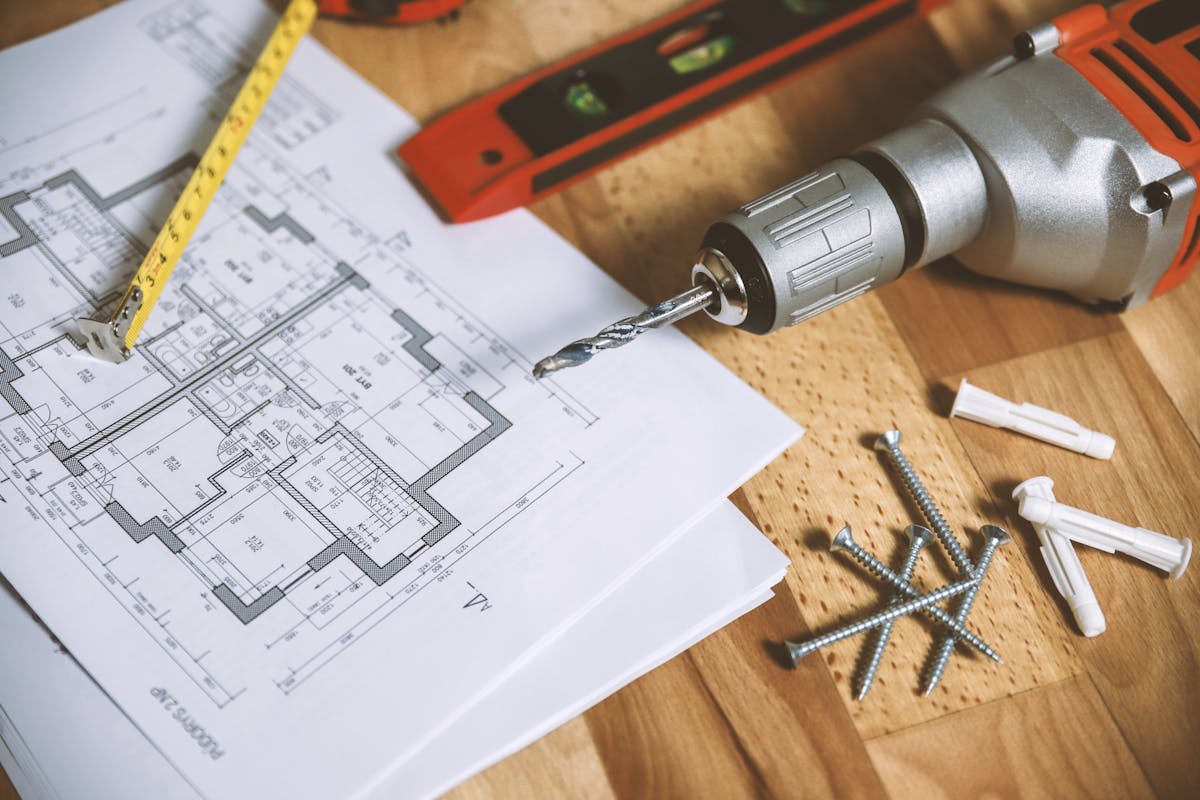
THE FUTURE 3D specializes in the scanning side of this workflow. We capture production-ready point cloud data using professional-grade equipment — Leica RTC360, FARO Focus Premium, NavVis VLX, and other industry-leading scanners — and deliver registered, cleaned point clouds in the formats your BIM team needs.
We provide BIM-conversion-ready 3D laser scan data in E57, RCP, LAS, and OBJ formats. Our scan data is optimized for direct import into Revit and other BIM platforms, giving your modeling team or external BIM firm a precise, reliable foundation for their work.
This approach means you get the highest quality scan data from a dedicated scanning specialist, and your BIM team can focus on what they do best — intelligent modeling. Whether you have an in-house Revit team or work with a third-party BIM services firm, our deliverables are structured to integrate seamlessly into the Scan-to-BIM workflow.
To learn more about what this service involves and what it costs, see our 3D scanning cost guide and our as-built drawings cost breakdown.
Frequently Asked Questions
Can a point cloud be converted directly into a BIM model automatically?
Not with current technology. While AI-assisted tools are improving, the conversion from point cloud to BIM still requires skilled human modeling. Automated tools can assist with plane detection and basic geometry extraction, but correctly identifying building systems, assigning material properties, and establishing object relationships requires professional judgment. Expect this to evolve over the next several years, but for now, manual modeling by a qualified BIM technician is the standard.
How accurate is a point cloud compared to manual measurements?
Point clouds captured with professional laser scanners like the Leica RTC360 achieve accuracy within 1-2 millimeters at typical scanning distances. This significantly exceeds the accuracy of manual tape measurements, which commonly introduce errors of 0.25 to 0.5 inches (6 to 12 millimeters). For renovation projects where exact existing dimensions matter, laser scanning eliminates the measurement errors that cause costly field conflicts.
Do I need a point cloud if I already have the original building drawings?
In most renovation scenarios, yes. Original construction drawings reflect what was designed, not what was actually built. Buildings change over time through modifications, tenant improvements, settling, and undocumented alterations. A point cloud captures the building as it actually exists today, revealing discrepancies that original drawings cannot show. Our guide on as-built documentation explains this in detail.
What software do I need to view a point cloud?
Free viewers include Autodesk ReCap (for RCP/RCS files) and CloudCompare (open source, supports most formats). For professional work, Leica Cyclone, FARO SCENE, and Trimble RealWorks offer advanced registration, measurement, and analysis tools. Most BIM software — including Revit, ArchiCAD, and Bentley MicroStation — can import point clouds directly as reference data.
Need production-ready point cloud data for your next project? Get a quote from THE FUTURE 3D or explore our 3D laser scanning services to learn how we deliver scan data that your BIM team can work with immediately.
Ready to Start Your Project?
Get a free quote and consultation from our 3D scanning experts.
Get Your Free Quote

