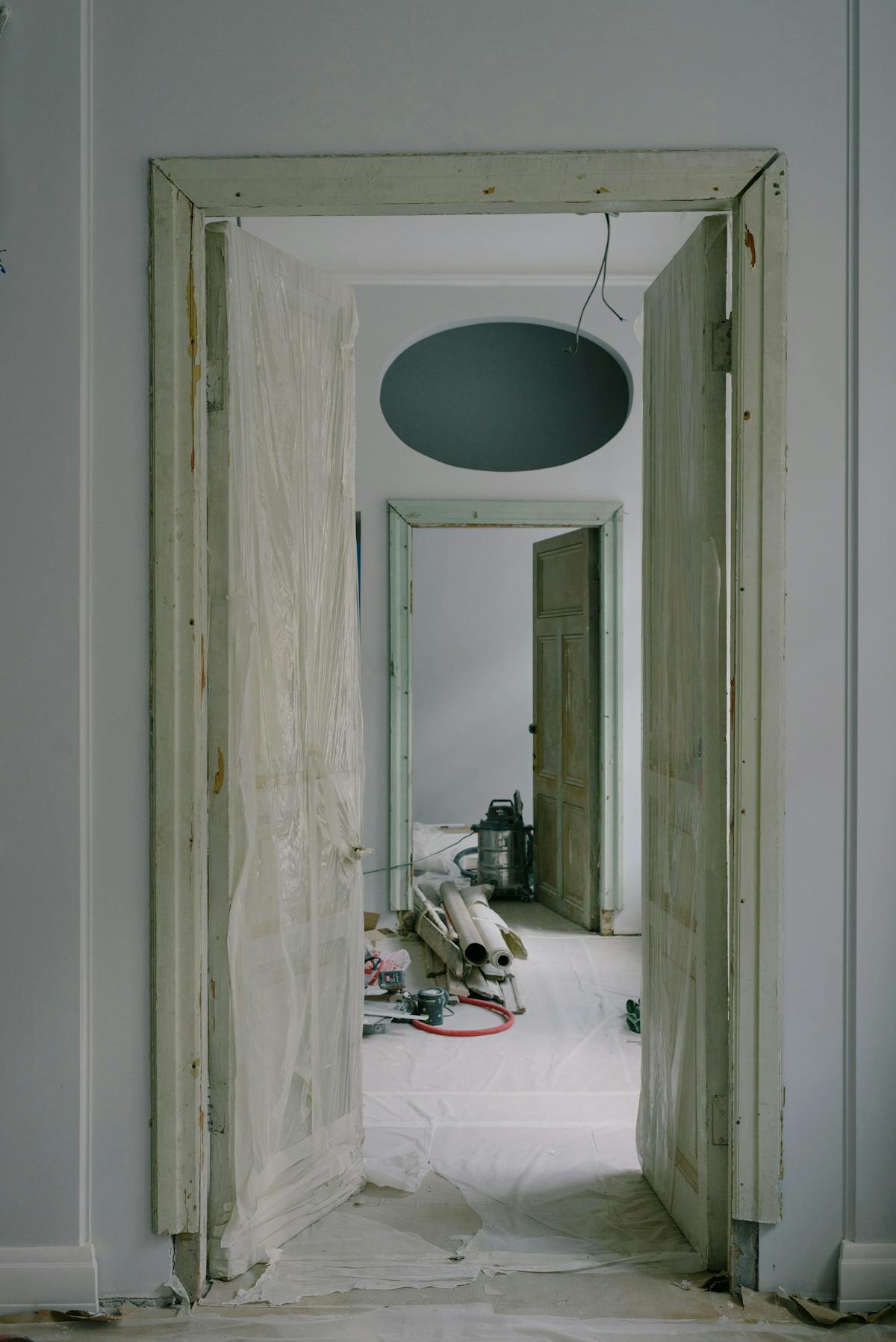
Every renovation project begins with the same fundamental question: what exactly exists in this building right now? The answer determines whether a project runs on schedule and on budget — or spirals into a chain of costly surprises, change orders, and schedule delays.
An FMI/Autodesk study found that 48 percent of all rework in the construction industry is caused by poor project data and miscommunication. For renovation projects, where the design must integrate with existing conditions, that number is even higher. The root cause is almost always the same: the design team worked from inaccurate or incomplete information about the building’s current state.
As-built documentation eliminates this blind spot. It gives architects, engineers, and contractors a verified, measured record of what actually exists — before a single design decision is made.
Why Renovation Projects Fail Without Accurate As-Builts
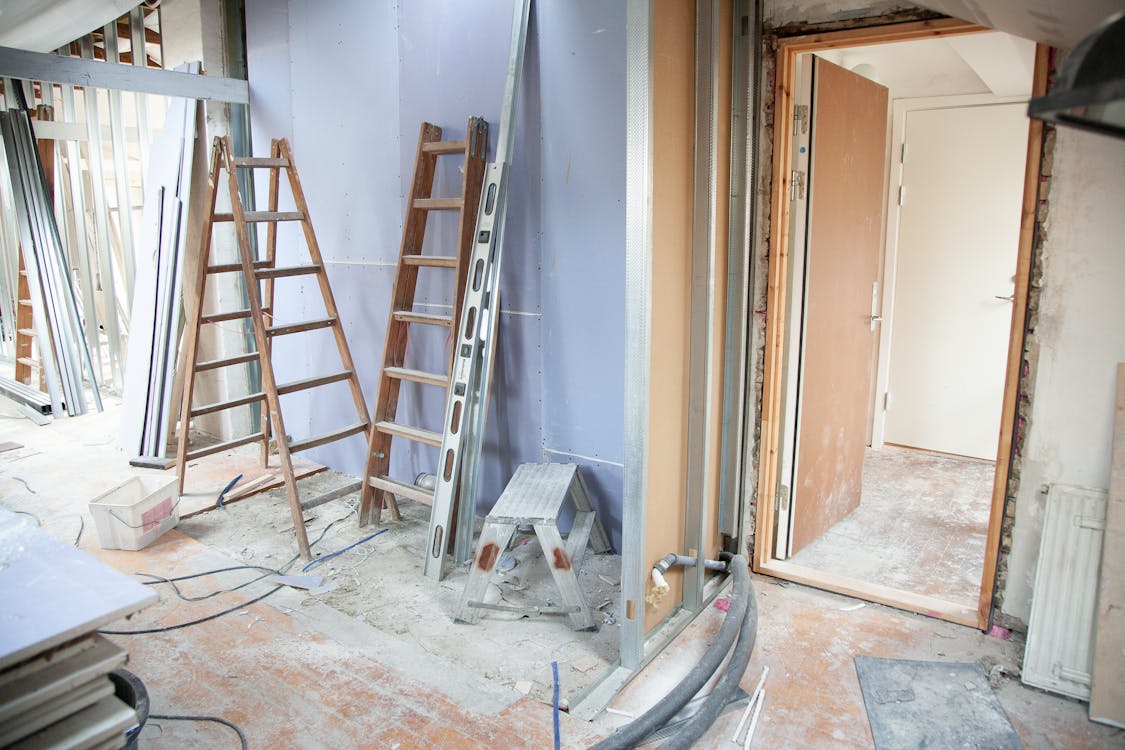
When a design team begins renovation work, they need a baseline. What are the exact room dimensions? Where do structural columns sit? How does the HVAC ductwork route through the ceiling plenum? Where are the electrical panels and what circuits do they serve? Where does plumbing run through the slab?
Without accurate answers, the team has three options — all of them bad:
Option 1: Use original construction documents. If the building is more than 10 years old, the original drawings almost certainly do not reflect the current state. Tenant improvements, system upgrades, emergency repairs, and undocumented modifications have changed the building. Designing based on outdated drawings is designing based on fiction.
Option 2: Do a quick field survey with tape measures. Manual measurement captures basic room dimensions but misses the complexity of MEP systems, structural connections, and spatial relationships that determine whether a design will actually work. Critical elements above ceilings, inside walls, and below floors go undocumented.
Option 3: Skip the survey and handle field conditions as they arise. This is the most expensive option of all. Every undocumented condition discovered during construction becomes a change order. Every design assumption that does not match reality becomes a schedule delay. The project team spends its time reacting to surprises instead of executing a plan.
Professional as-built documentation creates a fourth option: start with verified, millimeter-accurate records of every measurable condition in the building. Design with confidence. Build without surprises.
When to Get As-Built Documentation Before Renovation

The short answer is always. Any renovation project benefits from accurate existing-conditions documentation. But the need becomes critical in specific situations.
Buildings Over 10 Years Old
The longer a building has been in service, the more its actual conditions have diverged from any existing drawings. A decade of modifications — many undocumented — creates a gap between what drawings show and what exists. For buildings 20 or 30 years old, the gap can be enormous.
Buildings With No Original Drawings
Many buildings, particularly older commercial and industrial structures, have no surviving construction documents at all. The original architect’s office closed. The general contractor’s records were lost. The building changed ownership multiple times. In these cases, as-built documentation does not supplement existing records — it creates the only accurate record that exists.
Buildings With Multiple Past Renovations
Each renovation adds a layer of modifications. When multiple tenants have modified the same floor over two decades, the cumulative effect is a building whose actual configuration is a patchwork that no single set of drawings has ever captured. Scanning provides the unified, current-state record.
Projects With Complex MEP Requirements
Any renovation that involves significant mechanical, electrical, or plumbing work needs accurate MEP documentation. New HVAC systems must route through existing ceiling plenums. Electrical upgrades must connect to existing panels. Plumbing modifications must tie into existing risers. Without documentation of existing MEP systems, every connection is a gamble.
Change-of-Use Projects
Converting a retail space to a restaurant. Transforming offices into residential units. Turning a warehouse into a mixed-use development. Change-of-use projects face the most stringent code requirements, and every code analysis begins with accurate documentation of the existing structure.
What Renovation As-Builts Include
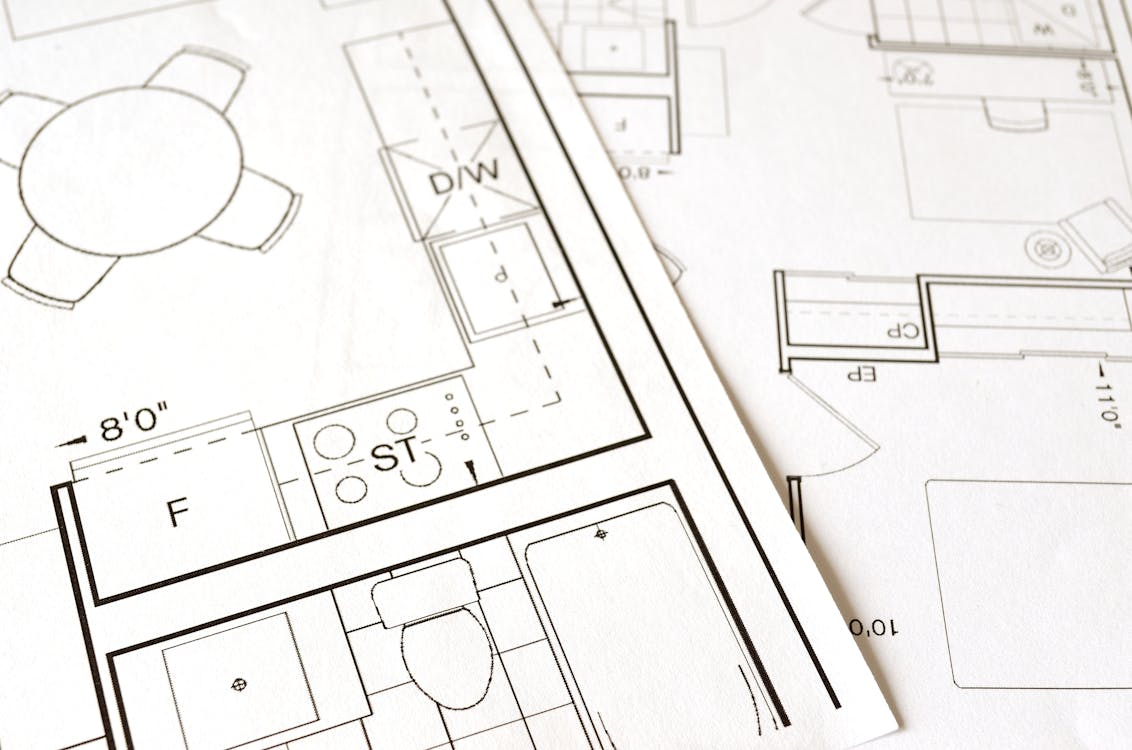
The scope of as-built documentation for renovation projects varies based on the nature of the renovation, but a comprehensive package typically includes the following.
Architectural Documentation
- Floor plans with wall locations, thicknesses, and materials
- Reflected ceiling plans showing ceiling heights, grid layout, and above-ceiling conditions
- Door and window schedules with sizes and swing directions
- Finish schedules identifying existing floor, wall, and ceiling materials
- Stairwell and elevator shaft dimensions
- Code-related measurements (egress widths, clearances, accessibility dimensions)
Structural Documentation
- Column grid and beam locations with sizes
- Load-bearing wall identification
- Floor-to-floor heights and structural slab elevations
- Visible foundation elements
- Structural penetrations and openings
MEP Documentation
- HVAC equipment locations, ductwork routing, and diffuser positions
- Electrical panel locations, conduit runs, and outlet positions
- Plumbing fixture locations, supply and drain routing
- Fire protection system layout
- Equipment nameplate data where accessible
Building Envelope
- Exterior wall assembly identification
- Window sizes, types, and conditions
- Roof conditions and drainage patterns
The Process: Scan, Register, Deliver
Modern as-built documentation for renovation projects follows a streamlined workflow powered by 3D laser scanning technology.
Step 1: Scope Definition and Site Walkthrough
Before scanning begins, our team reviews the renovation scope with the project architect or owner’s representative. Understanding what areas of the building are being renovated — and what systems are being modified — determines the scanning scope. Not every renovation requires documentation of the entire building. A single-floor tenant improvement may only need that floor scanned, plus connections to the floor above and below.
Step 2: On-Site 3D Laser Scanning
Our scanning crews arrive with terrestrial laser scanners that capture 2.2 million measurement points per second. Each scan position creates a 360-degree point cloud of its surroundings with 1 to 4 millimeter accuracy. For a typical 20,000 square foot floor plate, scanning takes one full day and produces 40 to 80 individual scans.
The process is non-invasive. Scanning works around existing occupants, furniture, and operations. No demolition, no disruption, no downtime.
Step 3: Point Cloud Registration and Processing
The individual scans are aligned into a single unified coordinate system through a process called registration. The result is a seamless 3D representation of the building that can be navigated, measured, and sectioned from any angle. Our team cleans the data to remove noise, transient objects, and scanning artifacts, delivering a production-ready point cloud dataset.
Step 4: Deliverable Production
From the registered point cloud, we produce the deliverables your design team needs:
- Point cloud files in E57, RCP, or LAS format for direct use in CAD and BIM software
- 2D as-built floor plans in DWG format, traced from the point cloud data
- Reflected ceiling plans showing ceiling heights, grid layout, and visible above-ceiling conditions
- Building sections and elevations cut from the 3D data
Our scanning data is BIM-conversion-ready — your BIM modeling firm can overlay the point cloud in Revit to create intelligent building models if your project requires BIM deliverables.
The Cost vs. Value Equation

The most common objection to pre-renovation as-built documentation is cost. Scanning a commercial floor for renovation typically costs between $3,000 and $15,000 depending on the building size and complexity. For a project with a six-figure renovation budget, that can feel like an unnecessary add-on.
But the math tells a different story.
A single MEP-related change order on a commercial renovation averages $15,000 to $45,000. Discovery of an undocumented structural condition can generate change orders of $50,000 or more. Schedule delays caused by undocumented conditions typically cost $2,000 to $5,000 per day in general conditions costs alone.
The industry consensus is that renovation change orders caused by inaccurate existing-conditions data add 5 to 15 percent to total project cost. On a $500,000 renovation, that means $25,000 to $75,000 in preventable additional costs — several times the cost of comprehensive scanning.
Pre-renovation scanning does not just pay for itself. It typically generates a return of 3x to 10x on the investment by preventing the change orders, delays, and coordination failures that plague renovation projects working from incomplete information.
For detailed pricing information, see our as-built documentation cost guide or use our cost calculator for a project-specific estimate.
Choosing the Right Documentation Approach
Not every renovation requires the same level of documentation. The right approach depends on the project’s scope, complexity, and risk tolerance.
Light Renovation (Cosmetic Updates)
For projects involving only finishes — new flooring, paint, ceiling tiles, lighting fixtures — basic architectural as-builts may be sufficient. Floor plans with accurate dimensions, ceiling heights, and outlet locations provide the baseline needed for finish design.
Moderate Renovation (Space Reconfiguration)
When walls are being moved, doors relocated, or spaces recombined, architectural and structural documentation is essential. The design team needs to know which walls are load-bearing, where columns intersect with the new layout, and how ceiling heights vary across the floor. MEP documentation of the affected areas prevents conflicts with new partition layouts.
Major Renovation (Systems Replacement)
For projects that involve replacing or significantly modifying HVAC, electrical, or plumbing systems, comprehensive MEP documentation is critical. The cost of undocumented MEP conditions during a major systems renovation can dwarf the cost of documentation by an order of magnitude.
Full Building Renovation or Adaptive Reuse
When an entire building is being renovated or repurposed, comprehensive documentation of all systems, all floors, and the building envelope is the standard of care. The investment in thorough documentation is small relative to the overall project budget and eliminates the most common source of renovation cost overruns.
Our team helps project owners and architects scope the right level of documentation for their specific renovation project. We are equipped to handle projects ranging from single-floor tenant improvements to full-building adaptive reuse, and we can deliver the level of documentation your project requires.
Frequently Asked Questions
Q: How far in advance of renovation should I get as-built documentation?
Ideally, as-built documentation should be completed before the design phase begins — typically 2 to 4 weeks before the architect starts schematic design. This gives the design team accurate existing conditions from day one, preventing design decisions based on assumptions. For emergency or fast-track renovations, scanning can be completed in as little as 1 to 3 days with expedited processing.
Q: Can as-built documentation reduce my renovation budget?
Yes. Projects that begin with accurate as-built documentation consistently show fewer change orders, shorter schedules, and lower overall costs. While the documentation itself is an upfront cost ($3,000 to $15,000 for typical commercial projects), it prevents the far more expensive consequences of designing and building based on inaccurate information. Industry data suggests the return on investment is typically 3x to 10x.
Q: What if my building still has the original construction drawings?
Original construction drawings are a useful starting point but should never be relied upon as the sole source of existing-conditions data for renovation. Buildings change over time through tenant improvements, system upgrades, emergency repairs, and undocumented modifications. Even well-maintained buildings typically show significant deviations from their original drawings after 10 or more years of operation.
Q: Does scanning work in occupied buildings?
Yes. 3D laser scanning is non-invasive and does not require clearing the building. Our crews work around existing occupants, furniture, and ongoing operations. Each scan position takes 2 to 3 minutes, and the scanner operates without noise or disruption. Some coordination is needed for accessing secured areas and mechanical spaces, but the scanning process itself does not affect daily building operations.
Q: What is the difference between as-built documentation and a building survey?
A building survey typically refers to a condition assessment — evaluating the state of building systems and identifying deficiencies. As-built documentation is a geometric record — capturing the exact dimensions, locations, and spatial relationships of building elements. The two complement each other but serve different purposes. As-built documentation answers “what is here and where is it?” while a building survey answers “what condition is it in?”
Q: Can as-built documentation help with permit applications for renovation?
Absolutely. Most municipalities require existing-conditions documentation as part of renovation permit applications, especially for projects involving structural modifications, change of use, or fire/life safety upgrades. 3D scanning produces documentation that meets or exceeds municipal requirements for accuracy and completeness. Our guide on as-built documentation for permits covers specific requirements in detail.
Ready to start your renovation with accurate as-built documentation? Get a quote from THE FUTURE 3D or explore our as-built documentation services and 3D laser scanning capabilities.
Ready to Start Your Project?
Get a free quote and consultation from our 3D scanning experts.
Get Your Free Quote

