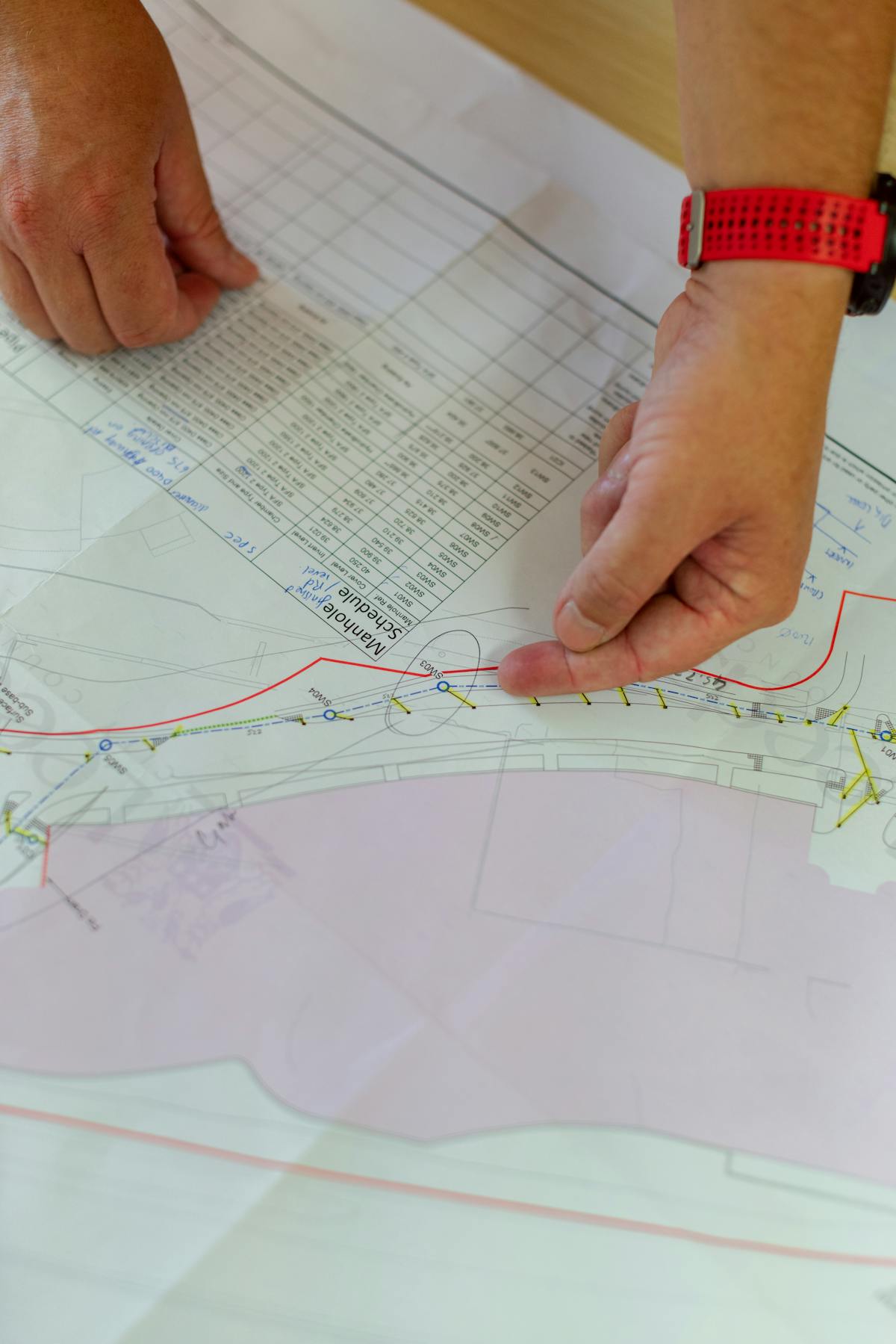
You have finished construction. The punch list is complete. The building is ready for occupancy. But before anyone moves in, there is one more hurdle: the certificate of occupancy. And in most jurisdictions, that certificate will not be issued until the building department receives compliant as-built documentation.
This requirement catches many project teams off guard. As-built drawings are often treated as an afterthought — something to handle after the “real” construction work is done. But when the building department rejects a submission for insufficient detail, incorrect formatting, or missing elements, the delay can push occupancy back by weeks or months.
Understanding what municipalities require, why submissions get rejected, and how to produce compliant documentation efficiently can mean the difference between a smooth closeout and an expensive delay.
When Permits Require As-Built Documentation
Not every building permit requires as-built documentation, but the trend is clearly toward more requirements, not fewer. The most common scenarios where as-built drawings are mandatory include the following.
New Construction Closeout
For new commercial buildings, most municipalities require as-built drawings as a condition of the certificate of occupancy. These drawings must show the building as it was actually constructed — including all field changes, substitutions, and deviations from the permitted design drawings. The building department uses these documents to verify that the constructed building matches the approved plans or that documented deviations are acceptable.
Major Renovation Permits
When a renovation project triggers a building permit — which includes most projects involving structural modifications, MEP system changes, occupancy changes, or fire/life safety upgrades — as-built documentation of the completed work is typically required before the permit can be closed.
Change of Use
Converting a building from one occupancy classification to another (retail to restaurant, office to residential, warehouse to assembly) almost always requires comprehensive as-built documentation. The building department needs to verify that the converted space meets all code requirements for the new occupancy type.
Fire and Life Safety Upgrades
Projects involving fire alarm systems, sprinkler systems, emergency lighting, exit signage, and fire-rated construction frequently require as-built documentation showing the installed systems. Fire marshals and plan reviewers use this documentation to verify code compliance.
Infrastructure and Utility Work
Projects involving underground utilities, site grading, stormwater management, and roadway modifications typically require as-built surveys before final inspection approval. These surveys document the actual locations and elevations of installed infrastructure.
Common Municipal Requirements
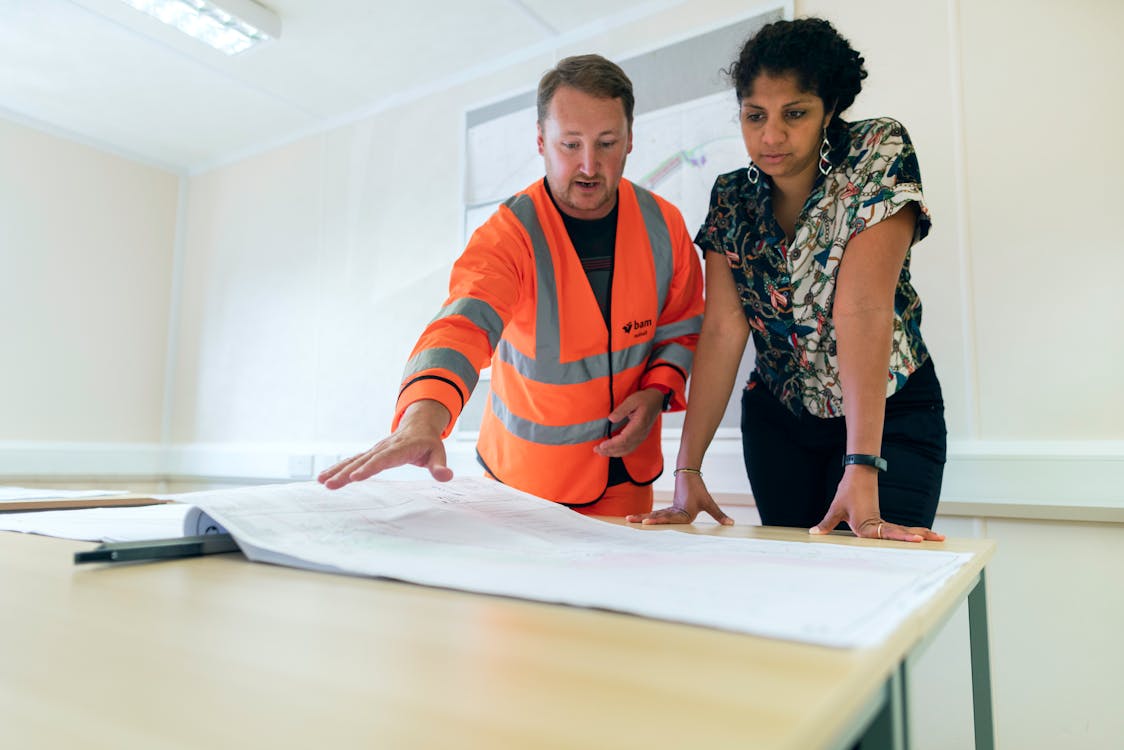
While specific requirements vary by jurisdiction, most building departments expect as-built documentation to meet certain standards.
Format and Scale
Most municipalities accept as-built drawings in standard architectural scales (1/4” = 1’-0” for floor plans is typical) submitted as either physical prints or digital PDFs. An increasing number of jurisdictions also accept or require native CAD files (DWG format). The drawings must be legible, dimensioned, and professionally prepared.
Required Content
A typical municipal as-built submission includes:
- Site plan showing the building footprint, setbacks, parking, and site improvements as constructed
- Floor plans for each level showing wall locations, room layouts, door and window locations, and egress paths
- Reflected ceiling plans showing ceiling types, heights, and lighting layout
- MEP documentation showing mechanical, electrical, and plumbing systems as installed
- Fire protection plans showing sprinkler layout, fire alarm devices, and rated assemblies
- Elevations and sections as needed to document building height, floor-to-floor dimensions, and exterior conditions
Professional Certification
Many jurisdictions require as-built drawings to be stamped by a licensed architect or professional engineer, certifying that the documentation accurately represents the constructed conditions. Some jurisdictions accept surveyor-certified as-built plans, particularly for site-related documentation.
Deviation Documentation
When the constructed building deviates from the approved permitted drawings, most building departments require a written description of each deviation — what changed, why it changed, and how the change complies with applicable codes. This deviation log is submitted alongside the as-built drawings.
Top 5 Reasons As-Built Submissions Get Rejected
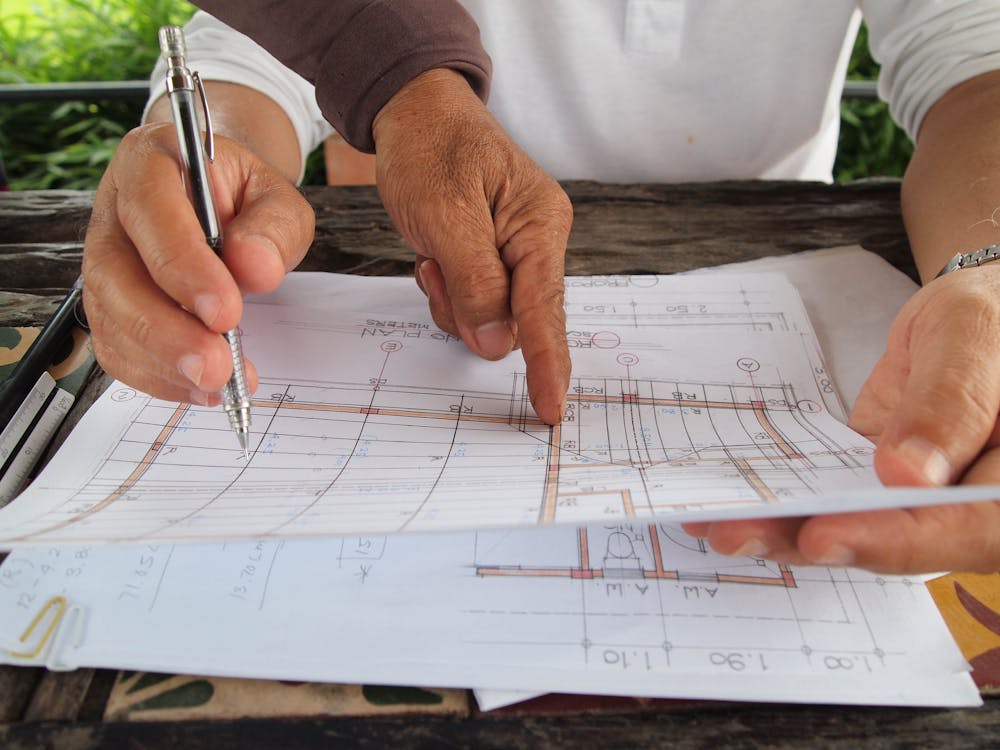
Building department rejections of as-built submissions are common and frustrating. Understanding the most frequent rejection reasons helps avoid them.
1. Insufficient Detail
The most common rejection. The submission shows room layouts and dimensions but omits MEP systems, ceiling conditions, fire-rated assemblies, or other elements the building department considers essential. The fix is understanding the specific jurisdiction’s requirements before preparing documentation — not after the first rejection.
2. Deviations Not Documented
The as-built drawings differ from the approved permit drawings, but the differences are not called out or explained. Building departments do not want to play “spot the difference” between two sets of drawings. Every deviation must be explicitly identified and documented with a justification for code compliance.
3. Missing Professional Stamp
In jurisdictions requiring licensed professional certification, submitting unstamped drawings results in automatic rejection. This requirement varies by jurisdiction and by project type — verify the requirement before preparing the submission.
4. Non-Standard Format or Scale
Submitting drawings at non-standard scales, in unsupported file formats, or without required title block information results in rejection. Some jurisdictions have specific template requirements for title blocks, drawing borders, and sheet layouts.
5. Inaccurate or Inconsistent Documentation
Building departments increasingly spot-check as-built submissions against field conditions. If the submitted drawings do not match what the inspector observes on site, the submission is rejected and may trigger additional inspections. This is where the accuracy of 3D laser scanning provides a significant advantage over manual measurement methods.
Digital Submission Requirements: The Growing Trend

An increasing number of building departments and government agencies are transitioning from paper-based to digital permit processes. This trend is accelerating the adoption of digital as-built documentation.
BIM Submission Requirements
Some jurisdictions — particularly in major metropolitan areas and for large institutional projects — now require or strongly encourage BIM (Building Information Modeling) submissions alongside or instead of traditional 2D drawings. These requirements typically apply to public buildings, healthcare facilities, and projects above certain size thresholds.
Our scanning data is BIM-conversion-ready, delivered in formats (E57, RCP) that BIM modeling firms can use directly in Autodesk Revit and similar platforms to create compliant BIM deliverables.
GIS Integration
For site work and infrastructure projects, many municipalities now require as-built data that integrates with their Geographic Information System (GIS). This means delivering location data in coordinate systems that match the municipality’s GIS database — a requirement that 3D laser scanning and GPS-integrated surveying handle naturally.
Cloud-Based Plan Review
Several jurisdictions have adopted cloud-based plan review systems that allow digital submission, markup, and approval of construction documents including as-builts. These systems typically accept PDF and DWG files, and some are beginning to support 3D model formats.
Federal Requirements
Federal projects carry their own as-built documentation requirements, which often exceed municipal standards.
General Services Administration (GSA)
GSA requires BIM deliverables for all new federal buildings and major renovations above certain thresholds. As-built documentation must conform to the GSA BIM Guide and deliver spatial data at specified Levels of Detail. Point cloud deliverables from 3D scanning are a standard part of GSA project documentation.
Department of Defense (DoD)
Military construction (MILCON) projects require as-built documentation conforming to the U.S. Army Corps of Engineers’ Minimum Modeling Matrix. These requirements specify exactly which building elements must be documented and at what level of detail, with strict accuracy requirements.
Federal Highway Administration (FHWA)
Infrastructure projects receiving federal highway funding require as-built documentation conforming to FHWA standards, including survey-grade accuracy for roadway geometry, utility locations, and drainage structures. LiDAR scanning and drone photogrammetry are increasingly used to meet these standards efficiently.
How 3D Scanning Ensures Compliant Documentation
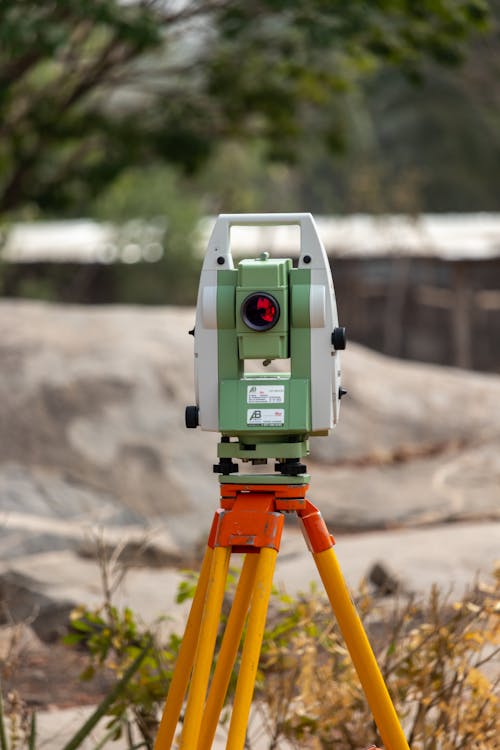
Traditional approaches to as-built documentation for permit closeout involve manual measurement and hand-drafted or CAD-drafted drawings. This process is slow, prone to measurement errors, and often produces documentation that is incomplete because the field crew measured only what they thought the building department would require.
3D laser scanning solves each of these problems.
Accuracy. Laser scanning captures building geometry at 1 to 4 millimeter accuracy — far exceeding the tolerance that any building department requires. When a building department spot-checks field conditions against submitted drawings, scan-based documentation holds up to scrutiny.
Completeness. The scanner captures everything visible within its range, not just what the field crew decided to measure. If the building department asks for additional information during review — ceiling heights in a specific area, equipment clearances, exit widths — the data is already in the point cloud. No return site visit is needed.
Speed. Scanning a completed building for permit closeout is dramatically faster than manual measurement. A building floor that would take a week to manually document can be scanned in one to two days. Processing and deliverable production adds another one to two weeks, but the total timeline is typically shorter than traditional methods.
Defensibility. The point cloud is a permanent, objective record of the building at the time of scanning. If questions arise during building department review, or if a dispute occurs years later, the point cloud provides irrefutable evidence of actual conditions.
For projects requiring licensed surveyor certification in Florida, Apex Surveying & Mapping provides PSM-certified as-built surveys that complement our 3D scan data for permit and compliance purposes across all 67 counties.
Getting Your As-Built Documentation Right the First Time
The key to smooth permit closeout is understanding requirements upfront and building the documentation effort into the project schedule — not treating it as an afterthought after the final inspection.
Our as-built documentation service includes a pre-project consultation to understand your jurisdiction’s specific requirements, ensuring the deliverables we produce meet the standard on the first submission. For an overview of what as-built documentation includes and costs, see our as-built drawings guide and cost guide.
Frequently Asked Questions
Q: Do all building permits require as-built documentation?
No. Requirements vary by jurisdiction and project type. Minor permits for cosmetic work, like-for-like replacements, or small tenant improvements may not require as-built documentation. However, permits involving structural work, MEP system changes, fire/life safety modifications, or change of occupancy almost universally require as-built submissions. Check with your local building department early in the project to confirm requirements.
Q: Can I submit the original design drawings marked up with field changes instead of full as-built drawings?
Some jurisdictions accept contractor redline markups as as-built documentation for simple projects. However, this approach has limitations — markups show what the contractor remembers changing but do not independently verify actual field conditions. For complex projects or jurisdictions with strict requirements, independently measured as-built documentation is the safer approach and is often required.
Q: How long does permit closeout take with proper as-built documentation?
When as-built documentation is complete, accurate, and formatted to the jurisdiction’s requirements, permit closeout typically takes 2 to 4 weeks for plan review and approval. When documentation is incomplete or rejected, the process can extend to 2 to 3 months or more. Investing in compliant documentation upfront consistently shortens the overall closeout timeline.
Q: What happens if I cannot obtain a certificate of occupancy due to missing as-builts?
Without a certificate of occupancy, the building legally cannot be occupied for its intended use. This means tenants cannot move in, lease payments may be deferred, and the building owner bears carrying costs (mortgage, taxes, insurance, utilities) without rental income. For a commercial building, delays of even a few weeks can cost tens of thousands of dollars in lost revenue and carrying costs.
Q: Are as-built drawings a legal requirement or just a best practice?
In most jurisdictions, as-built documentation is a legal requirement for permit closeout on certain project types — it is codified in building codes and local ordinances. Beyond permit requirements, as-built documentation also serves legal purposes: it provides evidence of compliance in liability disputes, documents the basis for insurance coverage, and creates a permanent record for future owners. See our detailed analysis on whether as-built drawings are legally required.
Q: Can 3D scanning data be used directly for permit submissions?
Point cloud data itself is typically not accepted as a standalone permit submission — building departments expect formatted drawings (2D plans, sections, elevations) or BIM models. However, 3D scan data serves as the source from which those formatted deliverables are produced. The accuracy and completeness of scan-based drawings far exceeds manually measured alternatives, which reduces the risk of rejection during plan review.
Need as-built documentation for permit closeout? Get a quote from THE FUTURE 3D or learn more about our as-built documentation services and the full process behind creating accurate as-built records.
Ready to Start Your Project?
Get a free quote and consultation from our 3D scanning experts.
Get Your Free Quote

