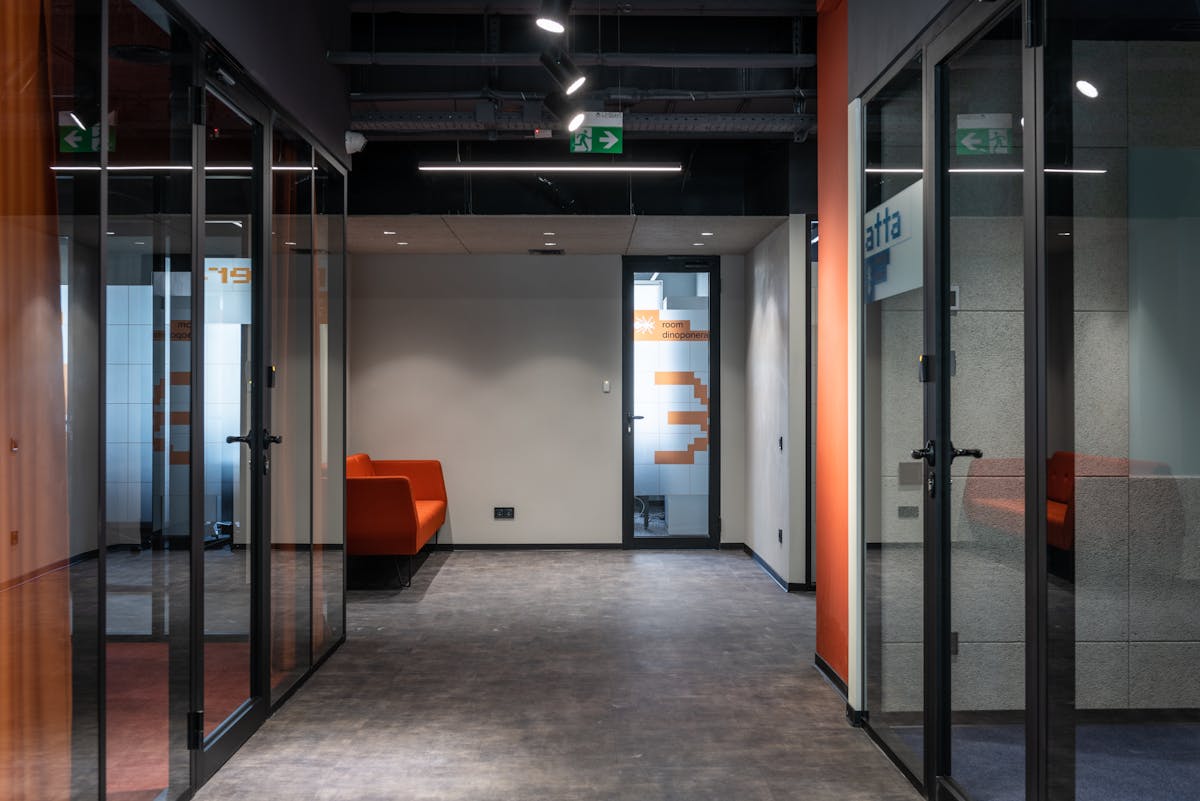
Facility managers operate buildings. That sounds simple, but the reality is extraordinarily complex. On any given day, a facility manager might need to locate a shut-off valve during a plumbing emergency, verify that a proposed furniture layout fits within a conference room, confirm the capacity of an electrical panel before approving a new tenant’s IT infrastructure, or determine whether a maintenance access path exists above a specific ceiling area.
Every one of these tasks requires knowing what the building actually looks like — not what the 20-year-old blueprints show, but what exists right now, after two decades of modifications, upgrades, and tenant improvements.
This is the role of as-built documentation in facility management: providing the accurate, current-state building data that facility managers need to make informed decisions quickly and confidently.
Why Facility Managers Need Accurate As-Builts
Quick Equipment Location During Emergencies
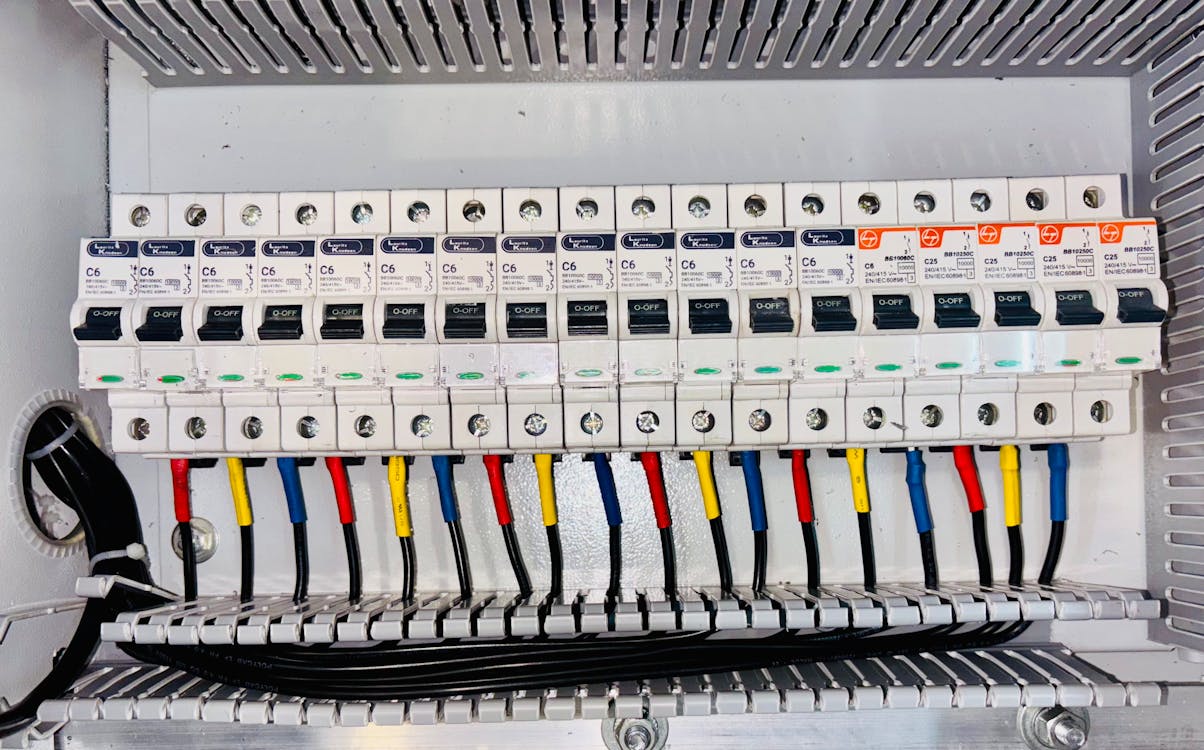
When a pipe bursts on the third floor at 11 PM, the facility manager needs to find the nearest shut-off valve. When an electrical circuit trips and takes down a server room, they need to identify which panel controls that circuit. When a fire alarm activates in a zone, they need to know what rooms are in that zone and how to access them.
In emergencies, speed matters. The difference between having accurate documentation — where every valve, panel, and access point is located and labeled — and searching through a dark ceiling plenum with a flashlight can be measured in thousands of dollars of water damage, hours of server downtime, or minutes of building evacuation.
Maintenance Planning and Scheduling
Preventive maintenance programs depend on knowing what equipment exists, where it is located, and how it connects to building systems. A comprehensive as-built record allows facility managers to build maintenance schedules based on actual equipment inventories rather than memory or incomplete records.
When the maintenance technician who “knows where everything is” retires or changes jobs, the institutional knowledge walks out the door — unless it has been captured in documentation. As-built records ensure that building operations do not depend on any single person’s memory.
Space Planning and Move Management
Corporate space planning — assigning departments to floors, configuring workstation layouts, planning conference room capacities — requires accurate floor plans with precise dimensions. When a 200-person department needs to move to a different floor, the space planner needs to verify that the destination floor can physically accommodate the headcount, the power and data infrastructure supports the configuration, and the HVAC system can handle the changed occupancy load.
Inaccurate floor plans lead to move plans that do not work in practice — furniture that does not fit, power circuits that are overloaded, and cooling systems that cannot maintain comfortable temperatures.
Lease Administration
For commercial property managers, accurate square footage documentation is directly tied to revenue. Lease rates are calculated per square foot. If the building’s actual rentable area differs from what the lease documents show — because walls were moved during past renovations, or because the original measurements were inaccurate — the property owner may be undercharging (or overcharging, creating legal exposure) on every lease in the building.
BOMA (Building Owners and Managers Association) standards define how commercial space should be measured, and accurate as-built documentation is the foundation of BOMA-compliant area calculations.
CAFM and IWMS Integration
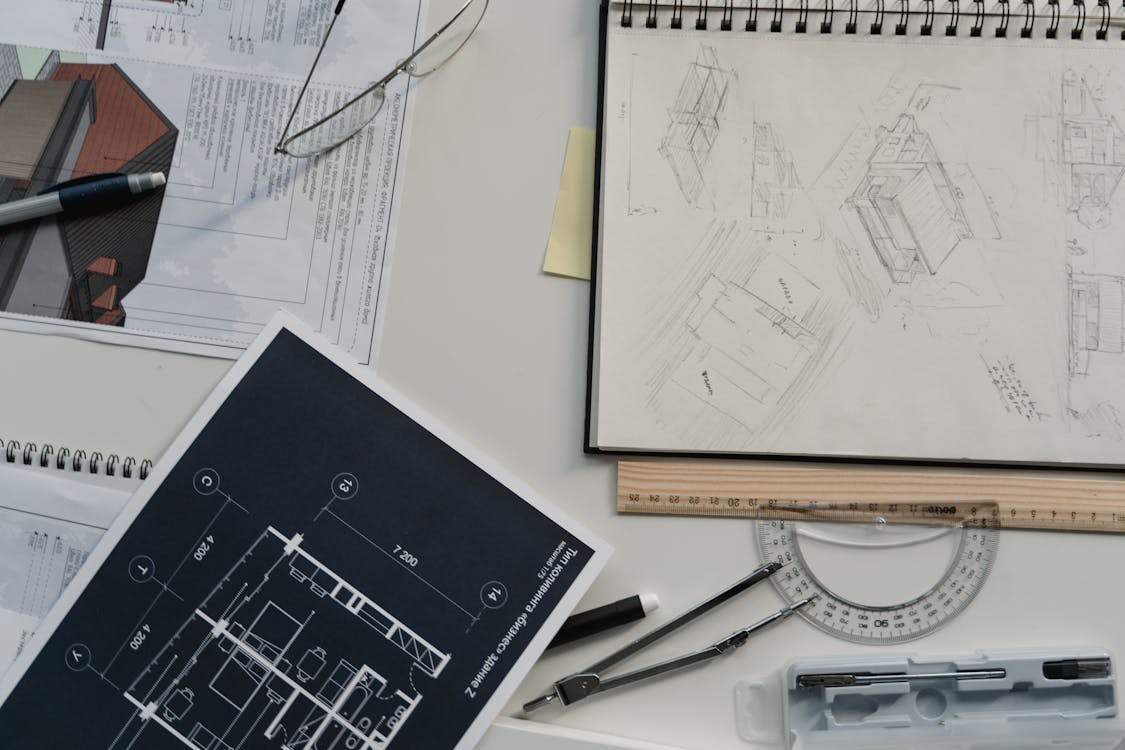
Modern facility management relies on software systems — Computer-Aided Facility Management (CAFM) or Integrated Workplace Management Systems (IWMS) — to track space assignments, work orders, asset inventories, and maintenance schedules. These systems are only as good as the building data they contain.
How As-Built Data Feeds Into FM Software
As-built documentation provides the spatial foundation for CAFM and IWMS systems. Floor plans define the rooms and spaces that the software tracks. Equipment locations define the assets that maintenance work orders reference. MEP routing defines the systems that preventive maintenance programs monitor.
When as-built documentation is integrated into a CAFM or IWMS platform, the facility manager can:
- Click on any room to see its dimensions, finishes, equipment, and maintenance history
- Generate reports on space utilization across the entire portfolio
- Plan furniture layouts and headcount assignments with accurate room dimensions
- Track equipment locations and associate them with maintenance schedules
- Visualize MEP systems to plan maintenance access and system modifications
Data Format Requirements
CAFM and IWMS platforms typically import floor plans in CAD format (DWG) with specific layer standards and naming conventions. Some platforms also support BIM models (RVT format) for more sophisticated facility management workflows. Point cloud data can be imported into some platforms for 3D visualization, though most day-to-day FM workflows still operate from 2D floor plans.
Our as-built documentation service delivers registered point-cloud scan data (E57, RCP, LAS) and PDF measurement reports — the accurate spatial source of truth your CAD or BIM team uses to produce and maintain the DWG floor plans and RVT models that import into major CAFM and IWMS platforms including Archibus, FM:Systems, Planon, Tririga, and iOFFICE.
Space Planning and Move Management with Accurate Floor Plans

Space planning is one of the most frequent and most visible uses of as-built documentation in facility management. Getting it wrong has immediate, noticeable consequences — departments that do not fit in their assigned space, furniture that cannot be arranged as planned, and workstations that block emergency exits.
Test Fit Accuracy
Before committing to a space plan, facility teams create test fits — trial layouts that verify the proposed configuration works within the physical space. Test fits depend entirely on accurate floor plan dimensions. If the floor plan shows a room as 20 feet wide when it is actually 19 feet 4 inches, the test fit that showed 5 workstation pods fitting comfortably will fail when the furniture is delivered.
Scan-based as-built documentation captures room dimensions at millimeter accuracy, eliminating the dimensional surprises that derail space plans.
Infrastructure Verification
Space planning is not just about physical dimensions. Every workstation needs power and data. Conference rooms need AV infrastructure. Private offices need HVAC zones. A space plan that fits geometrically but ignores infrastructure constraints will fail during implementation.
Comprehensive as-built documentation includes electrical, data, and HVAC infrastructure — the information space planners need to verify that infrastructure supports the proposed layout or to identify what upgrades are needed before the move.
Move Cost Estimation
Accurate as-built documentation supports better move cost estimation by providing precise distance measurements for cable runs, accurate furniture clearance dimensions, and verified ceiling heights for modular wall systems. These details affect move costs directly, and estimating them from inaccurate floor plans leads to budget overruns.
Compliance Documentation
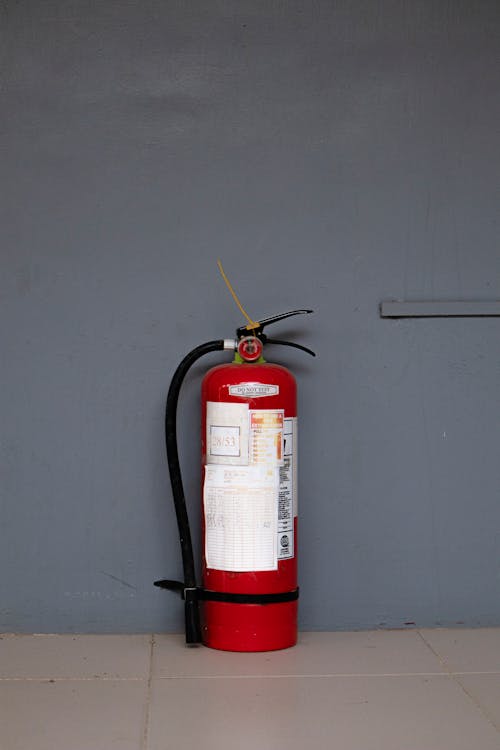
Facility managers bear responsibility for maintaining building compliance with fire codes, accessibility standards, environmental regulations, and occupancy requirements. Accurate as-built documentation is the foundation of compliance management.
Fire and Life Safety
Fire code compliance requires documented evidence of fire-rated assemblies, egress widths, exit signage locations, fire suppression coverage, and fire alarm device placement. When the fire marshal conducts an inspection, the facility manager needs documentation showing that these elements meet code requirements. As-built drawings provide that evidence.
After a fire alarm system upgrade or sprinkler modification, updated as-built documentation creates the compliance record that demonstrates the work meets current code requirements.
Accessibility (ADA)
Americans with Disabilities Act compliance involves specific dimensional requirements — door widths, corridor widths, turning radius at accessible fixtures, ramp slopes, and signage heights. Verifying ADA compliance across a large building or multi-building portfolio requires accurate dimensional documentation.
When an ADA complaint is filed or a compliance audit is conducted, as-built documentation showing actual dimensions is far more defensible than design drawings showing intended dimensions.
Emergency Planning
Emergency response plans — evacuation routes, assembly points, shelter-in-place areas, emergency equipment locations — all depend on accurate building documentation. Emergency responders arriving at a building need reliable floor plans showing exits, stairwells, elevator locations, fire department connections, and utility shut-off locations.
Many jurisdictions require building owners to maintain current emergency plans with accurate floor plans. Updated as-built documentation ensures these plans reflect the building’s actual configuration.
Renovation Planning: Minimizing Change Orders
One of the highest-value applications of as-built documentation for facility managers is supporting renovation projects. Every renovation begins with understanding what currently exists, and the quality of that understanding directly determines the project’s cost and schedule performance.
Facility managers who maintain current as-built documentation give their design teams a head start. Instead of spending weeks measuring existing conditions — a process that delays design and adds cost — the architect can begin design immediately using the verified documentation.
The financial impact is significant. Renovation projects that begin with accurate as-builts consistently show 30 to 50 percent fewer change orders related to existing-conditions surprises. For a $500,000 renovation, that translates to $25,000 to $75,000 in avoided cost — year after year, project after project.
For detailed information on how as-built documentation supports renovation projects, see our guide on as-built documentation for renovations.
How Often to Update As-Built Documentation
As-built documentation is not a one-time deliverable — it is a living record that must be maintained to remain useful. The question is how often to update it.
After Every Significant Modification
The most important rule: update as-built documentation after any modification that changes the building’s physical configuration. This includes:
- Tenant improvements that add, remove, or relocate walls
- HVAC system modifications or replacements
- Electrical panel upgrades or circuit additions
- Plumbing modifications
- Fire alarm or sprinkler system changes
- Structural modifications
The update does not need to be a full-building rescan. Targeted scanning of the modified areas can be quickly integrated into the existing documentation.
Periodic Comprehensive Updates
Even without major modifications, buildings accumulate small changes over time — furniture reconfigurations that shift outlet locations, maintenance repairs that reroute piping, equipment replacements that change clearance requirements. These minor changes gradually erode the accuracy of as-built documentation.
Best practice is to commission a comprehensive as-built update every 3 to 5 years, or when the accumulated minor changes make the existing documentation unreliable for planning purposes.
Before Major Events
Certain events should trigger an as-built documentation update regardless of the regular schedule:
- Before a major renovation
- Before a property sale or refinancing
- Before a building code compliance audit
- After significant damage (fire, flood, storm)
- Before implementing a new CAFM or IWMS system
Digital Twin Evolution: From Static Drawings to Live Building Data

The future of facility management documentation is the digital twin — a dynamic, data-rich 3D model of the building that updates in real time as conditions change. While full digital twin implementation remains aspirational for most buildings, the foundational element is accurate spatial documentation.
3D laser scanning creates the geometric foundation of a digital twin. The point cloud captures the building’s physical reality with millimeter precision, providing the spatial framework onto which sensor data, equipment databases, and maintenance records can be layered.
For facility managers preparing for digital twin adoption, the first step is accurate as-built documentation. The scan data we deliver today is the foundation that digital twin platforms will build upon tomorrow. Learn more about digital twin technology and how it applies to facility management.
Our team at THE FUTURE 3D specializes in creating the scan data that bridges the gap between static drawings and intelligent building models. We deliver BIM-conversion-ready 3D laser scan data in formats that integrate with facility management platforms and serve as the spatial backbone for digital twin initiatives.
Frequently Asked Questions
Q: What is the best format for as-built documentation in facility management?
For day-to-day facility management, 2D floor plans in CAD (DWG) format remain the most practical working format — they are compatible with virtually all CAFM and IWMS platforms and are easily updated by in-house or contracted CAD technicians. THE FUTURE 3D delivers the accurate measurement source those plans are built from: registered point-cloud scan data (E57, RCP, LAS) plus PDF measurement reports, which your CAD team uses to draft and maintain the DWG floor plans. BIM models (RVT) offer the most sophisticated option for facilities that use Revit-based workflows, built by your BIM modeling firm from the same scan data.
Q: How do I justify the cost of as-built documentation to building ownership?
Frame the investment in terms of risk reduction and cost avoidance. Document the cost of recent change orders on renovation projects, the time spent searching for equipment locations during emergencies, and the revenue impact of inaccurate lease square footage. Most building owners find that scanning costs ($3,000 to $15,000 for typical commercial floors) are trivial compared to the costs of operating without accurate documentation.
Q: Can as-built documentation help with energy management?
Yes. Accurate documentation of HVAC systems, building envelope conditions, and space configurations supports energy audits, HVAC optimization, and retro-commissioning efforts. Knowing the exact routing and capacity of mechanical systems allows energy consultants to identify inefficiencies and model improvement options with greater accuracy.
Q: Should I scan the entire building or just specific areas?
This depends on your immediate needs and budget. If you are planning a specific renovation, scanning only the affected areas may be sufficient. If you are implementing a CAFM system or conducting a portfolio-wide space audit, comprehensive scanning of the entire building provides the most value. Our team can help you scope the right approach based on your priorities.
Q: How do as-built documents support insurance claims?
Pre-loss as-built documentation provides insurers with verified baseline data — accurate square footage, construction type, system configurations, and equipment inventories. After a loss event, this documentation supports faster claim processing and more accurate restoration estimates. The point cloud serves as indisputable evidence of pre-loss conditions. For more detail, see our guide on as-built documentation for insurance claims.
Q: What qualifications should I look for in an as-built documentation provider?
Look for a firm with experience in commercial building documentation, modern scanning equipment (current-generation terrestrial laser scanners), documented quality assurance processes, and the ability to deliver data in formats compatible with your facility management systems. Ask for references from similar projects and verify that the firm understands the specific requirements of facility management documentation — which differ from construction as-built requirements.
Ready to build your facility management documentation foundation? Get a quote from THE FUTURE 3D or learn more about our as-built documentation services and 3D laser scanning capabilities.
Ready to Start Your Project?
Get a free quote and consultation from our 3D scanning experts.
Get Your Free Quote

